


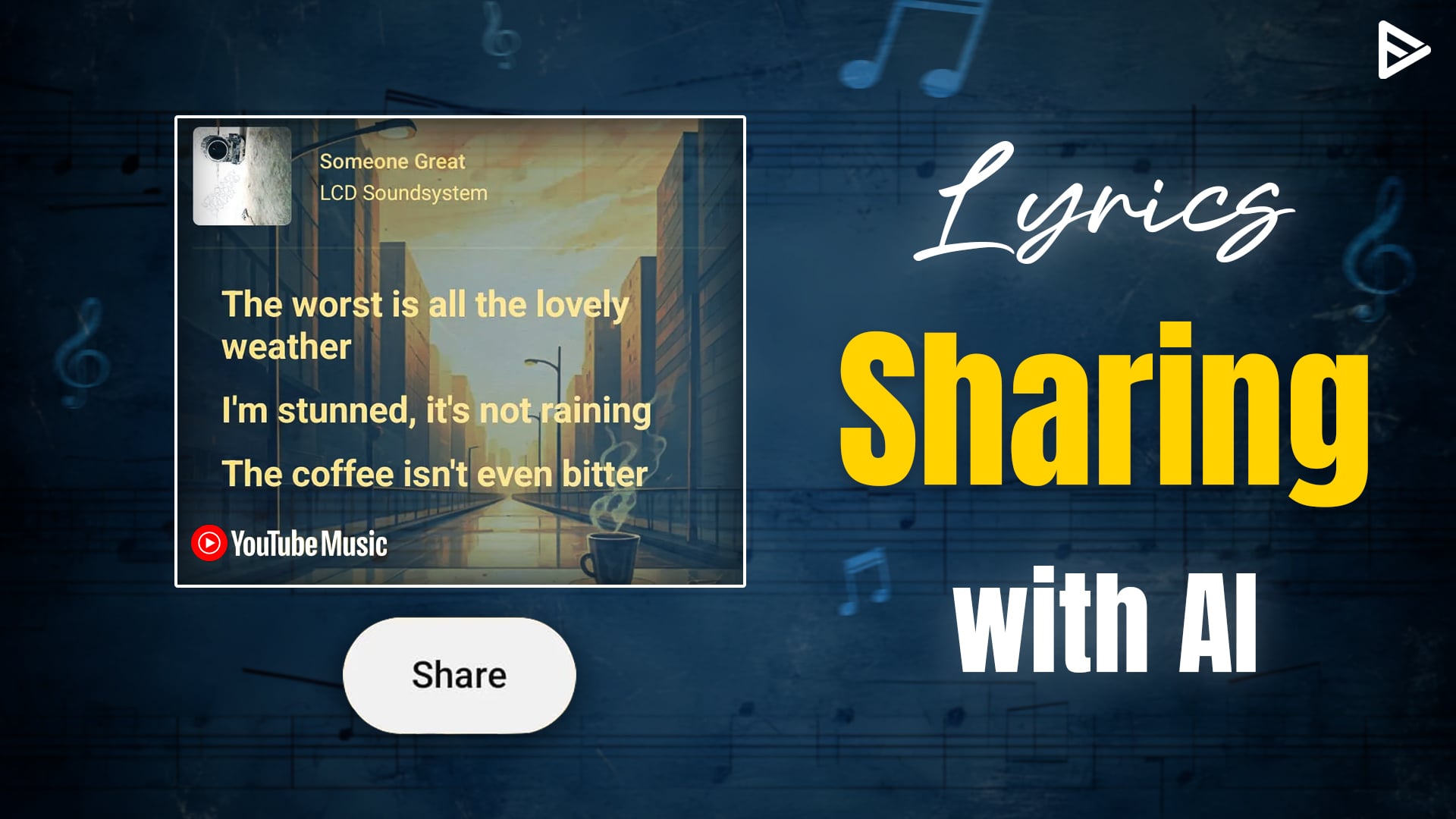
With the latest YouTube update, you can now share the lyrics from the YouTube music app with AI-generated backgrounds. Initially, you can share lyrics with colorful backgrounds, and now with GenAI, you can generate the most suitable background.
GenAI in YouTube Music Lyrics Sharing
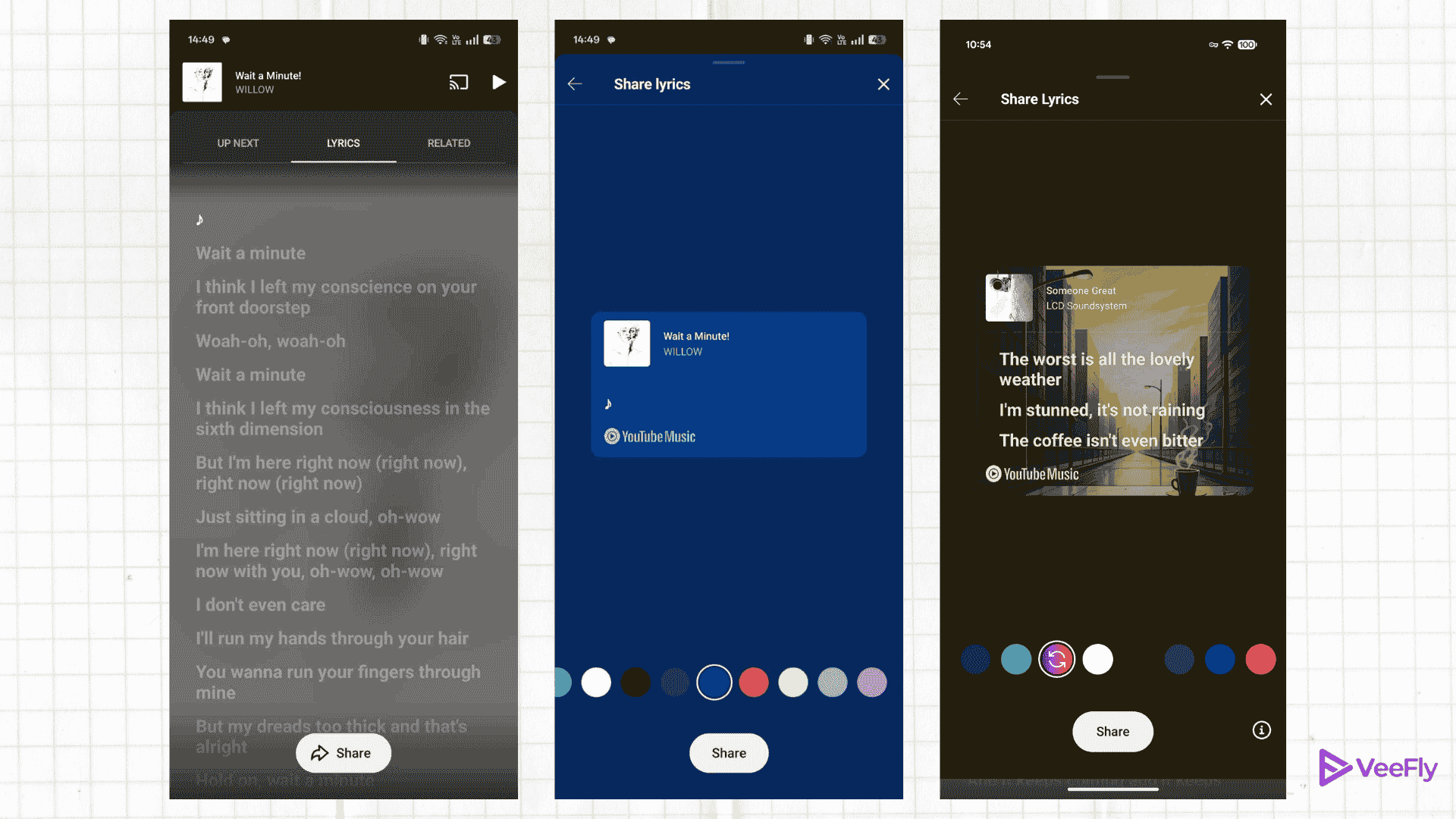
With the launch of lyrics sharing on YouTube Music, users could choose from different background colors. The AI capabilities made the lyrics-sharing experience more pleasant to listeners. Creating with AI backgrounds is quick to make and resembles the lyrics as well.
Steps to add an AI background to lyrics sharing
Once you open the YouTube Music app, play your favourite song. On the bottom, you will see Upnext, Lyrics, and Related. Tap on Lyrics, and you will see a share button with a Gemini sign.
Once clicked, a dialog will appear for your consent. Accept, and the AI feature will use the lyrics to generate visual backgrounds that match the song’s tone and mood. The generated backgrounds are optimized for multiple screens.
Conclusion
The GenAI has improved the user experience. With the latest update, users can share lyrics with a perfect background that matches the song’s tone and vibe. The YouTube music lyrics sharing with AI update can also boost the engagement of artists and musicians. They can give their lyrics a more aesthetic vibe. Additionally, the artist can create a unique or signature style of visuals for their music. You can ask the expert if you need any assistance regarding your YouTube music career.