


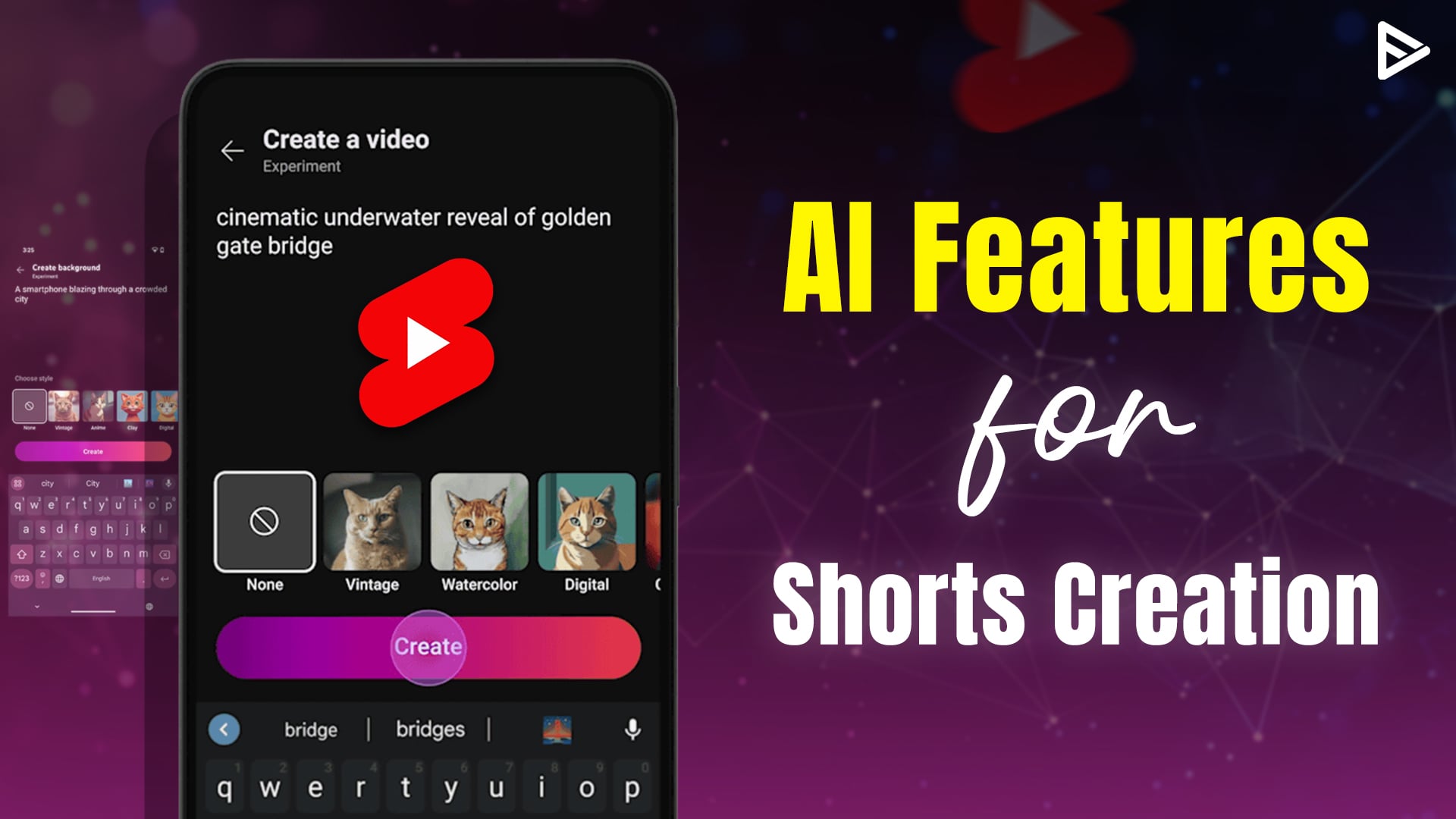
Veo3 Fast is in the YouTube Create app. Now, creators can generate the video and use AI to edit it within the app. Also, you can add prompts such as style, lighting type, audio, aspect ratio, etc, and Veo3 will develop it and use the Edit with AI feature to make further changes. Let’s see the “developments and availability”.
Create Shorts Using AI in YouTube Create App
In the YouTube Create app, two features let you create videos and edit them using AI technologies.
Veo3 Fast Model
The model is now available in the YouTube Create app, and you can generate vertical(shorts) videos. With Veo3, lighting can be controlled, style can be modified, and more. Basically, you can prompt for the shot you need.
Edit with AI
The Edit with AI feature turns your raw uploaded footage into a polished version and gives you a first draft. You can customize these videos using Veo3 in the YouTube Create App.
The app is currently in its beta version and available in 22 countries. Additionally, the app is for Android users with at least 4GB of RAM and to iPhone users running iOS 17 or later in Canada and Australia.
App deployed in Argentina, Netherlands, Australia, New Zealand, Brazil, Singapore, Canada, South Korea, Finland, Spain, France, Taiwan, Germany, Thailand, Hong Kong, Turkey, India, United Kingdom, Indonesia, United States, Ireland
Make a Video in the YouTube Create App
You can upload raw videos from your phone and create a first draft using the Edit with AI feature. Nonetheless, you can generate videos using Veo3 in the YouTube Create app.
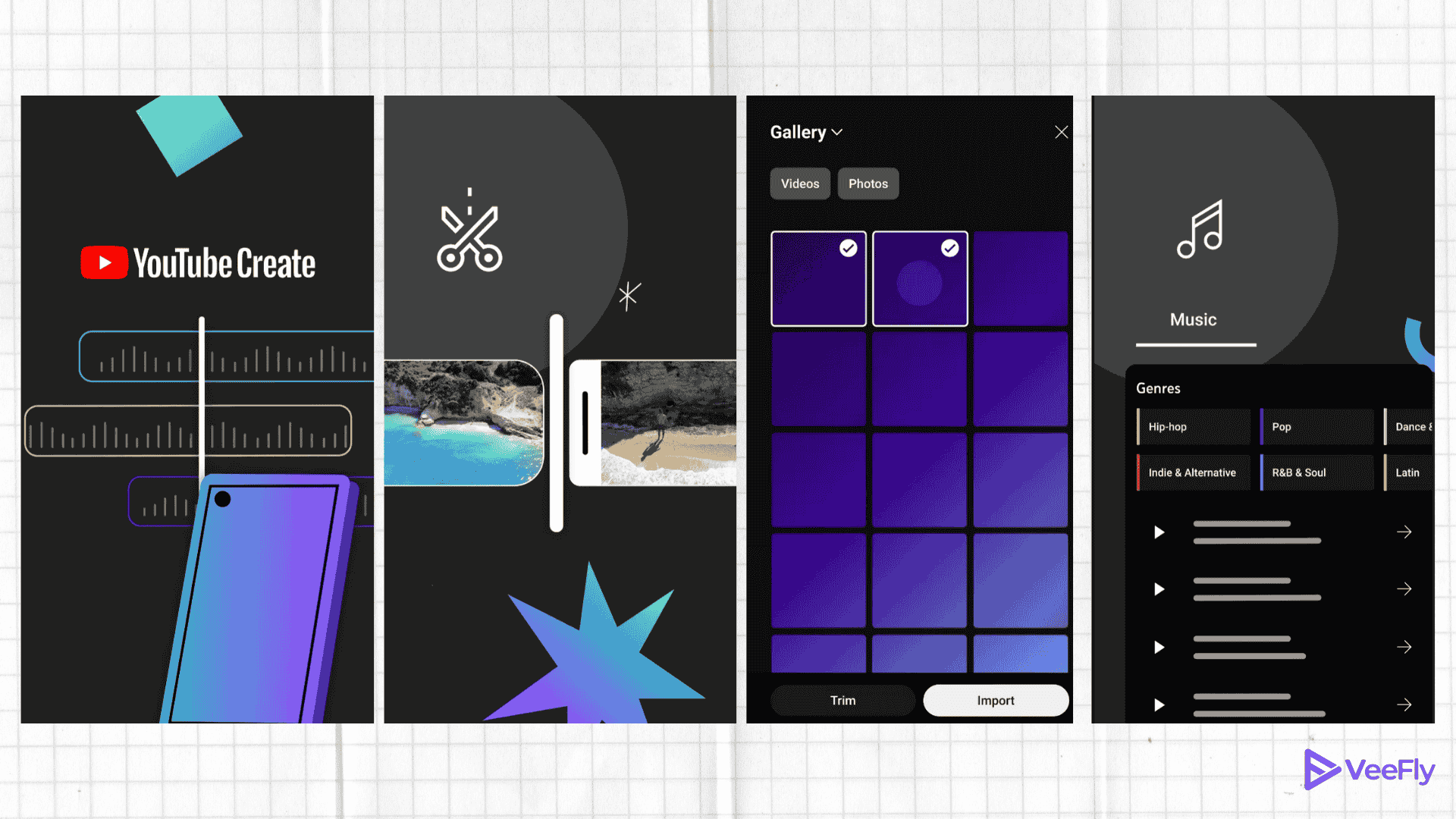
You can add up to 25 images and videos, voiceover, music, and captions. Preview the draft using the Edit with AI feature. Additionally, if you want to further edit the video or generate videos to add to the timeline, you can use Veo3 in the YouTube Create app.
Add a prompt under 900 characters to customize the videos, such as adding styles, lighting, audio, sound effects, and aspect ratio. The generated images can be added to the timeline and turned into an 8-second video.
Conclusion
In the latest YouTube update, Veo3 is in the YouTube Create app. With Edit with AI, creators can create a first draft of the video and, using AI models, add the necessary elements to create a perfect vertical video. The elements such as voiceover, audio, music, effects, lighting, etc. Now, creators can make an ideal video using prompts only.