



There are new additions to the Shopping performance in YouTube Analytics, and more prompts in the YouTube Inspiration tab. The shopping data and prompts updates are helping creators see immediate content ideas and make more informed decisions regarding the YouTube Shop feature.
New Shopping Data and Prompts in YouTube Studio
Let’s see each update in detail, starting with:
Shopping Insights
Now, creators can go to “YouTube Studio Analytics”, select “Advanced Mode”, and, from the “Breakdown” tab, select the “Seller” option.
From the filter, creators can see total sales, orders, returns, products, and more. This provides deeper YouTube Shopping data performance.
This data helps creators list shoppable products in the videos to increase the earnings from the store.
More Prompts
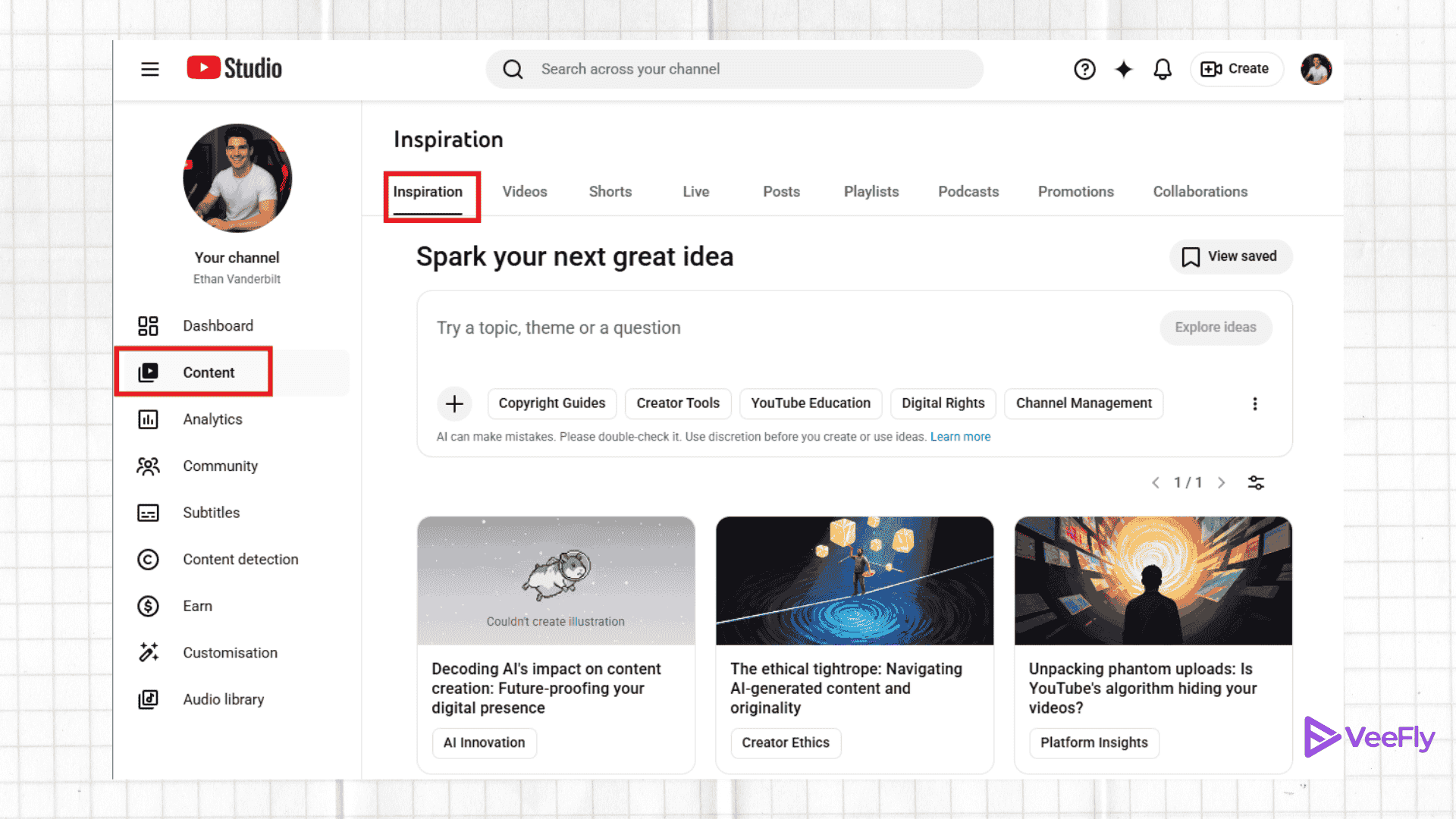
In the Inspiration tab, you can see what’s working on YouTube. The tab gives instant content spark, helping in brainstorming sessions. With the latest updates, there are more prompts to experiment with, expanding the range of content ideas.
The inspiration tab will use data-driven insights such as audience interest, viewers prediction signal, previously performed videos, etc. Just click on the ideas you like, and it will give a detailed overview. Addressing why this video is perfect for your channel.
Conclusion
In the latest YouTube update, there are some additions in YouTube Studio. The first is a more detailed metric for YouTube Shopping, and the second is more prompt options in the Inspiration tab. Creators can get content ideas with deeper insights. The advanced mode using Seller Breakdown will also provide metrics to refine the YouTube shopping strategy.