


Key Takeaways
- The combination of automated scriptwriting technology and intelligent video editors that assemble video content can drastically reduce production time.
- Narrative text generation tools provide compelling hooks, calls to action, and narrative arcs tailored to keep your audience engaged.
- Modern editing software provides AI-powered features, such as auto-captions, jump-cut removal, scene detection, and more.
- A good mix of AI-generated text drafts and personal voice modifications results in real, high-converting videos.
Writing a compelling script and editing it efficiently are the foundation of every successful YouTube video. With AI YouTube script generators and advanced video editing tools, content creators can transform simple concepts into optimised, viewer-focused videos. Integrated packages can facilitate narrative development, automatic timeline reduction, and subtitle creation. Using a modern free AI YouTube script generator or a dedicated YouTube video script generator AI platform, you can maintain high audience retention, a regular video publishing schedule, and professional production values without using too much manual effort.
What Tools Are Recommended for Scripting and Editing YouTube Videos?
To produce entertaining YouTube videos, a two-phase workflow is needed: telling a good story and doing clean visual editing. Today’s creators use generative text models to craft hooks, key points, and calls to action before moving their footage into NLE (non-linear editing) programs. An intuitive YouTube script-writing tool is a creative catalyst that helps you write engaging dialogue, visual suggestions, and B-roll notes inspired by successful video templates in just seconds.
Why Use Both the AI Scripting and Editing Tools?
Copying and pasting scripts by hand and slicing them into video frames will definitely burn out creators, and upload schedules vary wildly. Smart scripting tools immediately create a structured video outline that includes retention-centred hooks and flow-complementing scene transitions. At the same time, new-gen video editing software automates redundant edits, background noise removal, colour grading, and silence removal, making it easy for channels to achieve eye-pleasing professional production.
As Bernard Marr rightfully said, “The best use of AI in content creation is to eliminate repetitive tasks, giving creators more time to focus on ideas, storytelling, and audience engagement.”
Best Tools for YouTube Scripting and Editing in 2026
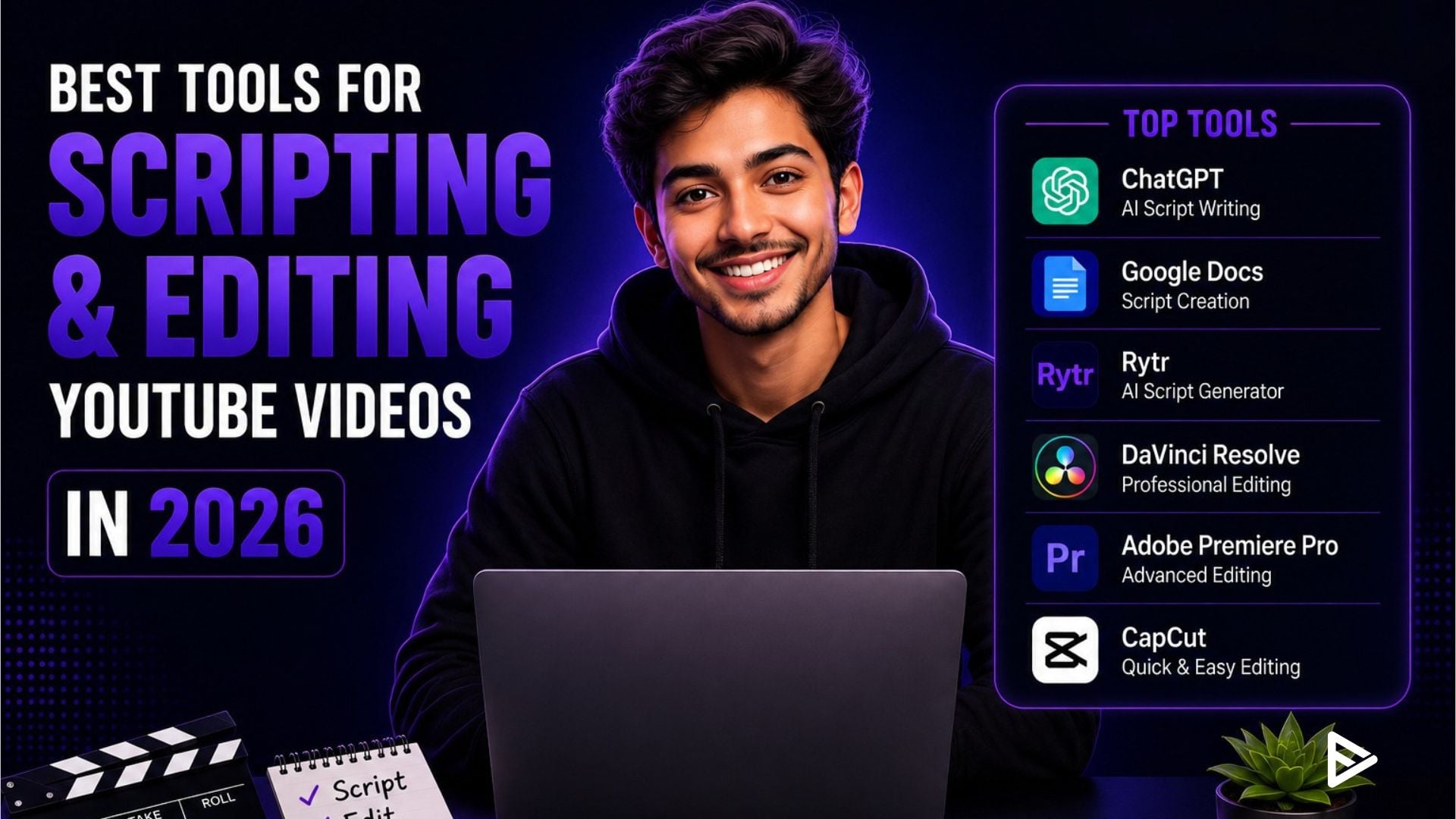
Some of the latest AI models like ChatGPT, Jasper, and Syllaby tend to be the best tools to help you script and edit videos better:
- ChatGPT / Jasper: Trusted best YouTube script generator as well as a YouTube script creator for brainstorming hooks, secret title concepts, and full video scripts.
- Syllaby: Amazing niche video script generator to research top trending searches and create retention-based video scripts.
- Descript: An innovative text-based video editor where creators can edit video by editing transcript text and also provides automatic filler-word removal.
- CapCut: All-in-one video editor with thousands of templates on PC, iOS, and Android.
- Premiere Pro / DaVinci Resolve: Advanced non-linear editor software with complete AI-Powered Auto Scene Edit, Enhance Speech, and sophisticated Colour Grading.
How to Script and Edit YouTube Videos with AI Tools?
When you follow a process, creating your YouTube videos with AI becomes much easier. You can start by scripting, polishing the script, recording the voiceover while reading, and editing through AI, before wrapping it up with visuals and sounds.
- Script-writing: Use an AI YouTube script generator to create hooks, key points, and scene suggestions.
- Polishing Script: Polish the script using a YouTube script-writing tool to match your tone and brand voice.
- Recording the Voiceover: Read it out loud from a teleprompter or record it in your audio editing software.
- Importing Files: Upload your audio or video files into your editing software.
- Editing the Video: Use AI to help you with quick editing and sound corrections.
- Finalisation of Video: Add highlights, captions, music, and other elements before uploading.
3 Pitfalls to Avoid When Editing and Scripting with AI
Avoid common automation errors during production to have clean and professional YouTube videos:
- Using Only Raw AI-Generated Documents: Posting scripts directly from your YouTube video script generator, without any personal narrative, results in robotic, generic commentary that does not help build connections with your audience.
- Overuse of Captions and Effects: Viewers are distracted by too many animated subtitles, screen shakes, and loud sound effects rather than what is educational or entertaining.
- Ignoring Sound Quality and Mixing: Treating voice audio and ambient noise with equal care is crucial in professional video editing. Yet popular high-fidelity tools are usually reserved for video, while audio processing is often an afterthought.
What Do the Numbers Say?
Based on content production workflow benchmarks, the complete automation of script drafting and AI-based timeline trimming can cut total production turnaround time by up to 70% and increase audience retention by over 30%.
|
Production Stage |
Manual Workflow |
AI-Assisted Integrated Workflow |
Performance Gain |
|
Script Outlining |
2–4 hours per video |
5–10 minutes per video |
90%+ time saved |
|
Rough Cut Editing |
3–5 hours per video |
15–30 minutes per video |
85%+ speed increase |
|
Subtitle Generation |
45–60 mins (manual typing) |
1–2 minutes (auto-captioning) |
95%+ faster execution |
Final Thoughts
Creating a successful YouTube channel isn’t hindered anymore by endless hours of manual writing and dull video editing. Whether you sign up for a free AI YouTube script generator or get the best YouTube script generator on the market and pair it with intelligent video editing software to create captivating, studio-quality content regularly, you’ll have your audience coming back for more.
Frequently Asked Questions
1. Are there AI tools that write full YouTube scripts automatically?
Yes, text generators can produce full video scripts, including dialogue, visual directions, and calls to action, with a simple prompt from the user.
2. What is the best video editing software for YouTube beginners?
CapCut and Descript stand out among easy-to-use tools for novices for their automated captions, text-based editing, and user-friendly UIs.
3. Do we need to edit the script generated by AI platforms?
Yes. Editing AI scripts ensures your content stays true to your authentic voice, includes accurate information, and fits your video’s unique pacing.
4. Are there any free tools for scripting and editing YouTube videos?
Yes. You can pair basic free generative tools with free editing software such as CapCut and DaVinci Resolve to make professional videos without investing any money.
