


Key Takeaways:
- Creating educational videos with the help of AI requires strong scripting, voice-over, graphics, and editing.
- AI helps shorten the time required for video production while maintaining the educational content.
- To achieve the greatest results, you need to combine effective use of AI and creativity.
- Making educational videos for YouTube involves great hooks and clear explanations.
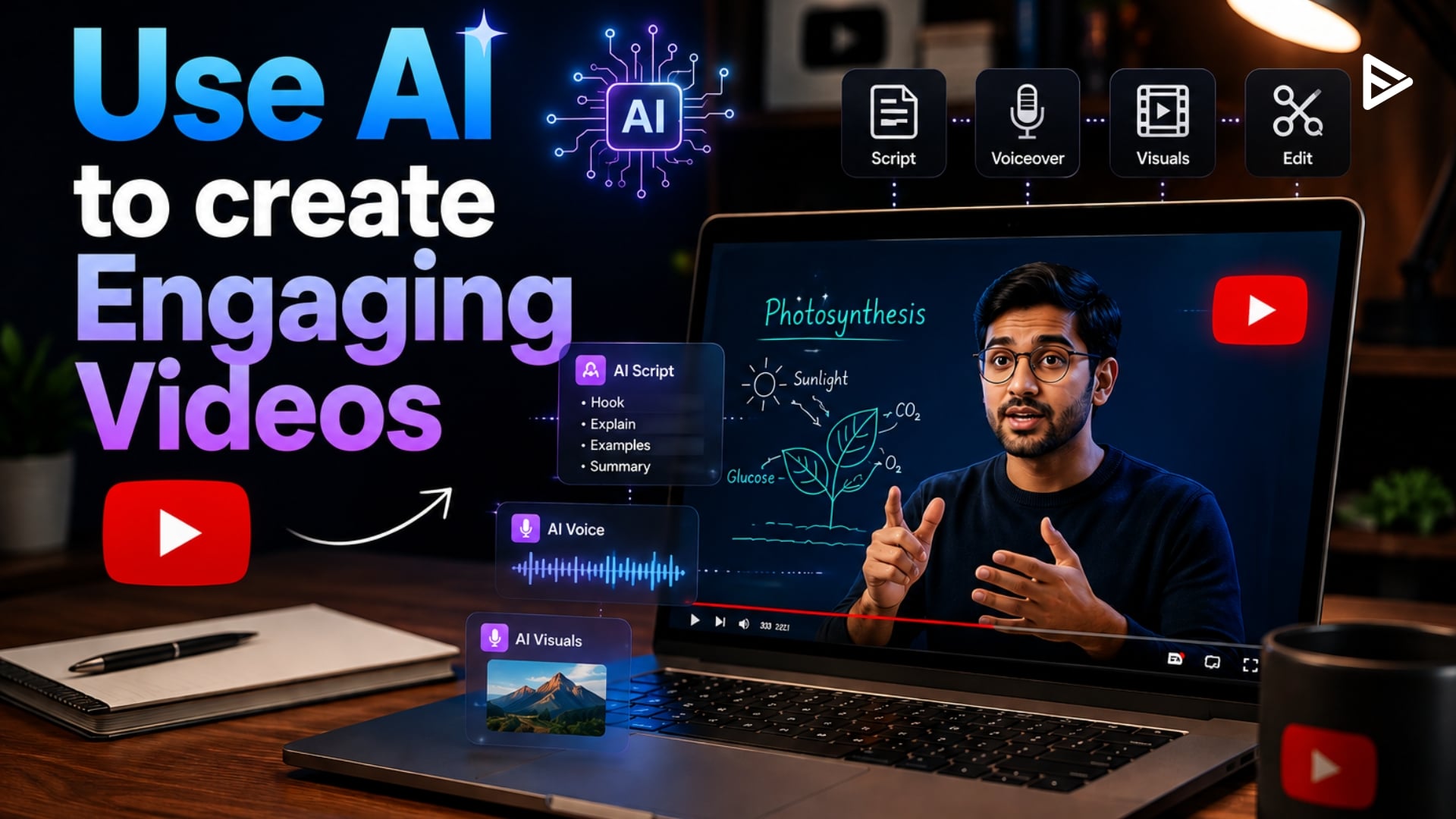
Producing engaging educational content is easier and faster with AI-enabled tools for scripting, voiceovers, visuals, editing, and optimisation. Learning to make educational videos using AI allows creators to reduce production time without sacrificing quality or accuracy. With AI automation and human creativity, educators can create clear explanations and captivating stories to increase viewer retention and long-term channel growth.
Why Should You Use AI for Educational Videos?
AI automates the entire production process, from research and scripting to video creation. This gives educators, tutors, and content producers more time to focus on teaching quality and less on technical barriers.
| Aspect | Traditional Method | AI-Assisted Method | Improvement |
| Production Time | 8-15 hours/video | 2-5 hours/video | 60-70% faster |
| Video Completion Rate | 45-55% | 65-80% | 24.65 |
| Cost per Video | $200-800 | $20-150 | 70-80% cheaper |
Steps To Create Educational Videos Using AI
The process of how to create educational videos using AI consists of choosing a subject, scripting with AI assistance, creating visuals, producing a voiceover, editing, and finally optimising for platforms such as YouTube.
- Step 1 – Topic Research: Use AI tools such as ChatGPT or Perplexity to research educational trends and analyse knowledge gaps.
- Step 2 – Script Generation: Use AI writers to generate crisp, well-structured scripts with captivating hooks and recaps.
- Step 3- Visual Creation: Platforms like InVideo, Pictory, and Runway ML can help create relevant images, animations, and graphics.
- Step 4- Voiceover Production Process: Natural-sounding narration in a variety of languages from Murf.ai and ElevenLabs.
- Step 5- Video Assembly & Editing: CapCut, Descript, or InVideo can also automatically edit video clips, adding transitions and effects.
- Step 6- Thumbnail & SEO: Canva and TubeBuddy are great for creating clickable thumbnails and optimising titles/descriptions.
- Step 7 – Publishing & Analysis: Schedule videos and monitor their performance using YouTube Analytics and VidIQ.
Ways to Create Interesting AI Videos
To ensure your video resonates with viewers and keeps them engaged, keep these key principles in mind:
- Capture Attention Quickly: Use a striking image or a stimulating question to grab attention within 5 seconds.
- Add Human Experience: Include stories from your life, expert comments, and real-life examples to humanise the message.
- Consider Sound Quality: Go for a voice that sounds natural and relatable with proper emotional engagement and rhythm.
- Be Active Visually: Change pictures approximately every 3-5 seconds to keep the interest alive.
Make Sure Data is Correct: Ensure the script generated by an AI system is accurate and useful. - Make Your Video Simple and Easy to Follow: Show minutes between episodes and emphasise important points.
What Are Top AI Tools for Creating Educational Videos?
With the right AI tools, the processes of scripting, voiceovers, editing, visuals, and YouTube optimisation for educational video production can be streamlined. Here are a few of the best platforms for simplifying the creation of professional learning content.
- InVideo: Great all-in-one platform for script-to-educational video.
- Pictory: Focuses on turning blog posts or scripts into videos.
- ElevenLabs: Best for expressive, high-quality AI voiceovers.
- VeeFly AI Thumbnail Maker: Generates eye-catching YouTube thumbnails to boost click-through rates and help educational videos attract more viewers.
- Descript: Makes editing as simple as writing: the text-based audio and video editor.
- Canva Magic Studio: AI design for thumbnails, slides, and simple animations.
- Runway ML: An advanced platform for creating your own custom visuals and animations.
- VidIQ: Artificial Intelligence insights to help you optimise your YouTube videos and suggest topics.
- Notion: All-purpose workspace for tracking video ideas, writing scripts, and managing visual content calendars.
- Trello: Simple visual board to monitor video progress at each stage, from idea generation to publication.
- ClickUp: All-in-one project tool for production schedules, tasks, and video materials.
7 Ways to Avoid the Pitfalls of AI in Educational Videos
While AI can accelerate the production of educational videos, steering clear of a few pitfalls can help you create content that is more engaging, trustworthy, and impactful for learners.
- Over-Relying on AI Without Human Touch: Pure AI content often feels generic. Add personal insights and examples.
- Disregarding Audience Level: Complexity should be appropriate to your intended audience. AI can assist with modifying language, but human evaluation is essential.
- Bad Script Structure: AI or not, a bad script makes for bad video. Provide clear outlines.
- Low-Quality Voiceovers: Trust premium, human voiceover talent. Pick from a wide range of expressive voices.
- Overlooking Visual Interest: Text-laden slides are a turnoff for students. Include background information using diagrams, animations, and B-roll.
- Neglecting SEO Optimisation: Creating great content isn’t enough; make sure people can find it. Tap into specialised tools for keywords.
- Failing to Monitor Performance: Use analytics to identify what works and tweak future videos accordingly.
Final Thoughts
Knowing how to create educational videos using AI brings incredible opportunities for creators and educators alike. By strategically using AI for educational videos and applying proven YouTube video creation methods, you can deliver engaging, high-value content very efficiently. You can also use AI to repurpose videos to bring more engagement to the channel.
When your content is complete, platforms such as VeeFly enable educational creators to distribute their YouTube videos to target audiences, giving good educational content a better opportunity to reach people who want to learn about that topic. AI coupled with human-led, results-focused learning continues to provide powerful learning experiences that will engage audiences in 2026 and beyond.
Frequently Asked Questions
Q1. How long is the process of producing educational videos with AI?
Once your workflow is established, many AI systems allow you to create an educational video in 2 to 5 hours, depending on the video length and the editing and customisation required.
Q2. Which is the best AI program for beginners?
Both InVideo AI and Pictory can be excellent starting points, as they offer easy-to-use interfaces, a selection of pre-made templates, and AI-powered editing that makes the learning process easier for novice creators.
Q3. How can I make educational videos more engaging?
Use strong hooks, clear explanations, visuals, animations, quizzes, and storytelling to keep viewers interested. Pair these with concise editing, good audio, and relevant examples to improve watch time and learning outcomes.
Q4. Is human editing required for videos made with AI?
Yes. A quick review of AI-generated scripts, visuals, and voiceovers can improve accuracy, inject personality, and ensure you deliver a final video that is engaging and meets your audience’s expectations.
