


Key Takeaways
- Use a 9:16 aspect ratio and 1080 × 1920 resolution for optimal quality.
- Upload vertical video to YouTube via mobile app (for Shorts) or YouTube Studio (desktop).
- The best vertical videos on YouTube hook viewers in 1–3 seconds and leverage trending audio.
- YouTube Shorts has the highest engagement rate (5.91%) among short-form platforms.
- Optimize for the 2026 algorithm with strong thumbnails, SEO titles, and captions.
YouTube vertical video content has exploded in popularity, with viewers watching over 70 billion Shorts daily and 2 billion hours of Shorts on TVs each month If you’re creating content for YouTube, mastering the vertical video YouTube format is no longer optional. It’s essential for reaching mobile-first audiences.
This comprehensive guide walks you through everything you need to know about creating, uploading vertical video to YouTube, and optimizing your content for maximum engagement in 2026.
What Is a Vertical Video Format?
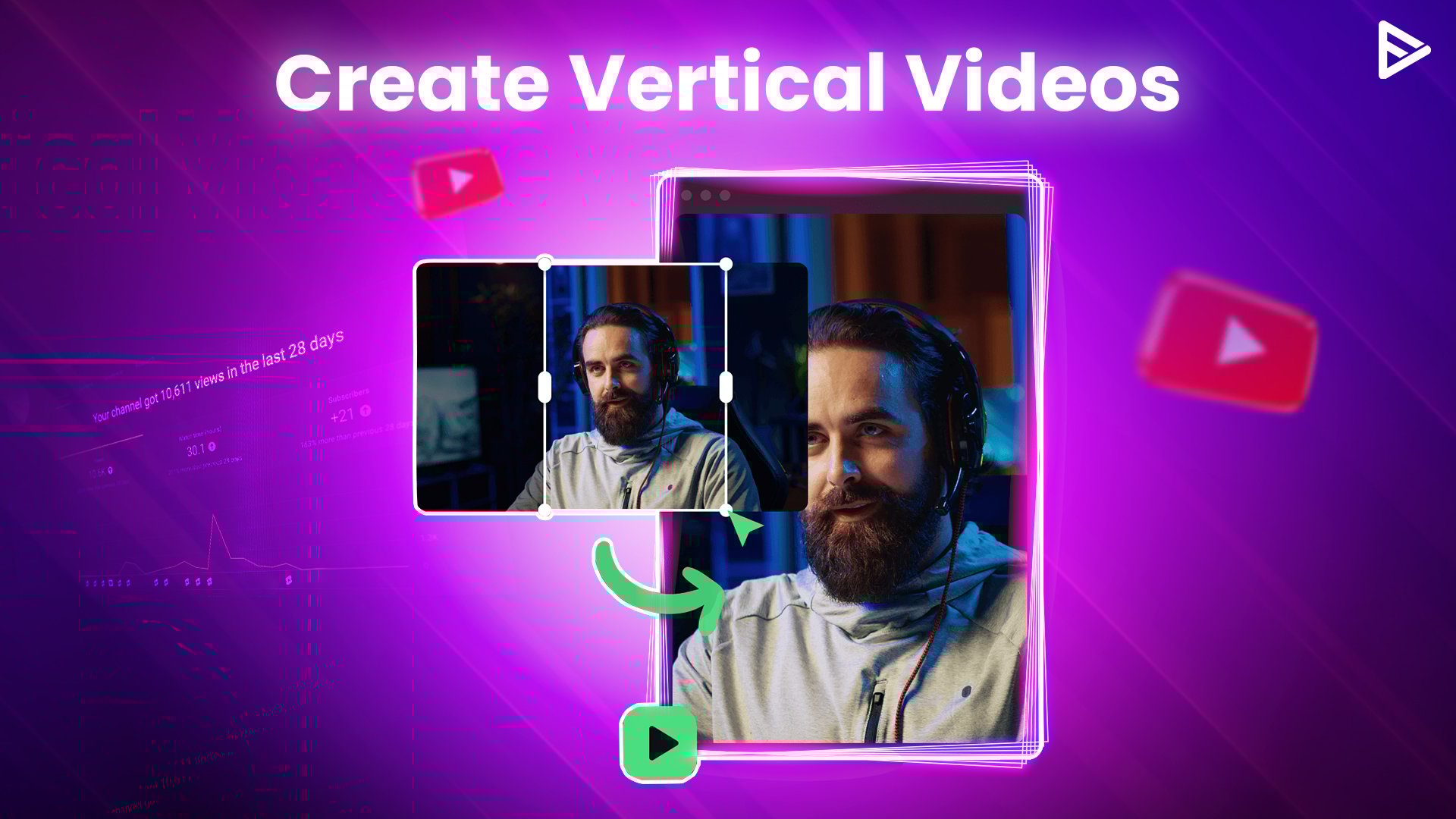
A vertical video is a video orientation where the height exceeds the width, typically using a 9:16 aspect ratio. Unlike traditional landscape (horizontal) videos that use 16:9, vertical videos fill the entire screen when phones are held upright in portrait mode
Key Specifications for YouTube Vertical Video
| Specification | Detail |
| Aspect Ratio | 9:16 (vertical) |
| Recommended Resolution | 1080 × 1920 pixels (Full HD) |
| Minimum Resolution | 720 × 1280 pixels |
| Maximum Duration for Shorts | 60 seconds |
| File Format | MP4, MOV, or AVI |
Pro Tip: Always upload in your native resolution. If you shot in 4K (2160 × 3840), upload in 4K. YouTube automatically creates lower-resolution versions.
Why Vertical Video on YouTube Matters in 2026
1. Mobile-First Viewing Dominates
Over 70% of Gen Z views happen on mobile devices, making vertical format critical for reaching younger audiences. YouTube has adapted by automatically displaying vertical video YouTube content in full-screen portrait mode on mobile.
2. YouTube Shorts Leads Engagement
YouTube Shorts has the highest engagement rate (5.91%) among all short-form video platforms, outperforming TikTok and Instagram Reels. This makes uploading vertical video to YouTube a strategic move for creators seeking faster growth.
3. Algorithm Prioritizes Vertical Content
The 2026 YouTube algorithm now heavily prioritizes vertical videos that provide quick, visual answers to search queries. With new Shorts-specific search filters, SEO optimization for vertical content has become essential.
4. Cross-Platform Compatibility
Vertical videos work seamlessly across YouTube Shorts, Instagram Reels, and TikTok, allowing you to repurpose content efficiently without losing quality or engagement potential.
Best Practices for Optimized Vertical Video on YouTube
Follow these proven strategies to make your YouTube vertical video content stand out:
1. Aspect Ratio & Resolution
- Use 9:16 aspect ratio for full-screen mobile viewing.
- Shoot at 1080 × 1920 pixels for crisp quality
- Upload in native resolution (4K if available)
2. Eye-Catching Thumbnails
Even though vertical videos autoplay in feeds, thumbnails are now crucial for Search results and the “Related” tab. Design vibrant thumbnails with:
- Clear, bold text (readable on small screens)
- A key moment that sparks curiosity
- High contrast colors
3. Engage with Captions
60%+ of viewers watch without sound, so captions are essential:
- Use dynamic, easy-to-read fonts
- Keep text large enough for mobile screens
- Highlight key points or add context
4. Mobile-Friendly Text & Graphics
- Use bold fonts with contrasting colors
- Keep text minimal, 3-5 words per frame max
- Position key elements in the center (avoid edges that may get cropped)
5. Leverage YouTube Shorts Features
Use built-in Shorts tools to enhance your content:
- Add trending music directly in the YouTube app
- Apply filters and text overlays
- Use the “Hype” feature (for channels with 500–500K subscribers) to boost visibility
6. Hook Viewers in 1–3 Seconds
The #1 metric for Shorts success is the “viewed-vs-swiped-away ratio.” If people swipe past instantly, the algorithm suppresses your video:
- Start with a dramatic visual or question
- Use trending audio immediately
- Show the payoff or result early
How to Make Vertical Video for YouTube: Step-by-Step
Method 1: Record Directly in Portrait Mode
Best for: Original content, Shorts, quick tutorials
1. Use your smartphone in portrait (vertical) orientation
2. Enable grid lines in camera settings to center subjects
3. Record in 1080 × 1920 resolution (check camera settings)
4. Keep subjects centered to avoid edge cropping
5. Use good lighting, natural light or ring lights work best
Pro Tip: Every content creator has a smartphone with a high-quality camera. No expensive equipment needed to start.
Method 2: Convert Horizontal Video to Vertical
Best for: Repurposing long-form content into Shorts
1: Crop the Video
- Use editing tools to trim edges without cutting key elements
- Focus on the main subject or action
2: Rotate the Video (Optional)
- Rotate 90° if your original footage was shot vertically but saved horizontally
- This preserves quality without cropping
3: Add a Background (Recommended)
- Add a complementary vertical background (blur, color, or image)
- Keeps the entire original frame visible without cropping.
Recommended Editing Tools
| Tool | Best For | Cost |
| CapCut | Auto-reframe, preset ratios, one-click conversion | Free |
| InShot | Mobile editing, easy text overlays | Free/Premium |
| Canva | Templates, backgrounds, quick edits | Free/Premium |
| Adobe Premiere Pro | Professional editing, custom ratios | Paid |
How to Create Vertical Videos Using CapCut Desktop
CapCut is the top choice for creating YouTube vertical video content, offering intuitive tools for aspect ratio adjustment.
Using the “Ratio” Tool
1. Upload video: Open CapCut → Click “Import” → Select your video file [web:10]
2. Convert to vertical:
- Click “Ratio” → Select 9:16
- Or go to “Basic” → Enable “Auto reframe” → Choose 9:16
3. Fine-tune: Adjust positioning to keep key elements centered
4. Export: Choose 1080 × 1920 resolution → Export → Share to YouTube
Using “Long Video to Shorts” Tool
Transform long-form content into multiple vertical Shorts automatically:
1. Access converter: Launch CapCut → Click “Long video to shorts” → Upload video
2. Set length & convert: Choose “Auto” for intelligent segment selection → Click “Convert.”
3. Export or share: Edit generated Shorts → Export → Upload to YouTube
How to Upload Vertical Video to YouTube
Follow these updated 2026 steps to upload vertical video to YouTube successfully:
Via Mobile App (Recommended for Shorts)
1. Open the YouTube app and sign in
2. Tap the “+” icon at the bottom
3. Select “Create a Short” or “Upload video”
4. Choose your vertical video (9:16) from gallery
5. Add details:
- Title with keywords (e.g., “YouTube vertical video tips”)
- Description with relevant tags
- Compelling thumbnail (now visible in Search)
6. Set visibility (Public, Unlisted, or Private)
7. Tap “Upload” or “Post”
Via YouTube Studio (Desktop)
1. Go to YouTube Studio → Click “Content” on the left
2. Click “Upload videos” → Select your vertical video file
3. Ensure the ratio is vertical (9:16), not horizontal
4. Fill in details:
- Title, description, tags
- Thumbnail (critical for 2026 SEO)
- Playlist (if applicable)
5. Set visibility and click “Publish”
Important: If your video is under 60 seconds and vertical (9:16), YouTube automatically classifies it as a Short and posts it with full-screen portrait display.
The Best Vertical Videos on YouTube: Examples & Niches
Looking for inspiration? Here are the best vertical videos on YouTube performing well in 2026:
Top-Performing Shorts Niches
| Niche | Why It Works |
| Day-in-the-Life Mini Vlogs | Personal, relatable, high retention |
| Food Challenges & Recipe Stunts | Visual, shareable, trending audio-friendly |
| Dance Challenges & Trending Music | Leverages viral sounds, high engagement |
| Quick Tutorials / How-Tos | Provides instant value, search-friendly |
| Faceless Content (AI-generated) | Scalable, profitable, low barrier to entry |
Characteristics of Viral Vertical Videos
- Duration: 50–60 seconds gets 1.7M average views (highest of any length)
- Hook: Strong visual or question in first 1–3 seconds
- Trending audio: Use sounds with 10K+ recent videos
- Captions: Essential for silent viewing
- Call-to-action: Ask viewers to like, comment, or subscribe
YouTube Vertical Video Algorithm Secrets for 2026
Understanding how the algorithm works is critical for ranking your vertical video YouTube content:
Key Ranking Factors
| Factor | Importance |
| Viewed-vs-Swiped Ratio | #1 metric, if people swipe past, video dies |
| Search Relevance (SEO) | Titles/descriptions are now critical with the Shorts filter |
| Thumbnail Quality | Crucial for Search & Related tab clicks |
| Freshness & Frequency | Recent uploads favored over evergreen content |
| Viewer Satisfaction | Surveys measure: Was this helpful? |
What to Avoid
- Reposting with watermarks (TikTok/Reels logos = immediate downrank)
- Inconsistent formatting (poorly cropped “fake shorts” get suppressed)
- Ignoring SEO (Shorts search filter requires keyword optimization)
- Slow hooks (viewers decide in 1–3 seconds whether to keep watching)
Final Thoughts
The future of YouTube is vertical. By mastering how to create, upload vertical video to YouTube, and optimize for the 2026 algorithm, you can cater to mobile-first viewers and achieve faster channel growth. Start creating your first YouTube vertical video today!
Frequently Asked Questions
Q1. How do I Convert a Video to Vertical?
To convert a horizontal video to vertical, you can use various online video editing tools, such as Canva and Adobe Premiere Pro, which allow you to crop and resize the video to a 9:16 aspect ratio —the ideal vertical video size. Tools will also help you add effects and filters to make your videos more engaging for your audience and optimize them for YouTube.
Q2. Can YouTube Upload Vertical Video?
Yes, YouTube automatically supports uploading vertical videos. If the video you upload is less than 3 minutes long, YouTube will consider it a YT shorts video. The video will be posted with a 9:16 aspect ratio and will display correctly on mobile screens without black bars.
Q3. Do Vertical Videos Get More Views?
Yes, vertical videos are more engaging and immersive. Vertical videos, such as YouTube Shorts, achieve better reach, higher engagement, and faster growth compared to conventional horizontal videos. Additionally, to make the video even more attractive and engaging, you can add video transitions.
Q4. Can you stream vertically and horizontally on YouTube?
Yes, YouTube supports both vertical and horizontal formats. On your mobile device, depending on your audience’s viewing preference, YouTube will adjust and start broadcasting the video in the vertical format that it supports. On the desktop, to start streaming, it is essential to choose the correct format and settings in the streaming software, such as OBS, and set the aspect ratio.