


Key Takeaways
- The use of YouTube analytics is critical in measuring audience resonance and determining the most successful content, thus aiding in decision-making in marketing strategies.
- VeeFly is cited as one of the best tools to use in 2025, allowing channels to achieve monetization milestones through genuine Google Ads promotion and real-time tracking.
- Comprehensive Toolset: The tools, which include VidIQ, TubeBuddy, and Sprout Social, are 15 in number, thus providing a range of specialized tools that include AI-based SEO and hashtag suggestions, and competitive analysis.
- Today, YouTube content creators can use AI tools like ChatGPT and YouTube’s “Ask Studio AI” to get personalized suggestions to help them grow their channels and improve their videos’ performance.
- However, when choosing a tool, YouTube content creators should look for tools that offer real-time data, are affordable, and offer robust audience retention and comparative analysis.
With YouTube’s increasing popularity, starting with video marketing for your brand is a brilliant move. But it’s also time to use YouTube Analytics Tools. You have to maintain data on what content and videos sell out, what resonates best with your niche, and what content engages your audience.
We have compiled a list of YouTube Analytical Tools to help you make informed decisions and promote your videos wisely by putting up what people enjoy. We will tell you all about them, but before that, for those who are not yet promoting their brands on YouTube, let us tell you the importance of YouTube marketing.
What Is YouTube Analytics?
YouTube analytics is a feature that determines your video performance, the media strategies that need to be renewed, or the ones that are doing exceptionally well. YouTube analytics is designed for you to understand what video content has more views and generates more watch and overall engagements.
There are YouTube Analytics Tools or data analysis tools to measure these YouTube metrics and better understand them.
What Are YouTube Analytics Tools?
Like social media analysis, YouTube analytics tools are specifically designed to measure your YouTube channel’s metrics. With YouTube Analytics tools, you will have an excellent understanding of your subscriber’s engagement with your YouTube channel’s video content.
These YouTube analytics tools are also effective in helping you spot the weak points in your video content, which ultimately guide you by creating better videos that your audience will resonate with.
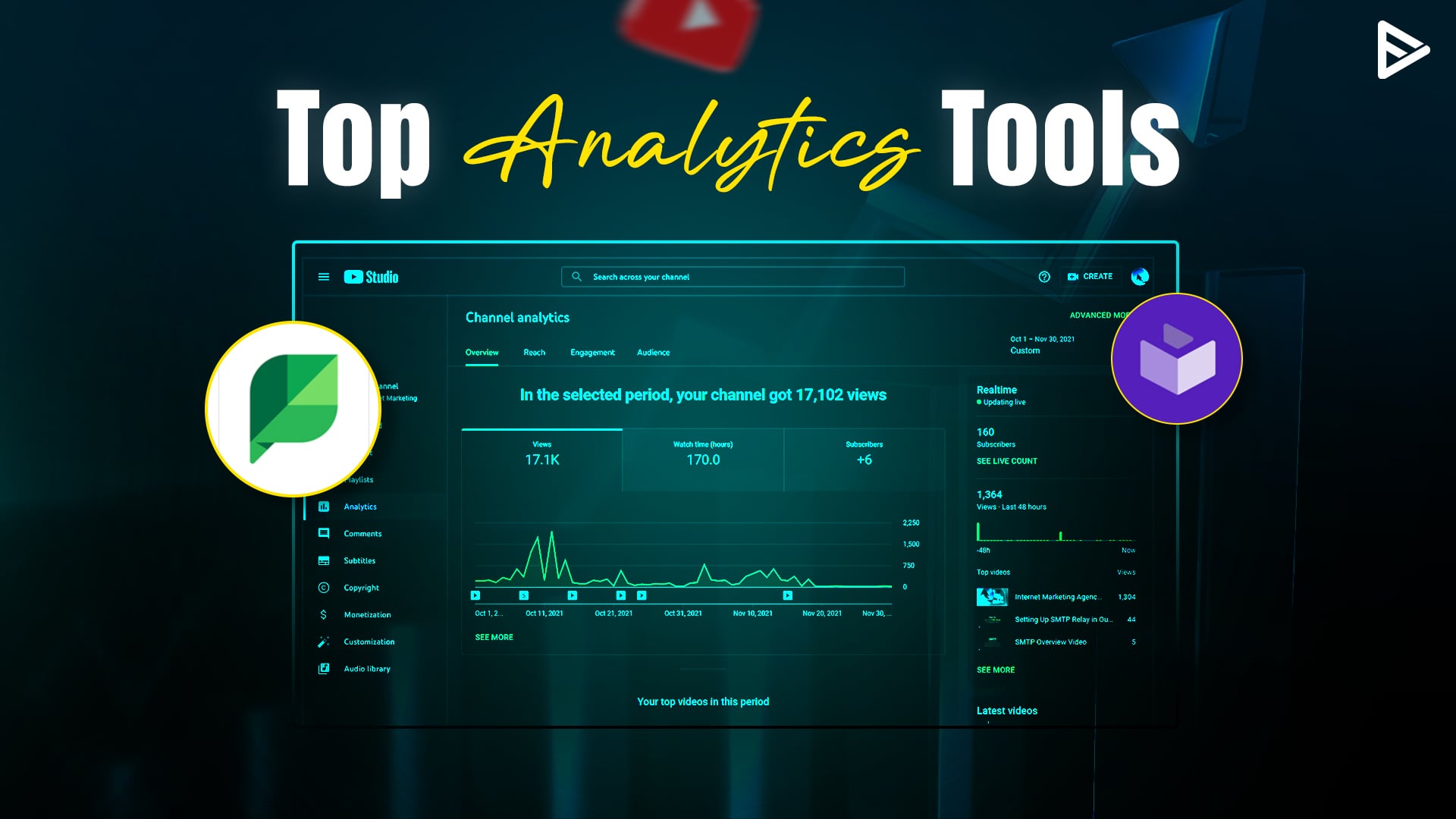
Here are the top 5 analytics tools for YouTube that you can use to understand your audiences and your competitors better.
Top 15 YouTube Analytic Tools For 2025
Here are our top 5 YouTube analytics tools for 2025 that will help you manage your channel adequately and effectively.
1. VeeFly
VeeFly is one tool that shines in 2025 for content creators aiming to bridge the promotion and analytics divide. Unlike most trackers, this tool is geared towards active growth by promoting your content using genuine Google Ads campaigns.
- Targeted Promotion: It will assist in promoting your content to your specific niche using official ad networks, ensuring that your views are genuine and in line with YouTube terms.
- Transparent Tracking: With this tool, you will track your promotion campaigns in real-time and know exactly how many views and subscribers your promotion is generating.
- Growth-Focused: It is a great tool for channels aiming to achieve monetization thresholds quickly and safely.
2. Unbox Social
Unbox Social is another efficient tool for monitoring in-depth performance metrics. It offers a detailed analysis of your audience’s attraction to your content and how fast your subscriber count is rising in relation to your upload pace.
3. Unmetric
This tool is a powerhouse for benchmarking your social performance against your competitors. With real-time data, you will make informed decisions on your social channel. It is ideal for identifying “whitespaces” in your niche where you will offer content that others in your niche are not offering.
4. Social Report
While Social Report initially provided general social media analytics, it now provides robust YouTube analytics. It can be useful for ROI calculation and identifying the actual phrases and keywords that drive search traffic to your videos.
5. Vidyard
Vidyard has received high ratings from various marketing experts, who praise its ability to analyze not only video views, but also its ability to convert visitors to customers. It is an essential tool for brands that leverage YouTube as a lead generation platform.
6. Sprout Social
While not as detailed as some of the other analytics tools, Sprout Social provides a high-level overview of your video analytics. It can be useful for breaking down your video engagement metrics, not only by sharing the number of views, but also by sharing the actual details of user interaction with your videos.
7. TubeBuddy
This is one of the favorite tools for beginners and professionals. TubeBuddy offers 2025 features, including a “competitor scoreboard.” This allows users to get a 30-day side-by-side comparison with their competitors to know whose strategy is working best.
8. Tubular Intelligence
This is an AI tool that offers trending hashtags and content ideas based on your audience’s e-commerce behaviors and demographics. This tool is meant to ensure that your audience is predisposed to like your content.
9. VidIQ
This is the gold standard for YouTube SEO. VidIQ allows users to know why their video is ranking or why it is not ranking by providing a video with an SEO score.
10. Brandwatch
With Brandwatch, you can scan over 100 million online sources to track channel mentions and sentiment. It not only tells you that people are talking about you, but also how they feel about your brand.
11. Rival IQ
Rival IQ provides “actionable insights” by offering a more in-depth competitive analysis. It focuses on engagement rates and the number of subscribers, so you can compare your channel to the best in the industry.
12. ChannelMeter
ChannelMeter provides a “benchmark” feature that allows you to view analytics for videos that are not your own. This is a complete game-changer for content creators who want to analyze the best in their industry.
13. ViralStat
ViralStat enables you to monitor video performance on various social media sites in one convenient place. It is an elite tool for brainstorming video ideas by viewing what is currently going viral on the internet.
14. YouTube Analytics (Native)
YouTube’s native analytics tool remains one of the best for basic data. In 2025, the “Ask Studio AI” function utilizes your own channel data to provide you with recommendations on audience expansion.
15. SocialInsider
SocialInsider is an AI-powered tool for automatically creating readable reports on your competitors’ strategies. It is ideal for agencies that must provide clean and understandable data to their clients.
Key Factors To Choose A YouTube Analytics Tool
We have seen the YouTube analysis tool. Now, let’s see factors to measure metrics that can be a game-changer for your business and your YouTube channel. With all the information, you will know what’s working for you and what is not. This will help you restructure your strategies and move them toward success.
The metrics that you need to measure and things you need to track with the help of YouTube analytics tools are right here for you:
1. Real-Time Data Access
Your chosen tool should be able to provide such insights in real time instead of making you wait days, weeks, or months.
- Watch time and watch hours.
- The number of views and impressions.
- Click-through-rate and engagement.
- Audience demographics and geography.
2. Scalability
Some YouTube analytics tools can visually represent the percentage of growth or decline in your view count and subscriber base.
Using graphical representation, you can further conclude what’s more impactful to your viewers:
- Content ideas
- Posting schedule
- Useful keywords and hashtags for increased visibility.
3. Cost-Effectiveness
Some tools, such as Google Ads Keyword Planner, are free for marketers, while others follow a subscription-based model. Always examine the metrics provided by free tools and compare packages of paid tools.
Here are things to consider for paid YouTube analytics tools:
- What features some tools provide are non-negotiable, and what features can be ignored.
- Which features would you want to experiment with to enhance your content strategies?
- After evaluating tools, compare costs and determine the most feasible investment.
4. Comparative Analysis
These insights and metrics tell you how your competitors perform on a specific campaign or video, thus allowing you to improve the overall quality of videos.
- Tools like Semrush help you compare the performance of your ad campaigns with that of competing channels, allowing you to choose better keywords.
- On the other hand, Google Keyword Planner can help you extract ranking keywords from your competitors’ videos.
5. Customer Support and Resources
Your tools should have a support system in case anything goes wrong. For example, say you maxed out credit points for usage or didn’t receive relevant results.
Always check if YouTube analytics tools have the following options:
- Live chat for immediate assistance.
- Customer support phone number.
- Email ID for resolving queries.
6. Security and Data Privacy
While every tool and website has a cookie-tracking feature, they should prioritize user security and ensure responsible practices.
Analyze your desired YouTube analytics tools based on the following parameters and safeguard yourself from data breaches:
- Look for HTTPS encryption, where “S” is an additional security layer encrypting data.
- Check the ratings and reviews to ensure you aren’t dealing with a fraudulent entity.
7. Effective Analytics
You need to gather some data from tools to increase your understanding of engagement.
Audience Retention: You need to measure where the audience is leaving your videos. Watch out for the pattern and add pain points at that duration to hold them longer.
CTR: The Higher the CTR, the better for discoverability. Optimize & A/B test the thumbnail and title for better CTR.
Traffic sources: Identify where people are coming from and actively work on those platforms.
8. Audience Reporting and Understanding
Invest in a tool that gives you reports such as:
Benchmark reports: Compare channel performance with competitors and your own metrics.
Content analysis: Every niche has its own strategy. Look for trends, what’s working, and competitors strategies.
Demographics: Knowing the region and audience type helps in creating a content strategy.
Final Thoughts
Whether you are a regular creator or just starting out, YouTube analytics tools are crucial as they help you understand your video’s performance. While checking the YouTube channel analysis tools, you must brainstorm and strategically create your following YouTube videos if your videos cannot meet expectations. But remember not to bypass standard approaches like optimizing video titles and descriptions.
Frequently Asked Questions
Q1. What is the best YouTube analytics tool?
YouTube Analytics, part of YT Studio, is the best YT analytics tool.
Q2. Which tool can be used by beginner YouTubers?
Tubebuddy is one of the best YouTube video analysis tools for beginner creators since it has an intuitive interface.
Q3. Are these YouTube Analytics tools accurate?
YT Analytics tools are considered to be the most accurate tool among the other tools.
Q4. Does YouTube have free analytics?
Yes, you can use analytics, which is part of YT Studios, to gauge your video’s performance.
