


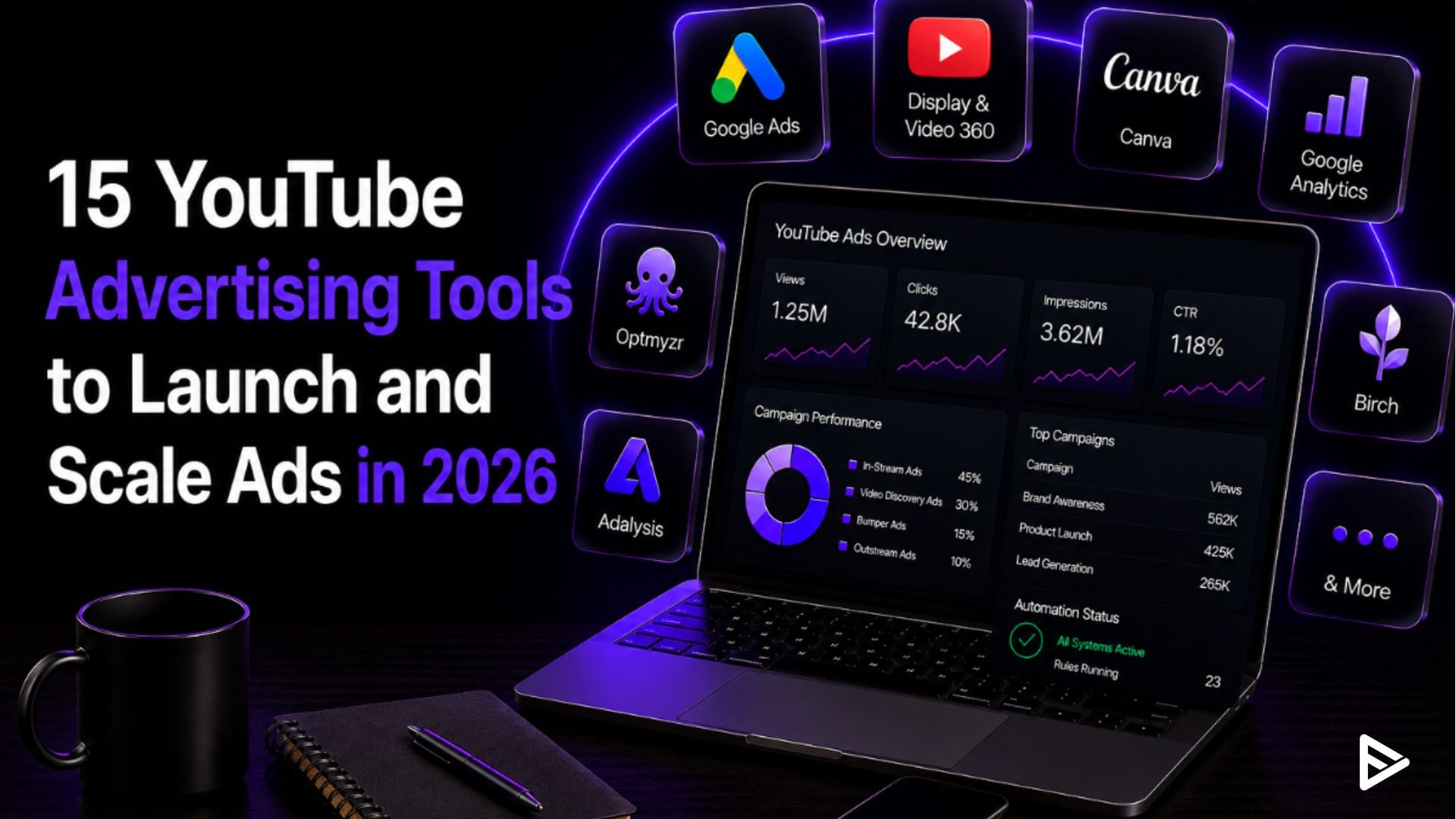
Google Ads and Display & Video 360 are the primary YouTube advertising tools for launching YouTube ad inventory. Every other tool here plugs into one of them, handling creative, tracking, or automation. YouTube’s ad business pulled in $11.38 billion in Q4 2025 alone, part of the $60 billion in full-year revenue Alphabet disclosed for the first time.
Key Takeaways
- Most solo creators don’t need anything past the free tools. Pricing here scales with campaign complexity, not feature count.
- Automation tools pay for themselves once manual account management starts eating more hours than the subscription costs.
- Google shifted from video action campaigns to Demand Gen in February 2026. Older reporting and automation tools built around the previous format need a second look before you trust their dashboards.
- Keyword and trend trackers tell you what to promote. They don’t run the campaign for you.
- WordStream went quote-only after its Gannett acquisition. Check whether a tool’s listed price is still current before you budget around it.
Why the Right Tool Depends on Your Campaign Stage
The right YouTube advertising tools depend on your monthly ad spend and campaign complexity, not your subscriber count. A creator spending $500 a month should track subscriber growth, not just views. A view only tells you one person watched once. A subscriber tells you that the person wants to keep watching. For channel growth, subscribers matter more than views because they predict who comes back for future videos, not just who clicked on one.
Agencies managing several accounts save the most time on creative. Platforms like VeeFly speed this up with tools like its Title Generator, which turns a keyword and tone into several title options in seconds. That cuts out the manual work of writing fresh copy for every client, so account time goes into strategy, not production.
What the Data Says
Google discontinued video action campaigns in February and replaced them with conversion-focused YouTube ads, which are now housed in Demand Gen. With just one change in the format, all the old reporting and automation tools that relied on the former version must be revisited before being used with confidence to provide dashboards. The pricing shown is current and not for legacy plans.
|
Tool |
Category |
Starting Price |
|
Google Ads |
Platform |
Free (pay ad spend) |
|
Google Ads Editor |
Bulk management |
Free |
|
Canva |
Creative |
Free to $15/mo |
|
Looker Studio |
Reporting |
Free |
|
Google Analytics 4 |
Tracking |
Free |
|
Google Ads Transparency Centre |
Competitor research |
Free |
|
Optmyzr |
Bid automation |
About $249/mo |
|
Bïrch (formerly Revealbot) |
Multi-platform automation |
$99/mo |
|
Adalysis |
Campaign audits |
$149/mo |
|
WordStream |
Guided management |
Quote only |
|
Supermetrics |
Reporting |
About $39 to $49/mo |
|
Display & Video 360 |
Enterprise programmatic |
Custom |
|
Skai |
Enterprise automation |
Custom |
|
TubeSift |
Placement targeting |
$67/mo |
|
Social Blade |
Channel research |
Free to $99.99/mo |
15 Tools to Launch and Scale YouTube Ads
From campaign setup and creative development to tracking, automation, and scaling, these YouTube advertising tools cover every stage of running effective ad campaigns.
- Google Ads: Every YouTube campaign starts here, which includes in-stream, bumper, Shorts, and Demand Gen formats. Unlimited beyond ad spend.
- Google Ads Editor: Create, edit, and manage your budgets, targeting, and bids in bulk offline. Not necessary for one particular campaign.
- Canva: Creates thumbnails, end screens, and other creative variations easily without the cost of investing in uncertain resources.
- Looker Studio: Google’s free dashboard to view views, clicks, and cost per result based on ad spend.
- Google Analytics 4: Tracks what happens after the click, so you’re optimising toward real conversions instead of views.
- Google Ads Transparency Centre: A free tool that shows any advertiser’s live ads across Google, including YouTube.
- Optmyzr: Founded in 2013 by Frederick Vallaeys, Google’s first AdWords Evangelist. Automates bid and budget rules for agencies managing several accounts.
- Bïrch: Revealbot’s 2026 rebrand. Automates rules across Meta, Google, TikTok, and Snapchat ad accounts.
- Adalysis: Audits accounts for wasted spend and underperforming ads. Built for larger, multi-account management.
- WordStream: Simplified management aimed at small businesses. Standalone pricing disappeared after Gannett acquired it in 2018.
- Supermetrics: Integrates YouTube and Google Ads data into spreadsheets and dashboards, which is helpful when managing multiple clients.
- Display & Video 360: Google’s enterprise DSP for programmatic YouTube, CTV, and display buying at scale.
- Skai: Formerly known as Kenshoo. Responsible for the budget and creative execution of advertising on various media for large brands.
- TubeSift: Finds and targets specific monetised YouTube videos and channels for precise ad placement.
- Social Blade: Social data for public channels to analyse competitors, growth and creator partnerships.
Common Mistakes When Choosing YouTube Ad Tools
The most common error is purchasing the YouTube ad management tools you think are needed, but you really don’t. In order of how expensive they get:
- Purchasing automation when it’s still too early: In general, manual Google Ads management is quicker than learning a new tool if your spend is below about $5,000/month.
- Evaluating tools based on price: A $ 249-a-month tool that saves five hours a week often costs less than the time it replaces.
- Skipping over ‘opaque’ pricing: Vendors such as WordStream, post-acquisition, now have to call for the sale rather than publish a rate.
- Assuming organic tools run ads: Trend and keyword tools let you know what to promote. They are not responsible for running the campaign.
Final Thoughts
Most of the tools on this list solve a problem you won’t have yet. The real skill isn’t picking the longest tool stack; it’s noticing the exact moment a manual task starts costing more time than a subscription would, and only then adding the next tool. If you’re still working out whom those campaigns should target in the first place, our guide on identifying your YouTube audience is a good place to start.
Frequently Asked Questions
Q1. What is the easiest YouTube ad tool?
Google Ads is the easiest place to start. Add Looker Studio for free reporting, and that’s enough to launch your first campaign.
Q2. How much does it cost to advertise on YouTube?
There’s no fixed rate. YouTube ads are priced at auction, so cost depends on your targeting and who else is bidding. You can start with just a few dollars a day. Google Ads itself is free to use.
Q3. Can YouTube ads help grow subscribers?
Yes, but only if you target the right audience and the thumbnail earns the click. Ad spend only accelerates the results for videos with strong watch time and retention.
Q4. Is there a free tool for YouTube advertising?
Google Ads, Looker Studio, GA4, and the Google Ads Transparency Centre are all free beyond ad spend.
Q5. What’s the difference between marketing tools and advertising tools?
Marketing tools like keyword trackers inform strategy. Advertising tools like Google Ads and DV360 run the paid campaigns themselves.
