


Key Takeaways
- YouTube rarely issues a formal “shadowban” but uses algorithms to suppress borderline content.
- A sharp decline in impressions and search visibility is the most reliable indicator of a ban.
- Use incognito mode to check if your videos or comments are visible to the public.
- Content Audit is Necessary: Repetitive tags, spammy comments, or borderline policy violations often trigger suppression.
- Recovery is Possible: Consistency, policy compliance, and removing flagged content can restore your channel’s reach.
Why Does YouTube Shadowban Creators?
Channels guilty of the following offenses will be shadow-banned:
- Crude Humor.
- Hate Speech.
- Repetitive videos.
- Sexually suggestive videos.
- Copyright Claim.
- Misleading Videos or rumor-mongering.
- Teaching or promoting harmful activities.
- Ad sense account or campaign error.
Note: If a hacker gets hold of your YouTube channel and posts something fishy or tries to change your account details in a way that doesn’t make sense, then even that will lead to a YouTube shadowban.
Why You Need a YouTube Shadowban Checker
If you are one of those people asking, “Is my YouTube channel shadowbanned,” then you are not alone. Many YouTubers face a silent penalty, where their views drop significantly without any active strikes.
Even though Google does not provide a YouTube shadowban detector, professional YouTubers use a combination of manual checks and analytics to determine whether there are any issues.
It is important to determine whether your channel is shadowbanned so you don’t waste time producing content that is being hidden from your audience.
How to Know if YouTube Shadowbanned You
In order to answer the question “how to know if YouTube shadowbanned you,” you have to look beyond the number of views. In order to diagnose the health of your YouTube channel, follow these manual methods:
1. The Incognito Search Test
Try searching the title of the video using an incognito window. If the video is not visible, even when searching the video’s title and the name of the channel, then the video might have been shadowbanned.
2. Monitor Impressions in YouTube Studio
Check the “Reach” tab in the YouTube analytics section. If the impressions are close to zero over the last 24 hours, then the algorithm might have stopped recommending the video.
3. Check Comment Visibility
Try logging out of your account or using another account to view your own videos. If your comments are invisible or can only be seen when you log in, you may have a comment-level shadowban, possibly due to spam-like behavior.
Is My YouTube Channel Shadowbanned?
How to Know If Your YouTube Channel is Shadowbanned or Simply Underperforming
You may be wondering how to know if my YouTube channel is shadowbanned instead of underperforming. The main difference between a shadowbanned channel and an underperforming channel is your channel’s reach. If your Click-Through Rate is high but your channel’s impressions are zero, it means your channel is being shadowbanned.
Some of the common causes for this drop in visibility include:
- Spammy Metadata: Too much repetition of keywords or tags in the description.
- Community Reports: Many people are reporting your video for violating YouTube’s guidelines.
- Copyright & Policy Issues: Uploading “world-blocked” videos or “borderline” videos, i.e., videos that fall in the gray area of YouTube’s guidelines.
How to Recover from a YouTube Shadowban
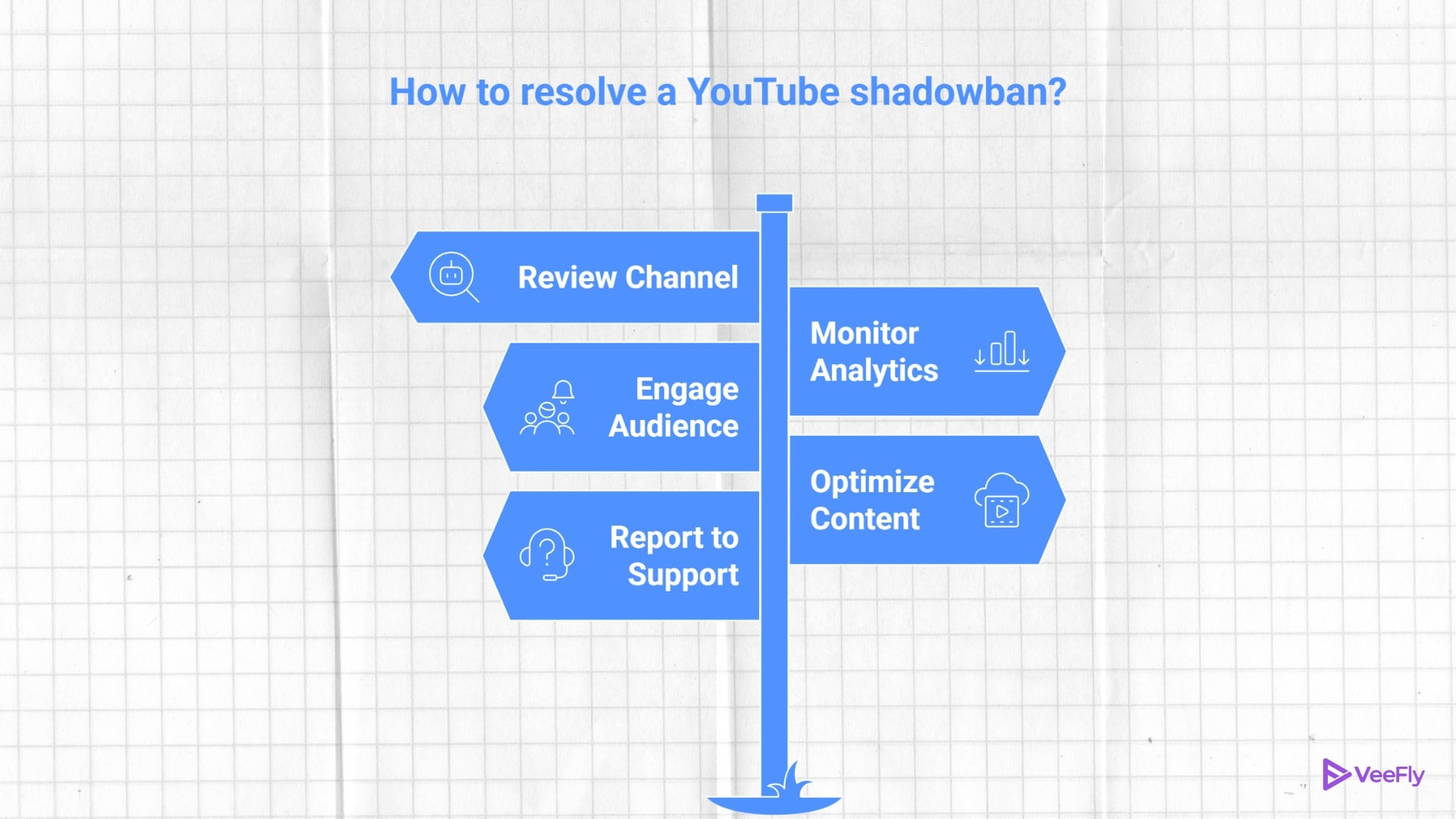
If you have been shadowbanned according to your YouTube shadowban detector, here’s how you can recover:
- Audit Your Metadata: Remove your tags if they have gone overboard. Also, your titles should not be clickbait.
- Pause and Clean: Take a break and go through your videos. If you have posted something that may have gotten you banned, go ahead and set it to private.
- Engage Authentically: Stop using bots and “sub4sub” if you have been using them.
- Appeal Correctively: If you have been warned, go ahead and appeal your warning.
Final Thoughts
The best practice for maintaining healthy YouTube channels is to follow a YouTube shadowban checker style, utilizing data analysis and manual checks. While YouTube’s algorithm is complicated, adhering to community guidelines and checking your view metrics will help your content reach your target audience. If your view counts are low, it’s not a reason to worry; instead, review your strategy, correct your issues, and be consistent.
Frequently Asked Questions
Q1. Is there an official YouTube tool to check for a shadowban?
There is no official tool provided by YouTube to check for a shadowban. The only available options are manual verification through an incognito search and checking impression statistics on the YouTube Studio dashboard.
Q2. How long does a YouTube shadowban actually last?
Since a YouTube shadowban is an automated action rather than a formal penalty, there is no set time for a shadowban to end. The typical time for a YouTube shadowban to end is 2 weeks to 1 month after the issue that caused the ban is resolved.
Q3. Can my comments get a shadowban too?
Yes, this is possible. YouTube may choose to suppress your comments if they are flagged as spam or contain a banned link, even if your video is performing normally.
Q4. Will deleting videos solve a shadowban?
While deleting a large number of videos might seem like a quick fix, deleting a large number of videos at one time can, in fact, harm your channel’s authority. It might be more advisable to change your problematic videos to “Private” and concentrate on uploading quality and policy-compliant content to win over the algorithm.
