


Key Takeaways
- Real-time analytics and “zero” revenue issues are usually just system glitches or 48-hour data processing delays.
- Videos stuck in HD/4K uploads are usually due to server traffic or large file sizes, so compressing before upload helps.
- You will receive a copyright match claim form for the creator’s content ID claim.
- Sudden view drops in 2026 are usually related to “freshness” algorithm updates or bot audits, not a “broken” channel.
- The app might not have features for advanced customizations, so always use the desktop version for upload defaults and more.
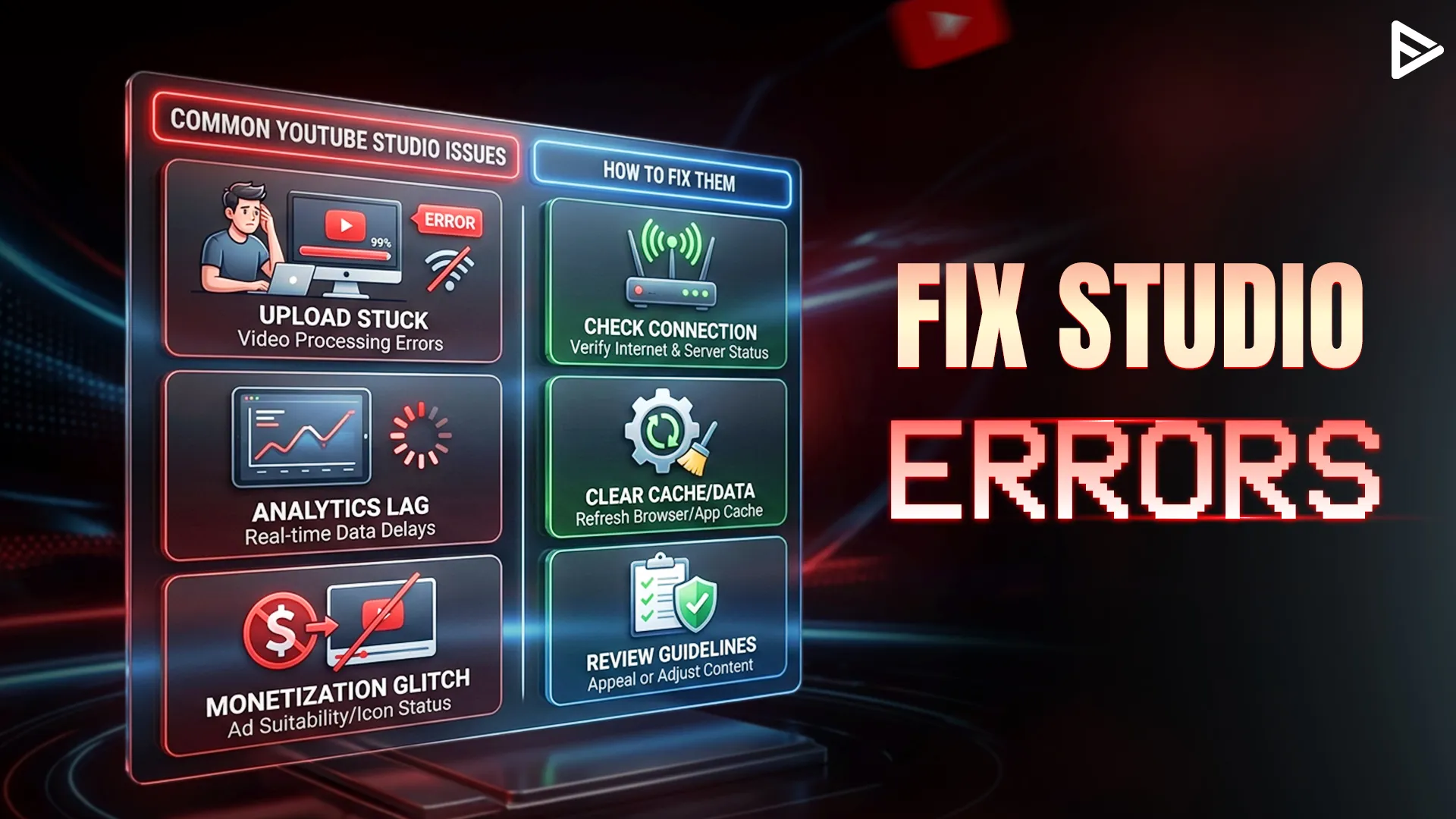
What are Common YouTube Studio Issues
Running a YouTube channel can be a wild ride, but nothing kills the vibe like YouTube Studio issues that make it seem like your hard work is going into a black hole. Whether it’s a large fat zero in your revenue or your 4K video has been “processing” for three days, you are not alone.
In early 2026, YouTube admitted to a huge syncing issue that left thousands of creators staring at blank charts.
Let’s dive into the most common YouTube studio issues and, more importantly, how to fix them to get back to creating.
1. Analytics and Revenue Showing Zero
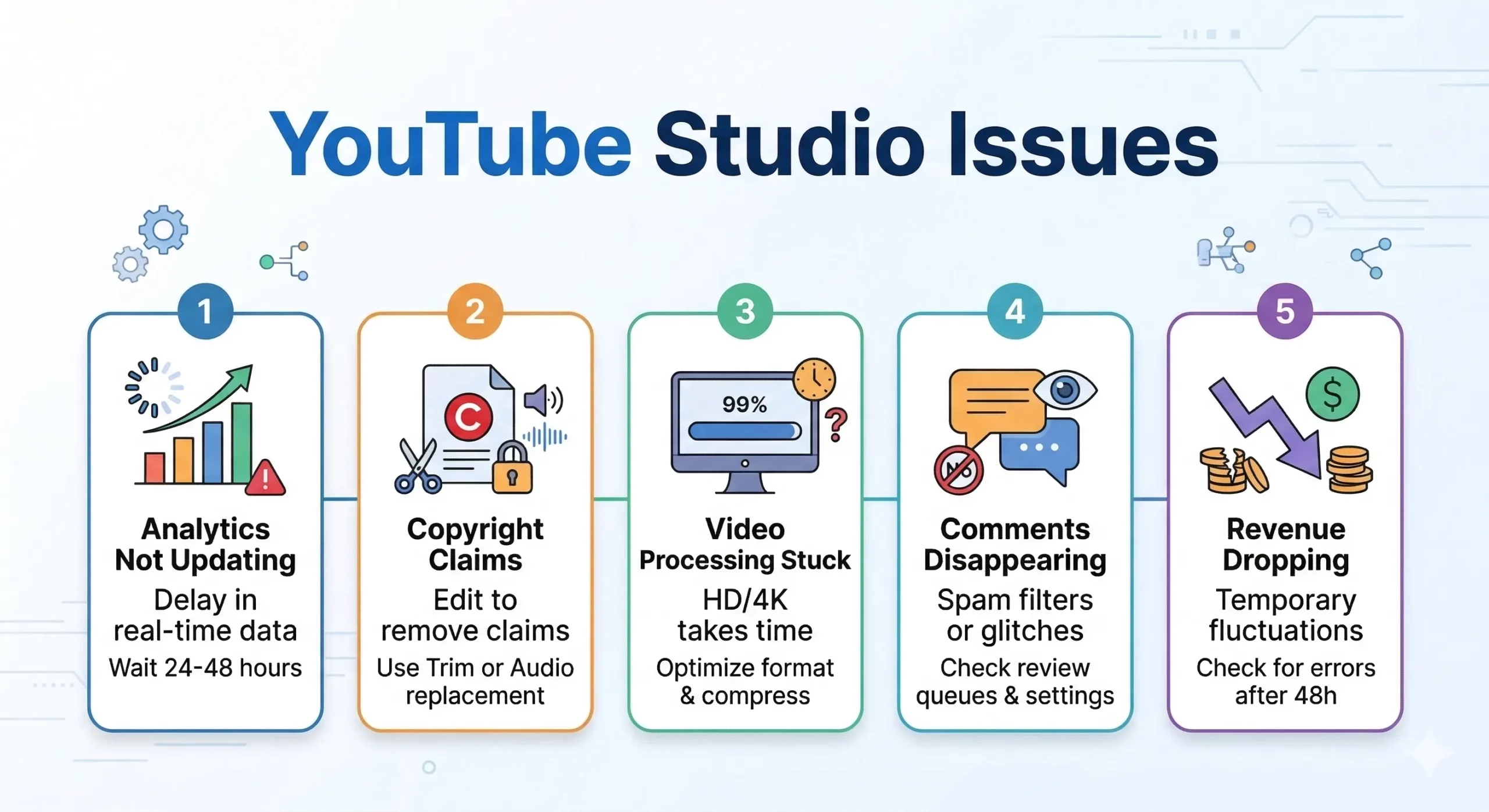
You log in to your YouTube Studio to find that your analytics and revenue are showing $0.00. Before you start to panic, ensure that you are viewing a date range far enough in the past to account for YouTube’s typical 2-day data delay.
The Fix:
Wait 48–72 hours for the data to sync. If it’s still zero, check for “Invalid Traffic” flags, which can happen if you (or your friends) watch your own ads too often.
2. Video Stuck at HD or 4K Processing
You’ve uploaded your high-res video, but it’s been hours and only the 360p version is live. This usually happens because high-resolution files require massive computational power to encode into different formats.
The Fix:
Try compressing your video to the recommended MP4 format before uploading to speed up the server’s job. If it’s totally stuck, sometimes closing the browser tab and reopening it “wakes up” the process.
3. Copyright Claims After Editing
Many creators think that if they use the YouTube Editor to trim a video, a copyright claim will stay forever. This is a major misconception.
The Fix:
To do this, go to the column marked “Restrictions,” click “See Details,” and then use the “Select Action” option. You can remove the section of audio or replace it with music from the YouTube Audio Library.
4. Comments Not Loading or Disappearing
You may receive a notification for a comment, but when you go to click on it, you realize it’s gone. This could be from YouTube’s aggressive use of automated spam detection or from a simple cache issue in your browser.
The Fix:
For desktop, you can try a “Hard Refresh” (Ctrl + F5 on Windows or Command + Shift + R on Mac). For the app, you can try clearing the app’s cache or reinstalling the YouTube Studio app to perform a “refresh” of the data.
5. Upload Defaults Not Applying
You set up your description and tags to auto-fill, but you’re constantly re-typing them. There’s a syncing issue between the app and the desktop.
The Fix:
In order for the defaults to actually apply, you can only use the Desktop version of YouTube Studio to perform an upload. Using the app will not allow you to use these defaults.
Final Thoughts
Dealing with YouTube Studio issues is just part of the creator journey in 2026! Most YouTube studio issues, ranging from frozen views during bot audits to revenue issues, are just temporary and will fix themselves within a few days. The trick is to remain calm, check the “Known Issues” board in the Help Center, and make sure you’re running the latest version of the software. No technical issues will get you out of uploading!
Frequently Asked Questions
Q1. Why are my YouTube Studio issues causing views to drop suddenly?
In 2026, sudden drops are often due to YouTube performing “audits” to remove bot views or a shift in the algorithm favoring “freshness” over evergreen content. It usually isn’t a sign of a shadowban.
Q2. How do I fix YouTube Studio problems where analytics don’t sync?
Most syncing errors are resolved by YouTube’s technical team within a week. Locally, you can try clearing your browser’s cached images and files to see the latest data.
Q3. Is there a way to speed up video processing in YouTube Studio?
Yes! To avoid YouTube Studio issues with processing, use a wired Ethernet connection for more stability and encode your videos in 1080p or 4K MP4 format using a standard bitrate before you hit upload.
Q4. Why is my revenue still zero even though I have views?
This common YouTube Studio problem is usually a simple reporting lag. It takes about 2 days for estimated earnings to appear, and major outages (like the one in February 2026) can cause even longer delays in the dashboard.