


Key Takeaways
- YouTube community polls (in the Community/Posts tab) let creators ask viewers quick multiple-choice questions, using text or images, to collect direct feedback.
- Polls boost engagement and loyalty by involving viewers in content decisions, keeping the channel active between uploads, and encouraging comments and repeat visits.
- Create polls from desktop or mobile: open your channel’s Community tab or Create Post, choose Poll, write a clear question, add 3–4 concise options, and publish or schedule.
- For best results, keep questions short and specific, use mutually exclusive choices, prefer 3–4 answers, consider image polls for higher visibility, and post when subscribers are most active.
- Avoid vague or purposeless polls, don’t ignore results, and follow up with content based on votes; a simple weekly poll schedule (topic → thumbnail → format → feedback) sustains momentum and informs strategy.
YouTube community polls are one of the simplest ways to turn passive viewers into active participants. Instead of guessing what your audience wants, you can ask directly and use their answers to guide future content. For YouTubers, this is especially valuable because polls are fast to create, easy to understand, and highly effective at building engagement.
If you want a practical way to increase interaction on your channel, community polls should be part of your content strategy. They can help you decide what video to make next, test topic ideas, learn more about your viewers, and keep your channel active between uploads.
What are YouTube Community Polls
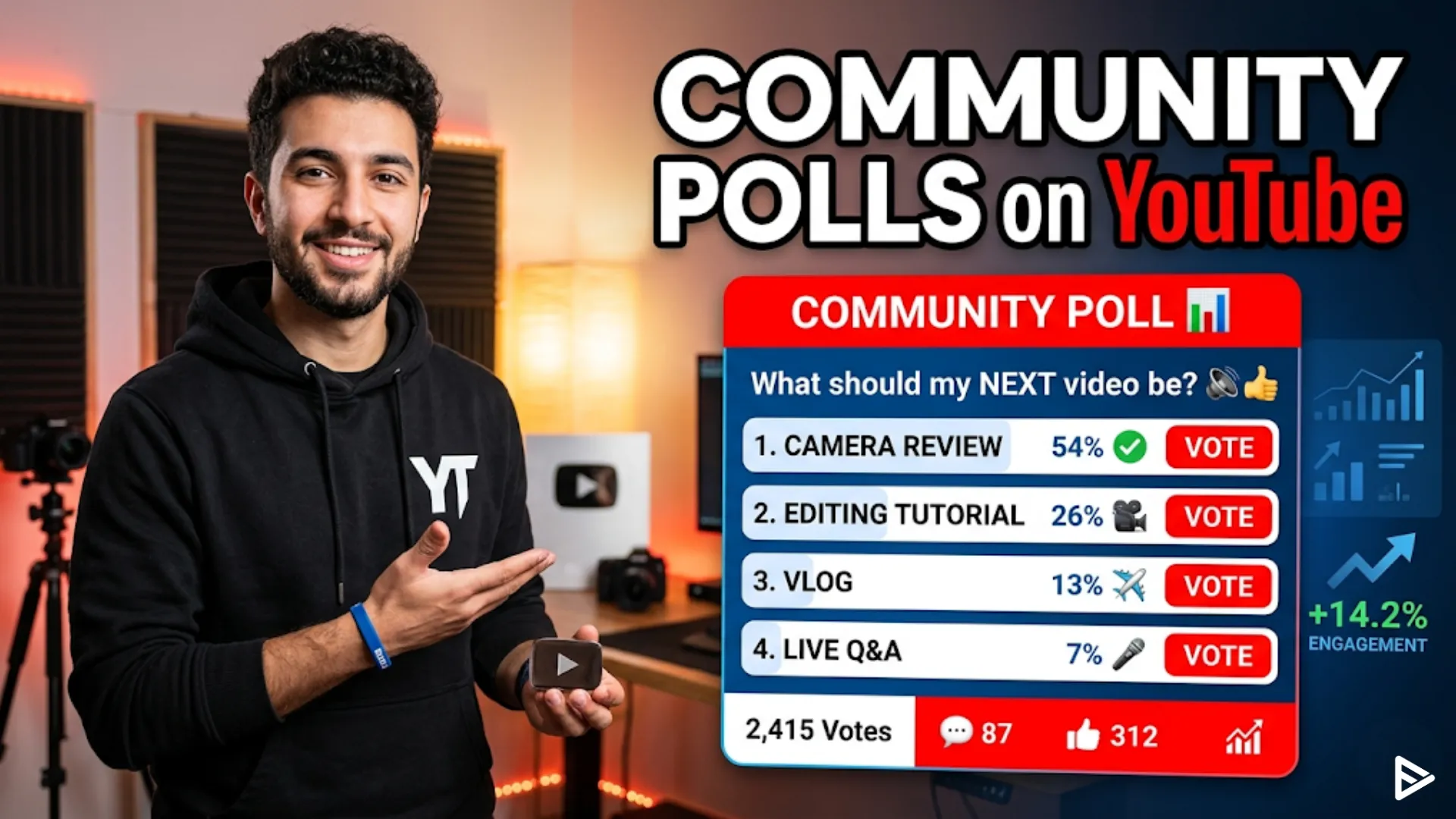
YouTube community polls are interactive posts that let your audience vote on a question you ask. They live in the Community tab, which is now also referred to as the Posts area in some YouTube interfaces, and they can be created from desktop or mobile.
Polls can be text-based or image-based, depending on the tools available in your account. Some creators use simple multiple-choice questions, while others use images to make the poll more visually appealing and boost response rates.
Why Polls Matter for YouTubers
Polls are useful because they give you direct feedback from the people who already watch your channel. That makes them one of the most efficient tools for content planning, audience research, and community-building.
Here are the biggest benefits:
- They help you learn what content your audience wants.
- They keep your channel active even when you are not uploading a video.
- They make viewers feel involved in your creative process.
- They can improve engagement because voting is quick and low effort.
- They can spark comments and discussion around your channel.
For creators, that combination is powerful. A poll does more than collect opinions; it creates a small moment of participation that can strengthen loyalty over time.
How to Use Community Polls on YouTube
To use community polls on YouTube, you first need access to the Community tab or Posts section on your channel. Tutorials consistently note that the poll feature is available once that section is unlocked, and it can be accessed from the desktop or the mobile app.
The basic process is straightforward:
- Sign in to the YouTube account connected to your channel.
- Open your channel page and find the Community tab or Create Post option.
- Choose Poll.
- Write a clear question.
- Add answer options.
- Publish now or schedule it for later.
That is the core answer to how to use a poll that YouTube creators can rely on. The feature is simple, but the way you frame the question makes a big difference in the quality of the results.
Steps to Create a YouTube Community Poll
If you are specifically looking for how to use YouTube polls, here is a more detailed walkthrough.
On Desktop
Open your channel and go to the Community tab or Posts area. From there, select Create Post, then choose the poll option. Add your question, type in your answer choices, and publish the post.
On mobile
On the YouTube app, tap the plus sign or create button, then choose Create Post. From there, select the poll icon, enter your question, add choices, and post it.
What to Keep in Mind:
Some creators can add up to five answer choices, although you do not have to use all of them. In practice, three to four choices is usually easier for viewers to scan and vote on quickly.
Best YouTube Poll Ideas
The best polls are short, specific, and useful. Your audience should be able to answer in a second or two. If the question takes too long to read or think about, fewer people will vote.
Good poll ideas for YouTubers include:
- What video topic should I cover next?
- Which thumbnail do you prefer?
- Do you want a tutorial or a case study?
- Which upload schedule works best for you?
- Should I make a beginner, intermediate, or advanced version?
- Which platform should I review next?
- What series should I continue?
These types of questions work because they are directly tied to content decisions. They also give you useful data you can act on right away.
YouTube Polls That Get More Votes
If you want better engagement, make your poll easy to understand at a glance. Use simple language, avoid too many choices, and focus on one decision at a time.
Image polls can perform especially well because they are more visually engaging than plain text polls. One tutorial notes that image polls may attract more votes in some cases, likely because the visuals make the options more noticeable
A few practical tips:
- Use clear, direct wording.
- Keep answer choices mutually exclusive.
- Make the stakes low so voting feels effortless.
- Tie the poll to something your audience already cares about.
- Avoid overly broad questions that do not lead to action.
When to YouTube Post Polls
Timing matters because community polls work best when your audience is active. If you post when your subscribers are online, you increase the chance of early votes, which can help the post gain momentum.
- A smart approach is to use polls:
- Between uploads, to stay visible.
- Before planning a new series.
- After a video performs well, to learn what viewers want next.
- During seasonal content planning.
- When you want feedback on thumbnails, topics, or formats.
You can also schedule polls for later if you are planning your content in advance. That makes it easier to maintain consistency without having to manually publish every community update in real time.
How YouTube Polls Help Channel Growth
Community polls do not just collect opinions. They can improve the relationship between you and your audience by making viewers feel heard. That sense of involvement can lead to stronger loyalty, more comments, and more repeat visits to your channel.
Polls are also useful for reducing guesswork. Instead of assuming your audience wants long-form tutorials, shorts, reviews, or behind-the-scenes content, you can ask them directly and make decisions based on actual responses.
For growing YouTubers, this is especially valuable because content strategy becomes more efficient. You spend less time guessing and more time making videos that people are likely to click and watch.
Common Mistakes to Avoid With YouTube Polls
A lot of creators underuse polls because they treat them like a random extra feature instead of a content tool. If you want better results, avoid these common mistakes:
- Asking vague questions.
- Using too many answer choices.
- Posting polls with no real purpose.
- Ignoring the results after people vote.
- Making polls too infrequent to build momentum.
The most effective polls are tied to a clear next step. For example, if the audience votes for a beginner tutorial, your next upload should reflect that response. That creates a feedback loop and makes viewers more likely to vote again in the future.
Example YouTube Poll Strategy
Here is a simple way a YouTuber could use community polls over one month.
Week 1: Ask what topic viewers want next.
Week 2: Ask which thumbnail or title they prefer.
Week 3: Ask whether they want a quick tip video or a deep-dive tutorial.
Week 4: Ask what format they enjoyed most that month.
This approach gives you useful audience data while also keeping the community tab active. It is especially effective for channels that post consistently and want to refine their content based on real feedback.
Final Thoughts
If you want a simple but effective growth tool, community polls are one of the best features YouTube gives creators. They are easy to make, quick for viewers to answer, and valuable for content planning, engagement, and audience research.
The key is to use them with intention. Ask specific questions, keep the format simple, and use the results to shape your next videos. That is the real power of how to use community polls on YouTube: not just collecting votes, but building a stronger connection with the audience you want to serve.
Frequently Asked Questions
Q1. How do I use a poll on YouTube?
You can use a poll on YouTube by opening your channel’s Community tab or Posts area, choosing the poll option, and adding your question with answer choices. This is one of the easiest ways to use how to use a poll YouTube features for quick audience feedback.
Q2. How do I use YouTube polls to get more engagement?
You can use how to use youtube polls by asking simple, relevant questions that help viewers feel involved in your content decisions. Polls work best when they are short, easy to answer, and connected to topics your audience already cares about.
Q3. What kind of questions work best in community polls on YouTube?
The best questions are specific and useful, such as asking which video topic, thumbnail, or format your audience prefers. If you are learning how to use community polls on YouTube, start with questions that help you make better content decisions.
Q4. How often should I post YouTube community polls?
There is no fixed rule, but many creators use polls whenever they want feedback on a new idea, series, or upload style. If you want to improve how to use a poll YouTube strategy, posting polls regularly can help keep your audience engaged between videos.