


WELCOME OFFER! Get 50% Extra Views On Your First Campaign with VeeFly. Use Promo Code - FIRST50 Get Started
Home » YouTube » YouTube Shorts Remix Strategy: How to Get More Views

YouTube Shorts Remix Strategy: How to Get More Views

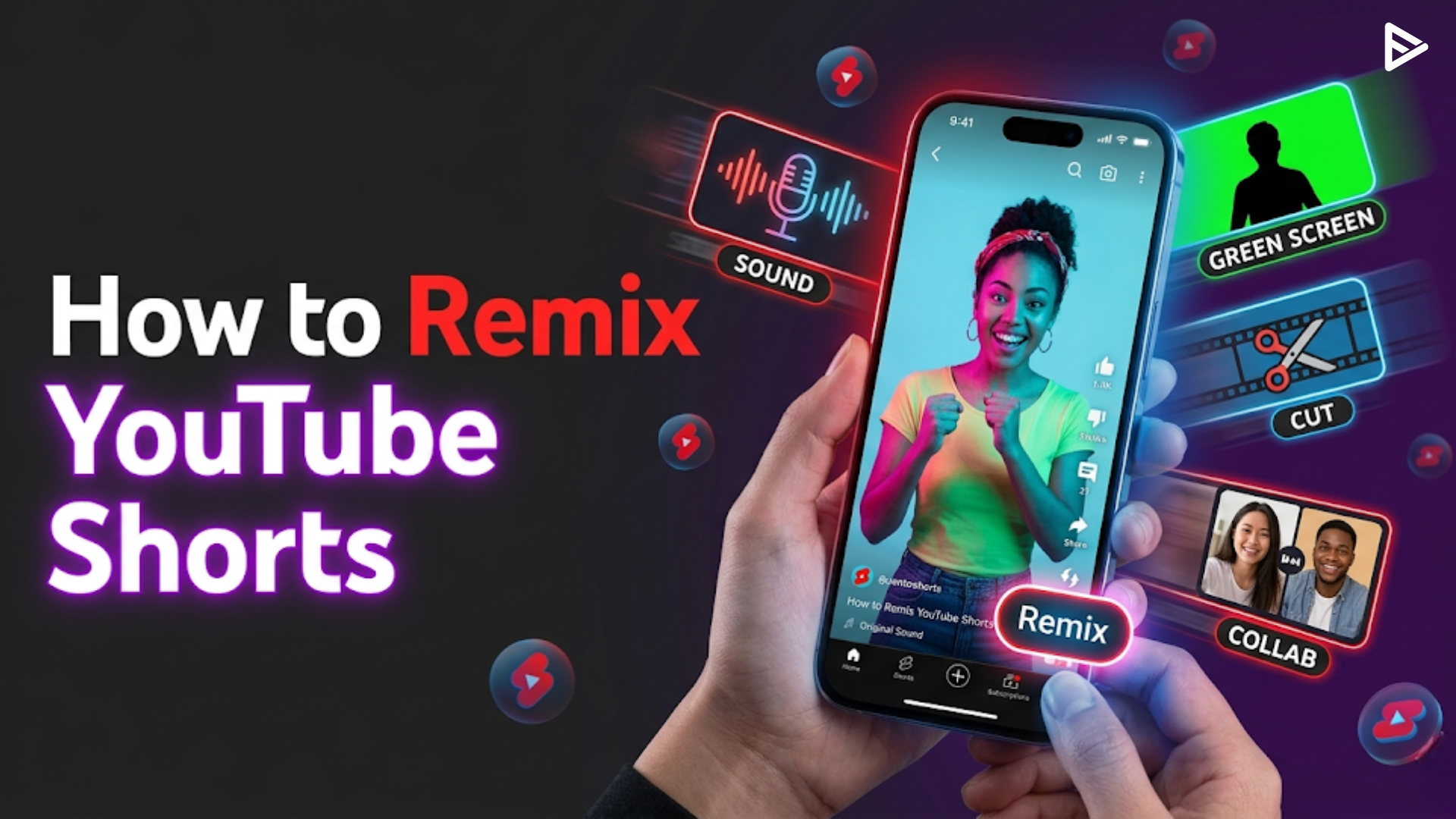
Open the YouTube app on an eligible Short, tap Remix, and choose Sound, Collab, Green Screen, Cut, or Reimagine.

Key Takeaways:
  • How to remix YouTube Shorts is simple: tap Remix on any eligible video and choose Sound, Green Screen, Cut, or Collab.
  • The YouTube Short remix feature supports 1–5-second clips from both Shorts and long-form videos.
  • Shorts remixes of this video automatically credit the original creator with a clickable backlink.
  • Mastering how to remix shorts on YouTube can explode your reach; some creators hit 1M+ views in 2 months.
  • A solid YouTube Shorts remix strategy combines trending audio, retention editing, and strategic promotion like VeeFly’s algorithmic boost.

What Is the YouTube Shorts Remix Feature?

The YouTube Shorts remix feature lets creators pull 1–5-second segments from any eligible YouTube video. Shorts or long-form, and embed them into your own Short. Launched widely in 2022 and expanded in 2024, it offers four distinct remix modes: Sound, Green Screen, Cut, and Collab.

How to Remix YouTube Shorts (Step-by-Step)

Executing a flawless layout requires precision during the upload phase. Follow this step-by-step guide to properly configure your YouTube Shorts remix feature settings.

Step 1: Access the YouTube Mobile Application

Open the official mobile application on your smartphone. Ensure you are securely logged into your primary brand profile before building assets to ensure proper analytics tracking.
  • Tip: Always verify that your mobile application is up to date with the latest software patch to avoid interface freezes mid-edit.
  • Mistake: Working from an unverified mobile account, which splits your viewing metrics.
  • Optimization: Review your niche’s home feed for 5 minutes before launching to spot real-time, rising video trends.

Step 2: Select a High-Performing Video Asset

Locate the video you wish to use as your creative foundation. Look for assets displaying strong baseline traction, controversial industry statements, or unique visual components that naturally make a scroller stop.
  • Tip: Look for long-form tutorials or mainstream news clips that contain sharp, isolated moments of intense action.
  • Mistake: Choosing dead or outdated videos that the algorithm has already stopped promoting.
  • Optimization: Check the target video’s comment section to see what specific moments viewers are actively discussing.

Step 3: Tap the Native Remix Button

Look directly beneath the active video playback window. Tap the Remix icon (indicated by a custom waveform symbol) to open your creative configuration choices.
  • Tip: If the icon is missing, it means the original publisher has explicitly opted out of community reuse settings.
  • Mistake: Attempting to screen-record copy-protected videos, which can trigger platform channel strikes.
  • Optimization: Move quickly to an alternative video if your first choice has remixing permissions disabled.

Step 4: Choose Your Preferred Remix Type

Select the structural format (Cut, Green Screen, Collab, or Sound) that best matches your planned creative hook.
  • Tip: Use Cut if you want to speak after a clip; use Green Screen or Collab if you want to display your reaction during the clip.
  • Mistake: Choosing a format that obscures the core visual asset you are trying to reference.
  • Optimization: Match your format directly to your audience demographics, younger feeds respond heavily to the split-screen Collab style.

Step 5: Edit and Publish Your Content

Trim the target source down to its most engaging frames, record your original video overlay or conclusion, add high-contrast typography, and tap Publish.
  • Tip: Keep your total video duration under 50 seconds to maximize your loop and completion rates.
  • Mistake: Forgetting to add clear, on-screen caption indicators detailing your added value.
  • Optimization: Select the most visually shocking frame of the remixed element as your custom cover frame to capture the homepage scroll.

Types of YouTube Shorts Remix Options

To design a high-performing strategy, you must first master the architectural options built inside the YouTube application. The remix ecosystem is divided into four structural formats, each matching a different stage of viewer engagement.

1. The Cut Feature

The Cut option lets you select and trim a specific segment, 1 to 5 seconds long, from any eligible long-form video or Short. This extracted snippet automatically serves as the opening frame of your new video, seamlessly bridging into your original content.

2. The Green Screen Feature

This format automatically strips out your physical background and overlays your silhouette directly over the source video. The target asset plays natively behind you as an animated backdrop, allowing you to point out specific visual details, display complex analytics charts, or react to live-action scenes in real-time.

3. The Collab Feature

Collab creates a split-screen presentation layer, placing the original video side-by-side or stacked vertically with your newly recorded video footage. This format triggers an immediate head-to-head comparison, making it highly effective for parodies, dual competitions, and interactive responses.

4. The Sound Feature

The Sound option suppresses the visual track of the target asset entirely, extracting only the underlying audio track, voiceover statement, or custom music bed. This allows you to apply trending sounds, funny audio clips, or famous creator voice lines to your own original visuals.

How to Remix Shorts on YouTube from Long-Form Videos

Many creators don’t realize you can remix Shorts on YouTube using regular long-form videos, not just Shorts. Here’s how:
  1. Find any eligible long-form video (most are eligible unless the creator opted out).
  2. Tap Remix → Cut to grab a 5-second scene.
  3. Edit your reaction, add captions, and publish as a Short.
This is perfect for repurposing podcast clips, movie moments, or viral long-form content into snackable Shorts.

What Is the Best YouTube Shorts Remix Strategy?

To turn how to remix YouTube shorts into a growth engine, use the 15-Second Retention Hook Framework:
  1. Hook in 0–3 seconds: Start with the most shocking 5-second clip (using Cut mode).
  2. Beat-locked editing: Cut your reaction on audio beats to boost watch time.
  3. Single-word captions: Pop captions on key words to increase retention.
  4. Trending audio: Use Sound mode with viral songs or audio clips.
  5. Post within 24 hours of the original trending video for maximum discoverability.
Creators using this YouTube Shorts remix strategy have gained 1,100+ subscribers in 2 months on brand-new channels. Learn more about scaling your channel in our guide on YouTube growth strategies for 2026.

What Are Common Mistakes When Remixing Shorts?

Avoid these pitfalls when learning how to remix YouTube Shorts:
  • Remixing ineligible videos: Some creators disable remixing in YouTube Studio.
  • Ignoring captions: Videos without captions lose 40%+ of mobile viewers.
  • Too-long clips: Stick to 1–5 seconds; longer clips reduce retention.
  • No original value: Simply reposting without commentary or reaction gets low engagement.
  • Posting at the wrong times: Upload when your audience is most active (use YouTube Analytics).

Final Thoughts

Learning how to remix YouTube Shorts is no longer optional; it’s a core growth skill for creators in 2026. The Shorts remix feature gives you four powerful modes to leverage trending content, but without strategic promotion, even great remixes can get lost in the algorithm.

Using compliant marketing networks like VeeFly allows you to push your optimized remix videos directly in front of targeted, high-intent audience streams within your specific vertical niche.

This completely bypasses the slow algorithmic testing cycles, giving the recommendation models the clear click-through rates and user satisfaction statistics required to scale your content across the native home feed. Secure your hook, add genuine value, and let the algorithm accelerate your growth.

Frequently Asked Questions

Q1. How do I remix a YouTube Short on my phone?

To remix a YouTube Short on your phone, open the YouTube mobile app, tap Remix below the video, choose one of the options, Sound, Green Screen, Cut, or Collab, then record your addition, edit it as needed, and publish.

Q2. How to Opt Out of Being Remixable?

If you don’t want your videos used for short remixes, you can opt out by heading  to YouTube Studio → Settings → Channel. Further, uncheck “Allow remixing” for your content.

Q3. Will YouTube credit the original creator when I remix?

Yes. Shorts made via shorts remixing this video automatically include a clickable credit link to the original content above your title.

Q4. What is the best Shorts remix strategy for new creators?

The best YouTube Shorts remix strategy for new creators is to use the 15-Second Retention Hook Framework, trending videos within 24 hours of their posting, add beat-locked cuts and single-word captions to boost engagement, and use VeeFly’s promotion packages to strengthen early engagement and break through the algorithmic bottleneck.

Q5. Can You Monetize Remix YouTube Shorts?

Yes, but with conditions. Shorts made via the YouTube Shorts remix feature are eligible for the YouTube Partner Program if you add significant original commentary, transformation, or value.