


Key Takeaways:
- AI prompts help creators generate YouTube video ideas faster and reduce the time spent on brainstorming.
- Structured prompts make it easier to create engaging hooks, scripts, and storytelling for videos.
- AI tools can help generate high-CTR titles and thumbnail ideas for better click performance.
- Well-written prompts help creators generate content ideas tailored to their specific YouTube niche.
-
Using AI prompts consistently can help creators publish videos more efficiently and maintain a regular upload schedule.
The difference between average and viral often comes down to the prompt. AI tools can now generate scripts, hooks, visuals, thumbnails, and even full edits. But most creators fail because they don’t know how to write prompt for AI video generator tools properly. This guide covers the best AI video prompts that actually work.
Why AI Prompts Shape YouTube Video Performance in 2026?
When you give vague commands, you get generic output. When you give structured prompts with goals, tone, audience, and format, you get usable content. Some reasons for using an AI prompt for creating viral videos on YouTube are beneficial for your channel’s success:
-
It can help you to generate unique video ideas.
-
Write stronger hooks
-
Create better storytelling
-
Design high-CTR titles and thumbnails
-
Produce realistic AI video prompt scenes
- Customize it as per your YouTube niche
- Prompts can help you to add human emotions, along with leveraging AI creativity
12 Best AI Video Prompts to Use for YouTube in 2026
Master the prompt engineering as we have divided these into three categories:
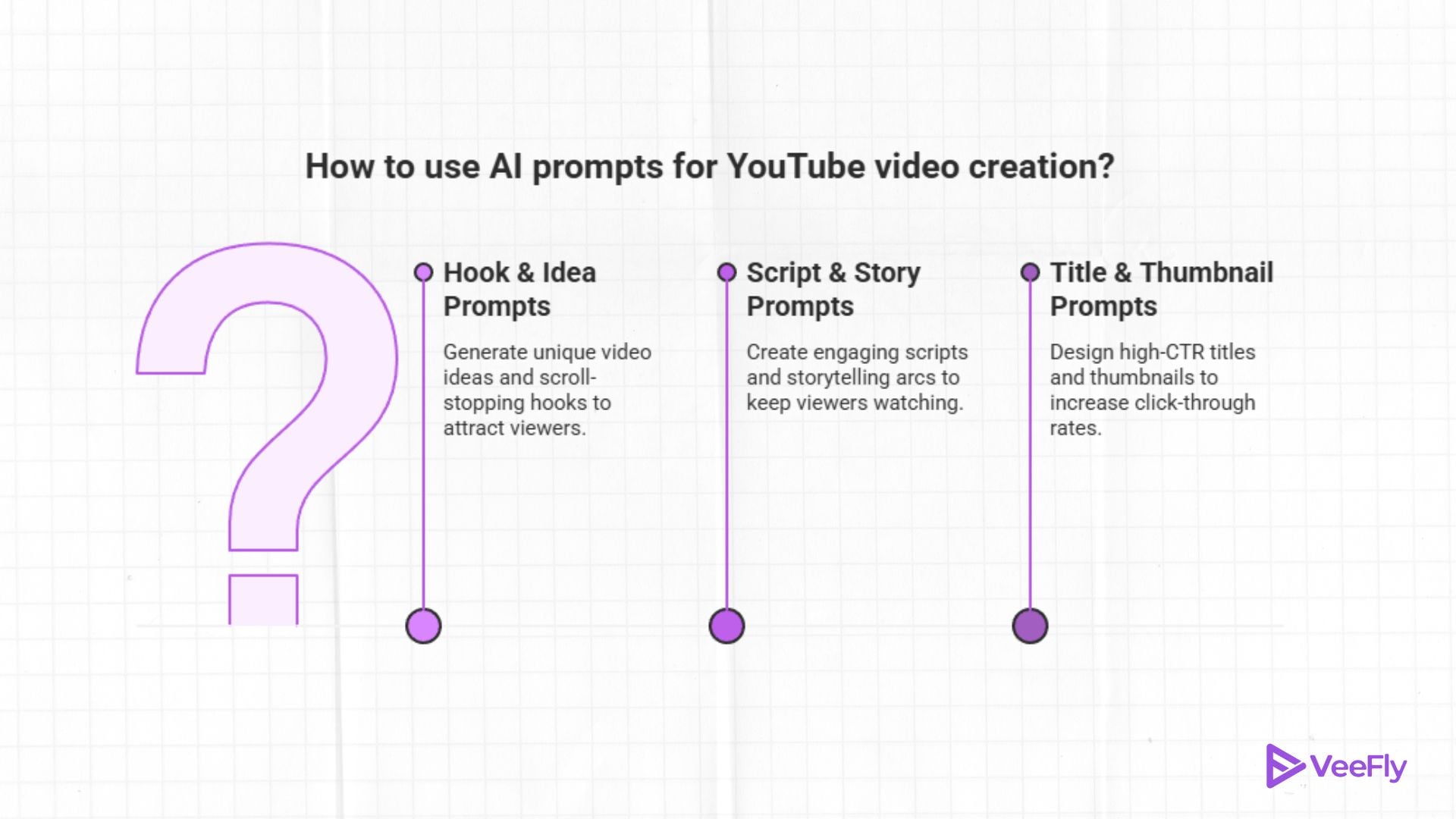
Hook & Idea Prompts
Prompt 1: “Generate 5 scroll-stopping hooks for a [topic] video targeting [audience] on YouTube.”
Tip: Run this first during brainstorming to collect raw material.
Prompt 2: “List 10 controversial but defensible angles on [topic] that spark comment section debate.”
Tip: Controversy drives engagement; use responsibly.
Prompt 3: “What questions does [audience] have about [topic] that existing YouTube videos don’t answer well?”
Tip: Gap analysis finds underserved content opportunities.
Prompt 4: “Create 5 ‘you won’t believe’ style video concepts for [topic] without being misleading.”
Tip: Curiosity hooks work when they deliver on the promise.
Realistic example output: For a fitness niche prompt, an AI might return: “Hook: Most gym advice is actually slowing your progress; here’s what trainers won’t tell beginners.”
Script & Story Prompts
Prompt 5: “Write a 90-second YouTube script outline for [topic] with a strong hook, three key points, and a CTA.”
Tip: Keep prompts under 100 tokens for focused outputs.
Prompt 6: “Structure a storytelling arc for a [format] video about [topic] using a problem-agitation-solution framework.” This is ideal if you’re learning how to write prompt for AI video generator for tutorials.
Tip: Pair this with a shot list request for cinematic results.
Prompt 7: “Generate dialogue-style script beats for a talking-head video on [topic] that feels conversational, not scripted.”
Tip: Natural delivery keeps viewers watching.
Prompt 8: “Create chapter timestamps and segment summaries for a 10-minute [topic] video.”
Tip: Chapters boost retention by letting viewers navigate.
Title & Thumbnail Prompts
Prompt 9: “Write 10 YouTube titles under 60 characters for [topic] that combine emotional triggers with [primary keyword].”
Tip: Front-load the keyword within the first 40 characters.
Prompt 10: “Generate thumbnail text options (max 4 words) that pair with this title: [your title].”
Tip: Thumbnail text should add context, not repeat the title.
Prompt 11: “Create title and thumbnail text pairs for [topic] optimised for CTR and SEO simultaneously.”
Tip: Testing multiple pairs reveals what your audience responds to.
Prompt 12: “Suggest 5 facial expressions and visual compositions for a thumbnail about [topic] that convey [emotion].”
Tip: Human faces with clear emotions outperform text-only thumbnails.
Final Thoughts
Artificial Intelligence is here to help, upgrade, and save the time and effort of YouTube creators. Follow this AI prompt guide to create viral YouTube videos and instruct the AI tool properly. It will help you to derive accurate results. If you want to master AI prompts to create a YouTube video, focus on clarity, structure, and audience intent. Test them. Refine them. Optimize based on retention and CTR. That’s how you turn ideas into viral content.
Frequently Asked Questions
Q1. What are common AI prompt mistakes?
Some common mistakes users make with AI prompts are giving vague instructions, not defining the target audience, writing overly complex prompts, and failing to specify the desired format or outcome for the content.
Q2. What is the best AI to make YouTube videos?
The best AI for making YouTube videos depends on your goal, but tools like Runway for AI video generation, Pika Labs for short cinematic clips, Descript for script-based editing, and VeeFly’s AI thumbnail generator to create eye-catching thumbnails are widely used by creators in 2026.
Q3. What is an example of a good AI prompt?
A good AI prompt for creating viral YouTube videos is: Write a 60-second YouTube video script about beginner fitness tips with a strong hook, simple language, and a motivating call to action.
Q4. Can AI prompts generate multiple viral ideas at once?
Yes, a well-written AI prompt can generate multiple viral video ideas at once by asking the AI to suggest several trending topics, hooks, or angles within a specific niche.
