


Key Takeaways
- Collect viral clips from social media or high-quality AI-created content to make a YouTube commentary video.
- Utilize AI tools such as ChatGPT to write compelling hooks and smooth narration.
- Record your own voice or utilize human-sounding AI text-to-speech to ensure clean and background noise-free audio.
- Employ trimmers and splitters to eliminate “dead air” and incorporate interesting effects and transitions.
- Employ accurate titles, comprehensive descriptions, and automated subtitles to boost search rankings.
Building a successful YouTube channel may involve finding a niche that combines your personality with popular content. Commentary videos are great for this, as they let you add your voice to something people already care about.
How to Make Commentary YouTube Videos?
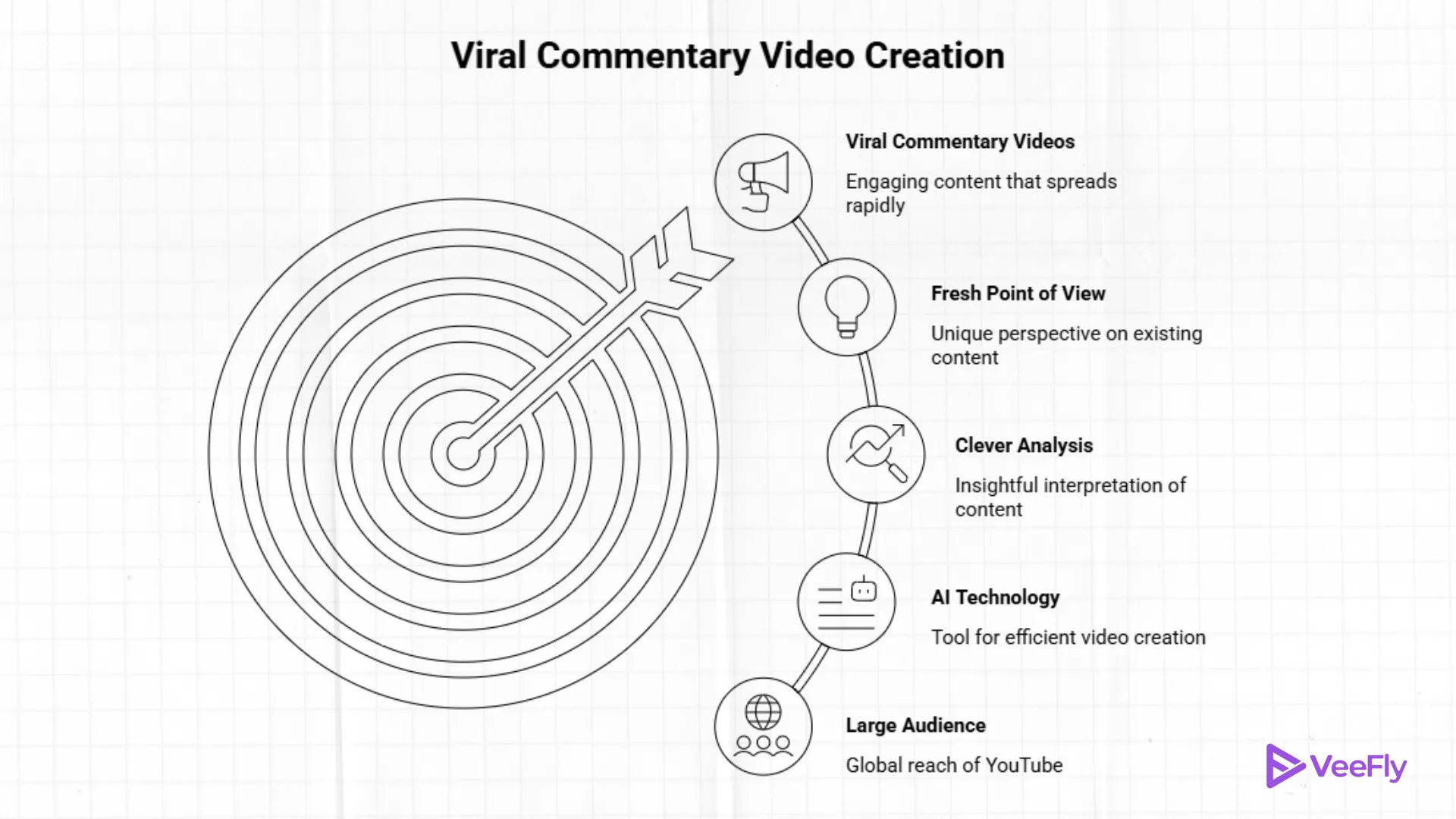
Commentary videos are now an essential part of the online entertainment industry. Unlike the traditional “faceless” online channels, commentary videos rely on a fresh point of view or a clever analysis of existing content.
Whether you are curious about how to create a commentary video on the latest gaming controversy or a viral TikTok video, it has never been easier thanks to AI technology.
The room for growth in this industry is enormous. As of February 2026, YouTube is estimated to have 2.7 billion monthly active users across the globe. This staggering number of viewers is shifting towards “Video on Demand” content.
Which is a market that reached $153.35 billion in 2025 and is growing at a rate of 18.4% per year. This is because content that is high-energy and emotional, such as commentary videos, is shared 20% more than content that is neutral. Let’s see the steps on how to make commentary YouTube videos.
Step 1: Sourcing Viral Footage
The starting point of learning how to make commentary YouTube video is your source footage. You have to find footage that your audience is already abuzz about.
- Social Platforms: Search for trending memes or “epic fails” on TikTok, X (formerly Twitter), and Instagram.
- Fair Use: Make sure that your commentary qualifies as “Fair Use” by adding substantial educational, critical, or transformative value to the original footage.
- Screen Recording: If you are unable to download footage, you can record high-resolution gameplay or movie footage using FlexClip’s online screen recorder.
- AI Generation: For individuals wondering how to make gaming videos without commentary or looking for novel footage, you can create realistic footage using AI models such as Sora 2 or Google Veo to completely avoid copyright strikes.
Step 2: Writing a Good Commentary Script
You can’t learn how to create a good commentary video without paying attention to the script. Your script needs to have a “hook” in the first 30 seconds, which is the critical window that determines whether a viewer will stick around or leave.
- Natural Prompts: If you’re not a natural writer, you can use AI prompts to assist you.
- AI Persona: Talking about the video’s events to the AI can help the AI create a narrative with a good flow and a good payoff.
- Just remember: You want to be relatable. Then remember that 72% of video views come from an emotional response, not logic.
Step 3: Audio and Voiceover Mastery
The audio quality of videos can be more crucial than the visual quality in this type of content. To grasp how to create a commentary video, you have to choose between recording your voice yourself or using AI.
- Recording Your Own Voice: Use a voice recorder to reduce background noise and “filler” words such as “um” or “uh” in your recording.
- Using AI Voiceovers: Current AI voiceover technology provides access to over 400 human voices in 140 languages. This enables you to adjust the voice’s pitch, rate, and even “emotion” (such as happy or angry) to suit your subject.
Step 4: Pro-Level Editing Tricks
When it comes to learning how to make a movie commentary video, it’s in the editing process that your personal brand really comes alive.
- Cut the Fat: Employ a video splitter to eliminate “dead space” where nothing is occurring.
- Eye Candy: Employ lower thirds, callout titles, and overlays (such as lens flares or bokeh) to keep the viewer’s attention engaged.
- Subtitles: AI-powered auto-subtitle generators can “burn” subtitles into your video, which is essential, as it’s been reported that a huge number of social media users watch videos with the sound turned off.
Final Thoughts
The process of learning how to create commentary YouTube videos is a journey of merging your YouTuber personality with the latest AI tools to give it a persona. By analyzing and acting on the latest trends while using AI to refine scripts, storyboards, and overall videos, you can tap into the millions of viewers. The most important thing is a consistent start, and you can do so by finding a video that makes you laugh or think, and by sharing your thoughts with the world.
Frequently Asked Questions
Q1. How to make a commentary video on YouTube?
Record your voice commenting on opinions or insights with related visuals, and upload.
Q2. How to make a movie commentary video?
Record short clips or images (fair use), and add your commentary or reaction, and follow copyright guidelines.
Q3. How to make a good commentary video?
Speak clearly, naturally, and interestingly; use high-quality sound and organize your comments logically.
Q4. How to make gaming videos without commentary?
Record gameplay videos with OBS Studio, edit them, and upload with background music if you like.