


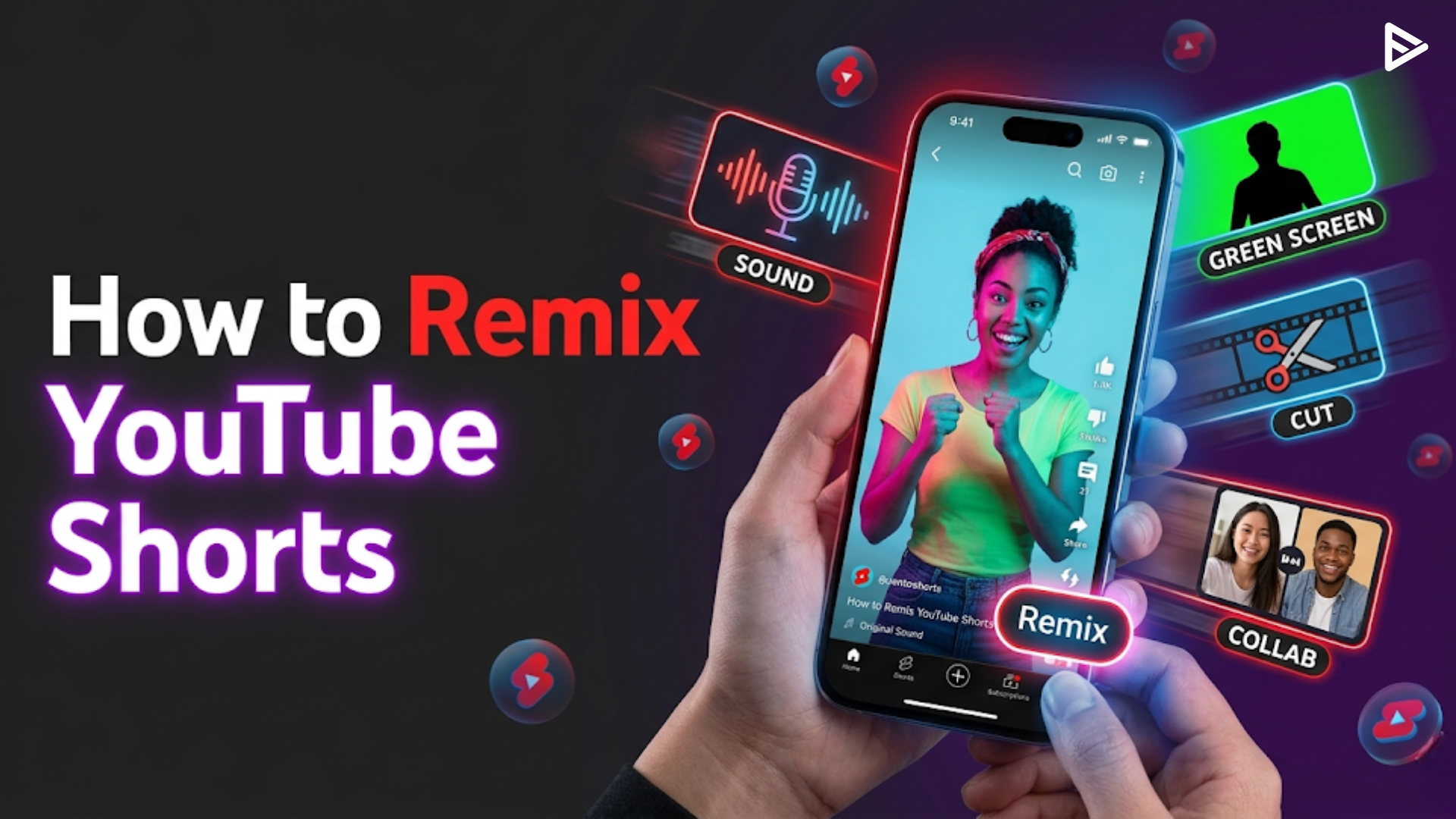
- How to remix YouTube Shorts is simple: tap Remix on any eligible video and choose Sound, Green Screen, Cut, or Collab.
- The YouTube Short remix feature supports 1–5-second clips from both Shorts and long-form videos.
- Shorts remixes of this video automatically credit the original creator with a clickable backlink.
- Mastering how to remix shorts on YouTube can explode your reach; some creators hit 1M+ views in 2 months.
- A solid YouTube Shorts remix strategy combines trending audio, retention editing, and strategic promotion like VeeFly’s algorithmic boost.
What Is the YouTube Shorts Remix Feature?
How to Remix YouTube Shorts (Step-by-Step)
Step 1: Access the YouTube Mobile Application
- Tip: Always verify that your mobile application is up to date with the latest software patch to avoid interface freezes mid-edit.
- Mistake: Working from an unverified mobile account, which splits your viewing metrics.
- Optimization: Review your niche’s home feed for 5 minutes before launching to spot real-time, rising video trends.
Step 2: Select a High-Performing Video Asset
- Tip: Look for long-form tutorials or mainstream news clips that contain sharp, isolated moments of intense action.
- Mistake: Choosing dead or outdated videos that the algorithm has already stopped promoting.
- Optimization: Check the target video’s comment section to see what specific moments viewers are actively discussing.
Step 3: Tap the Native Remix Button
- Tip: If the icon is missing, it means the original publisher has explicitly opted out of community reuse settings.
- Mistake: Attempting to screen-record copy-protected videos, which can trigger platform channel strikes.
- Optimization: Move quickly to an alternative video if your first choice has remixing permissions disabled.
Step 4: Choose Your Preferred Remix Type
- Tip: Use Cut if you want to speak after a clip; use Green Screen or Collab if you want to display your reaction during the clip.
- Mistake: Choosing a format that obscures the core visual asset you are trying to reference.
- Optimization: Match your format directly to your audience demographics, younger feeds respond heavily to the split-screen Collab style.
Step 5: Edit and Publish Your Content
- Tip: Keep your total video duration under 50 seconds to maximize your loop and completion rates.
- Mistake: Forgetting to add clear, on-screen caption indicators detailing your added value.
- Optimization: Select the most visually shocking frame of the remixed element as your custom cover frame to capture the homepage scroll.
Types of YouTube Shorts Remix Options
1. The Cut Feature
2. The Green Screen Feature
3. The Collab Feature
4. The Sound Feature
How to Remix Shorts on YouTube from Long-Form Videos
- Find any eligible long-form video (most are eligible unless the creator opted out).
- Tap Remix → Cut to grab a 5-second scene.
- Edit your reaction, add captions, and publish as a Short.
What Is the Best YouTube Shorts Remix Strategy?
- Hook in 0–3 seconds: Start with the most shocking 5-second clip (using Cut mode).
- Beat-locked editing: Cut your reaction on audio beats to boost watch time.
- Single-word captions: Pop captions on key words to increase retention.
- Trending audio: Use Sound mode with viral songs or audio clips.
- Post within 24 hours of the original trending video for maximum discoverability.
What Are Common Mistakes When Remixing Shorts?
- Remixing ineligible videos: Some creators disable remixing in YouTube Studio.
- Ignoring captions: Videos without captions lose 40%+ of mobile viewers.
- Too-long clips: Stick to 1–5 seconds; longer clips reduce retention.
- No original value: Simply reposting without commentary or reaction gets low engagement.
- Posting at the wrong times: Upload when your audience is most active (use YouTube Analytics).
Final Thoughts
Learning how to remix YouTube Shorts is no longer optional; it’s a core growth skill for creators in 2026. The Shorts remix feature gives you four powerful modes to leverage trending content, but without strategic promotion, even great remixes can get lost in the algorithm.
Using compliant marketing networks like VeeFly allows you to push your optimized remix videos directly in front of targeted, high-intent audience streams within your specific vertical niche.
This completely bypasses the slow algorithmic testing cycles, giving the recommendation models the clear click-through rates and user satisfaction statistics required to scale your content across the native home feed. Secure your hook, add genuine value, and let the algorithm accelerate your growth.