


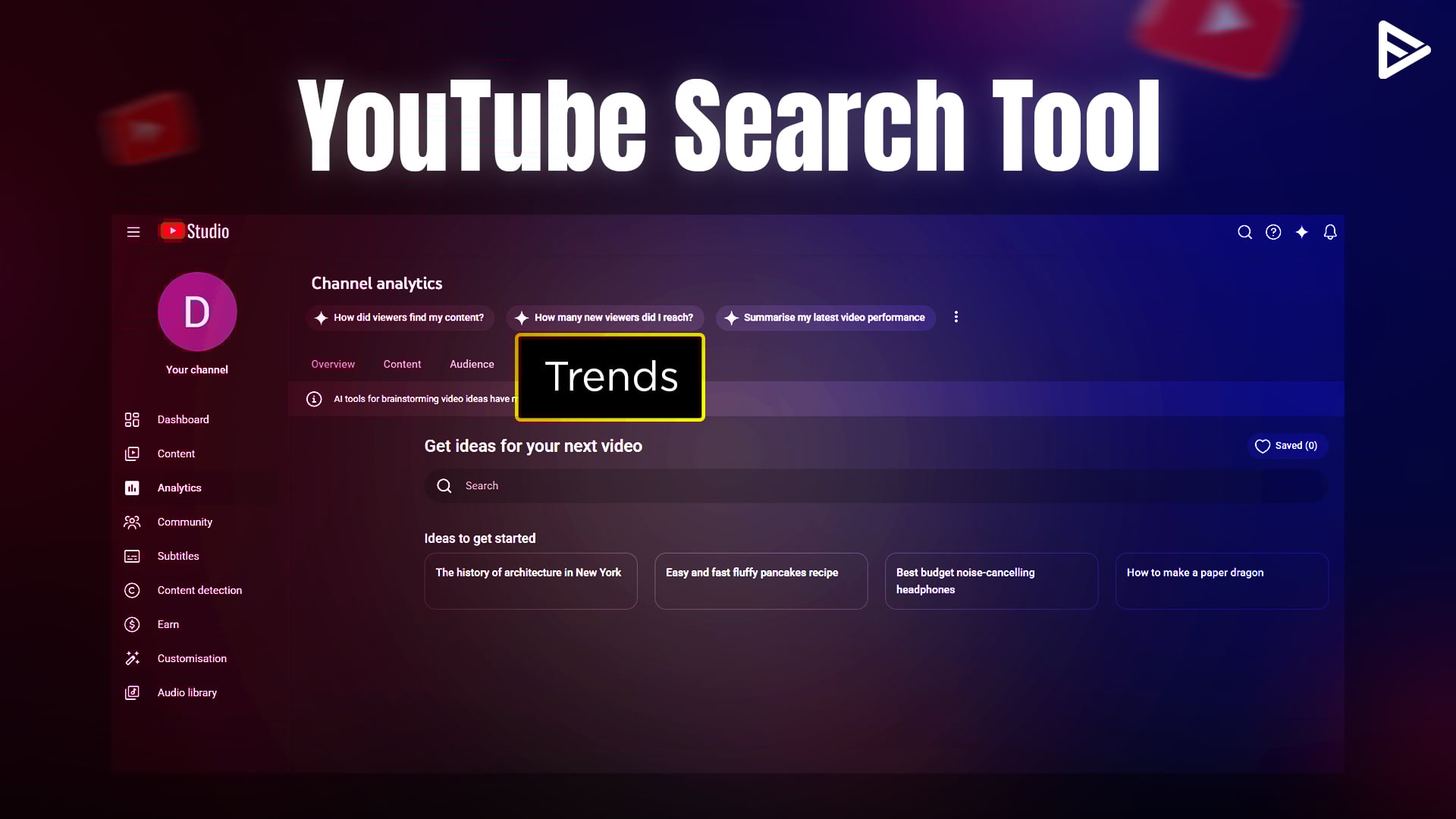
As a creator, how amazing would it be if you knew what your viewers were looking for based on the videos they watched on your channel. We’re sure this information can encourage you to scale your channel even faster than you thought. YouTube search trends tells creators look for what their viewers are looking for. Let’s take a deep dive into this powerful tool, which is almost like a cheat sheet, to get your YouTube audience trends.
What Is YouTube Search Trends?
The world’s largest video-sharing platform has a free feature called YouTube Search Trends. It provides what your audience is searching for across the platform, along with specific search queries. Many creators have missed noticing it, and chances are you have, too. Many YouTubers will find this tool very helpful because it is a gold mine of crucial insights that can help you curate content tailored to the needs of your target audience.
What Does YouTube Search Trends Actually Do?
Now that you know what YouTube Search Insights, let’s explore the prominent benefits this tool offers to creators.
Helps to Analyze Viewer Behavior
Understanding viewer behavior is the key to expanding your subscriber base. The tool YouTube Search Trends tracks every search query a viewer enters on YouTube, their content viewing behavior, and provides relevant results.
Based on these reports, you can craft content that matches what viewers are searching for. It also increases the chances of your videos appearing in relevant search results and attracting more eyeballs.
- Provides topics on viewer results: Knowing the latest search trends in your niche helps you capitalize on the viewer’s interest. For example, if you own a food channel and observe that people are constantly looking for a specific recipe according to the season.
- Content Strategy: You can quickly craft content around those trends and capture their attention without much hustle.
- Upcoming Topics: Creating trendy content can help you attract maximum viewers to your channel and potentially increase your subscriber rate. Hence you need to have the latest topics by your aid.
- Provides Data Suggestions: It becomes easier with YouTube Search Insights as it helps you zero in on the exact search terms. These terms act like signposts guiding your target audience to watch your video content.
Why YouTube Search Trends Replaced Search Insights
For a long time, YouTube creators have wanted to see what is gaining traction rather than just past data. Hence, the platform decided to blend the two requirements, providing trend-based data that helps YouTubers publish at the right time.
YouTube Search Trends Need
- It aligns with short-form and real-time growth, helping content keep up with up-to-date search behaviour.
- It provides more actionable data that can help creators position themselves more effectively.
Evolution of the Feature
- The early stages focused on keyword demand and audience interest
- The mid stages added discovery signals with low competition topics
- Prenetly it brings up breakout topics that help in strategy and planning
The Latest YouTube Search Trend Update
- Highlight topics that have better search visibility
- Near real-time insights instead of delayed reporting
- Search trends with filtering options
- Stronger competitive advantage
Where Can You Find YouTube Search Trends?
Get access to it using the following steps.
1. Log in to YouTube Studio on your Desktop.
2. Click on ‘Analytics’ in the left menu.
3. Click on the ‘Research’ tab at the end of the menu options under the analytics tab.
4. Scroll to find YouTube Search Trends, use filters to refine ideas.
How to Use YouTube Search Trends?
Once you are on this search trends tool, simply follow these steps to maximize the potential of audience trends.
1. Idenntify Rising Quieries
- Use the search bar on the YouTube trends tool to find audience interest.
- Based on the specific keyword you entered, you will also see a list of relevant terms popularly searched on YouTube, along with its search volume.
2. Spot Content Gaps
- Click on the ‘see all’ button in the right corner. You will see all the terms your viewers search for when surfing YouTube.
- The results under this menu indicate that viewers are not getting what they want when searching for that term.
3. Optimize Videos
- Google search trebnds will help you optimize YouTube video descriptions and titles with exact audience search intent.
- It also indicates that the video content is either outdated or low quality, thus not meeting the needs of your target audience.
4. Content Planning
- Search trends can help you identify growth opportunities and generate content ideas to make outstanding videos.
- You can also explore viewers’ search terms, trends, and searches across YouTube based on the search data collected from users who have watched and interacted with your content.
- The YouTube search insights tool helps you plan content ahead so you can publish at the right time.
Conclusion
The YouTube search trends tool helps extract insights, fuel your creativity, and optimize your content efforts to enhance the viewing experience of your target audience. For YouTube creators it helps to discover the loopholes in the content available and create a better version of it. YouTubers can now rely on this feature provided on the platform, apart from other YouTube Analytics tools, to get access to crucial audience trends rather than hopping on to some other third-party apps.
Frequently Asked Questions
Q1. Is YouTube Search Trends free for all creators?
Yes, YouTube Search Trends is entirely free and available to all creators without any subscription.
Q2. How often does YouTube Search Trends update?
YouTube Search Trends provides real-time data alongside real-time insights, helping YouTube creators curate relevant videos.
Q3. Can I access YouTube Search Trends on mobile?
Yes, you can access it on mobile devices through a web browser for on-the-go search.
Q4. How accurate is YouTube Search Trends data?
The data is highly accurate as it is based on actual search behaviour from YouTube users.