



Key Takeaways
- Adding video transition effects is an editing technique that moves viewers smoothly from one clip to the next and helps create a cleaner, more polished flow.
- The blog explains what video transitions are, why they matter, and how they improve pacing, storytelling, and viewer retention.
- It covers common types like cuts, fades, swipes, zooms, and match cuts, with guidance on when each one works best.
- The article also shares practical tips for choosing the right transition, using free transition options, and avoiding overuse or distracting effects.
- Overall, the post emphasizes that the best transitions for YouTube videos are the ones that support the content without stealing attention from it.
YouTube video transition effects help make videos feel smoother, more polished, and easier to watch. In this updated guide, you’ll learn what are video transitions, which transitions for YouTube videos work best, and how to use a youtube video transition without distracting viewers.
What Are Video Transitions Effects?
Video transitions effects, or editing techniques used to move from one clip to another. They help connect scenes, change energy, and guide the viewer through your story. A good transition feels natural and supports the message instead of stealing attention.
For creators, transitions are not just visual flair. They can improve pacing, make edits look cleaner, and help separate topics in tutorials, vlogs, product demos, and Shorts. That is why YouTube transitions remain relevant across both long-form and short-form content.
Why YouTube Transitions Matter
The right transition can make your content feel more professional. It can also help viewers stay engaged because the video moves with purpose. When cuts feel abrupt, people notice the edit. When transitions are used well, they notice the story.
Here’s why creators use transitions for YouTube videos:
- To make scene changes feel smooth.
- To create a stronger visual rhythm.
- To emphasize a shift in topic or mood.
- To improve the overall polish of the video.
- To make tutorials and explainers easier to follow.
In 2026, the strongest edits often use simple motion, clean cuts, and restrained effects rather than heavy, flashy transitions. Viewers respond better to clarity than to clutter.
Best Types of Video Transitions Effects
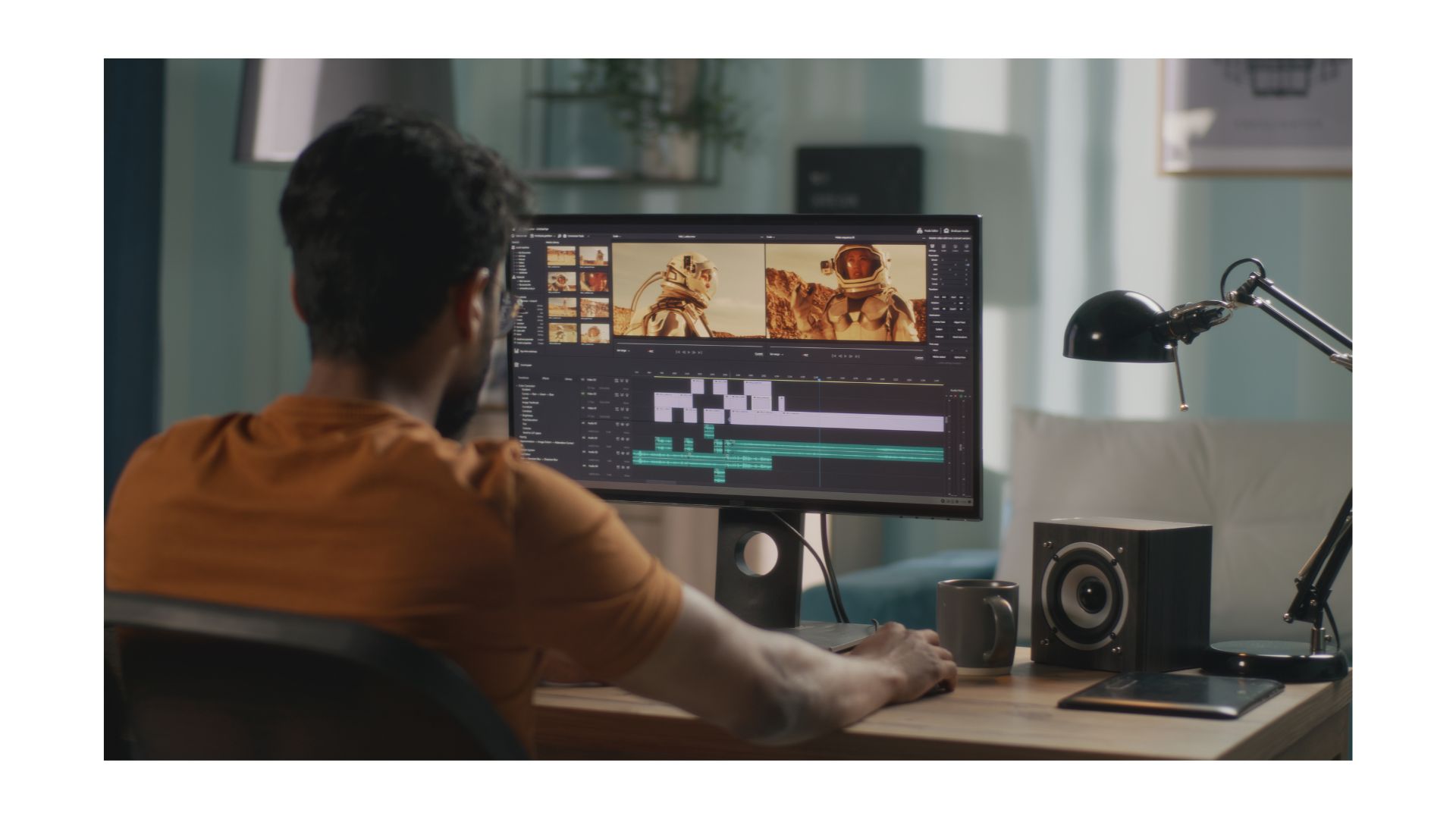
There are many styles of YouTube video transition effects, but not all are equally useful. The best choice depends on your content style and audience expectations.
Cut transitions
A hard cut is the simplest transition. It jumps from one shot to the next with no effect. This works well for talking-head videos, tutorials, reviews, and Shorts because it keeps the pace tight.
Fade transitions
Fades gradually move from one scene to another. They work well for intros, outros, emotional moments, or time jumps. A fade to black or white can signal a pause or chapter change.
Swipe transitions
Swipe or slide transitions move one clip out while the next comes in. They are common in travel videos, lifestyle edits, and social content. Use them sparingly so they do not feel repetitive.
Zoom transitions
Zoom transitions create energy by pushing in or pulling out between clips. They work well when you want to increase excitement or highlight a dramatic change. They are often used in product videos, gaming content, and fast-paced edits.
Match cut transitions
A match cut connects two shots with similar shapes, motion, or framing. This is one of the most effective transitions for YouTube videos because it feels clever without being noisy. It also helps your video flow more naturally.
How to Choose the Right Transition
A strong YouTube video transition should match the purpose of the scene. If the transition distracts from the message, it is probably too much. The best edits are the ones viewers barely notice.
Use this simple rule:
- Use cuts for speed and clarity.
- Use fades for mood and time shifts.
- Use motion transitions for energetic content.
- Use match cuts when two scenes visually connect.
- Use sound design to make the transition feel intentional.
For example, YouTube’s best cooking channel might use quick cuts between steps, then a smooth fade before showing the finished dish. A travel creator might use a whip-pan or swipe to move from one location to another. A software tutorial might rely on clean cuts and light zooms to keep the lesson clear.
Free YouTube Transitions
Many creators search for free youtube transitions because they want better edits without adding software costs. The good news is that several tools and editing platforms offer transition packs, presets, and built-in effects at no extra charge.
When looking for free options, focus on these features:
- Built-in transition libraries.
- Simple drag-and-drop presets.
- Adjustable duration and direction.
- Clean exports without watermarks.
- Compatibility with your editing app.
Free transitions can be useful, but quality matters more than quantity. A few well-chosen transitions will outperform a large pack of overused effects. Always test transitions on your actual footage before publishing.
How to Use Transitions Well
A transition should support the viewer’s experience, not interrupt it. That means timing, context, and consistency matter.
Follow these best practices:
1. Keep transitions short.
2. Match the transition to the pacing of the video.
3. Use the same style consistently within one project.
4. Avoid placing a transition in every cut.
5. Add sound effects only when they help the motion feel natural.
If your content is educational, use subtle transitions. If your content is entertainment-focused, you can use more motion and style. The key is to create a visual pattern that fits your brand and audience.
Common Mistakes to Avoid
Many creators overuse transitions because they want the video to feel dynamic. In reality, too many effects can make a video harder to watch.
Avoid these mistakes:
- Using flashy transitions in every scene.
- Choosing effects that do not fit the topic.
- Keeping transition durations too long.
- Mixing too many styles in one video.
- Ignoring audio, which can make the edit feel incomplete.
A transition should feel like part of the storytelling, not a separate visual trick. When in doubt, choose the simpler option.
YouTube Shorts and Transition Style
Short-form content changes how transitions should be used. In Shorts, the first second matters a lot, so transitions must be quick and meaningful. Long or overly stylized effects can slow the pace and reduce retention.
For Shorts, try:
- Fast cuts between hooks and examples.
- Quick zooms for emphasis.
- Simple swipe or whip effects for scene changes.
- Match cuts that keep the momentum going.
Because Shorts move quickly, transitions work best when they support the punchline, reveal, or hook. The edit should feel invisible enough that the content stays front and center.
When to Skip Transitions
Not every moment needs a transition. Sometimes the best choice is a clean cut. This is especially true when the content is informational, direct, or time-sensitive.
Skip transitions when:
- The next clip already feels connected.
- The scene change needs to feel immediate.
- The video is already visually busy.
- You want the audience to focus on the message, not the edit.
Knowing when not to use a transition is just as important as knowing which effect to choose. Restraint often makes a video look more professional.
Final Thoughts
The best YouTube transitions are the ones that improve flow without pulling attention away from the content. Once you understand what video transitions are and how they support pacing, you can choose smarter effects for each video.
These are some of the trending and widespread video transition effects. Explore these effects and see which transition best suits your videos and matches your aesthetics. Several apps make editing easy. Along with these apps, creators can use various AI-based title generators and content generators to make their YouTube journey hassle-free.
Frequently Asked Questions
Q1. What Is The Best Transition For A Video?
There are several cool video editing effects and transitions that you can choose from:
- Iris in/outs
- J cuts, and L cuts
- Blur
- Wash out
- Whip pan
- Match cut
Q2. Should I Use Transitions In My Video?
Yes, you must use video transition effects to create a storyline, attract viewers, and keep them engaged with your videos. Select effects that capture the essence of the video.
Q3. What Is The Most Common Type Of Transition Used In Video?
The most common type of transition used in video editing is the fade-in and-out effect. It is a classic and favorite among creators to begin and end a video.
Q4. What Are The Three Basic Types Of Video Transitions?
The most basic video transitions are wipe, dissolve, and cut. These transitions are simple, attract attention, blending two shots or frames smoothly. They are versatile, which is why they are a staple in video editing.
