

WELCOME OFFER! Get 50% Extra Views On Your First Campaign with VeeFly. Use Promo Code - FIRST50 Get Started
Home » YouTube Marketing » How to Target Audience in YouTube Ads (Without Wasting Budget)

How to Target Audience in YouTube Ads (Without Wasting Budget)

Reach viewers who are already primed to engage, click, and convert, by using smarter YouTube ad targeting strategies.

Key Takeaways:

  • To learn how to target YouTube ads, focus more on audience intent than on demographics alone.
  • If you target too narrowly, you might reach fewer people and end up paying more without seeing better results.
  • The most effective YouTube ad targeting combines what you know about your audience with their behavior data.
  • Using in-market audiences, custom segments, and remarketing usually leads to more conversions than broad targeting alone.
  • Keeping your YouTube ad targeting simple and organized often works better than making it too complicated.

How to Target Audience on YouTube Ads (Step-by-Step Strategy)

Most YouTube ads don’t fail because of bad visuals or messaging. They fail because they’re shown to the wrong people. If you want to learn how to target audience on YouTube ads, go beyond the basic filters. Now, YouTube targeting relies on intent, behavior, and engagement signals. Your results depend on how well your ad matches what viewers are thinking about. 
Rather than just asking how to target YouTube ads, try asking yourself this:
Who is most likely to care about this content right now, and why? Once you have a clear answer, your whole YouTube advertising targeting strategy will work better and be easier to grow.

Start with Intent, Not Just Demographics

Most advertisers start by looking at age, gender, and location. These details help, but they usually aren’t enough to get people to take action.
Intent is what separates a passive viewer from a good YouTube ad targeting strategy that thinks about where people are in their journey:
  • Cold audience → discovering content.
  • Warm audience → researching options
  • Hot audience → ready to act
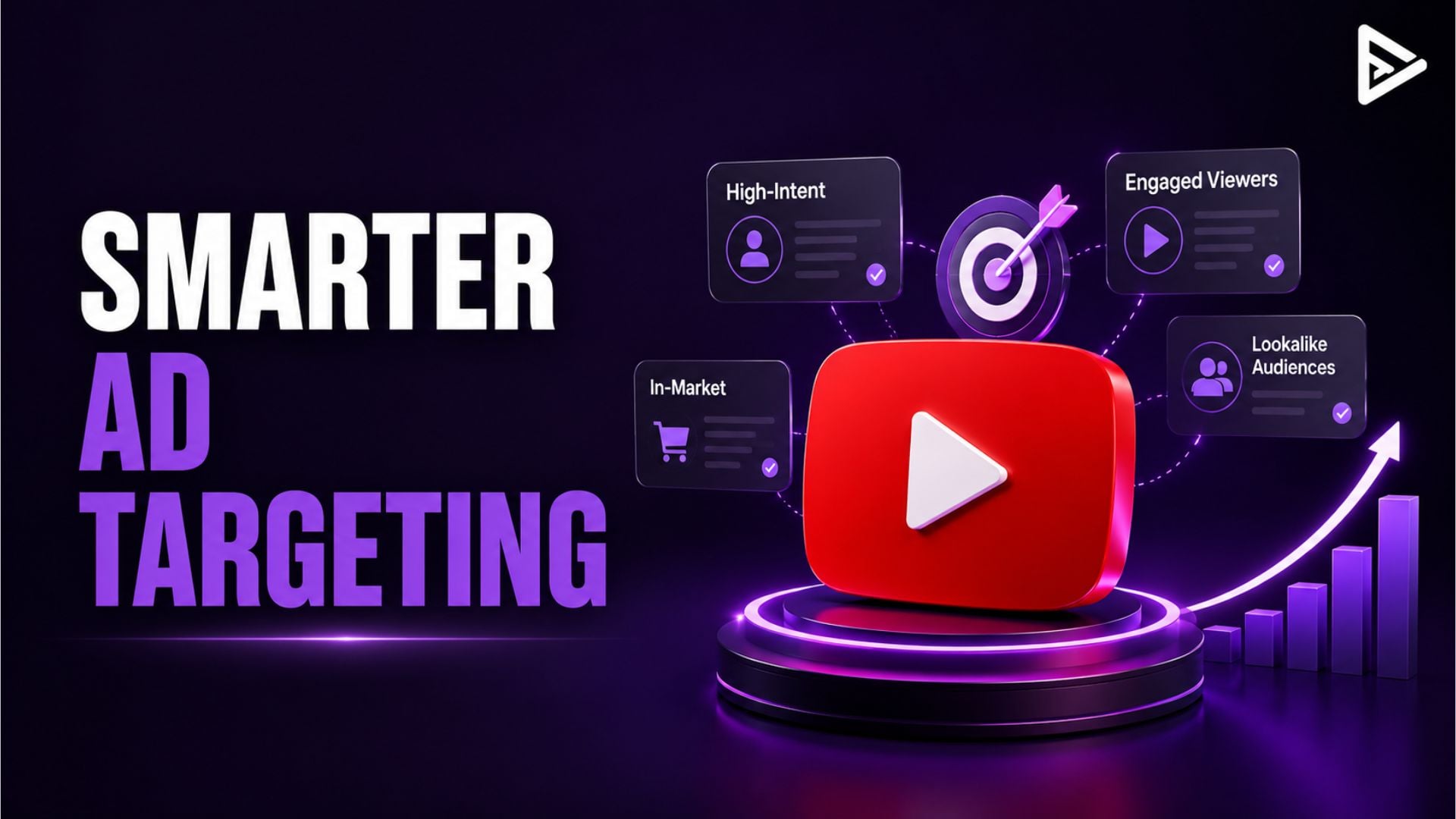
For example, affinity audiences help build awareness, while in-market audiences let you reach people who are actively looking for solutions. By understanding these layers, you can create campaigns that meet users’ expectations rather than interrupting them. To understand why intent matters so much, it helps to first look at how YouTube ads actually work, and to run them successfully, and how audiences are matched with content.

Understanding YouTube Advertising Targeting Options

To run a successful campaign, it’s important to know how different YouTube targeting options can work together.
Demographics Basic filtering Narrow audience by age, gender, income
Affinity Segments Brand awareness Reach users with long-term interests
In-Market Segments High-intent users Target people ready to buy
Custom Segments Precision targeting Use keywords, URLs, competitor signals
Life Events Timely campaigns Weddings, moving, job changes
Your Data (Remarketing) Conversions Re-engage past visitors or viewers
Placement Targeting Context relevance Show ads on specific channels/videos
Each targeting option is useful on its own, but you get the best results when you combine them. If you use too many targeting layers at once, you might limit your reach and end up paying more without improving performance. That’s why the best YouTube ad targeting keeps things clear and simple, not complicated.

The Right Way to Structure YouTube Ad Targeting

If you want steady results, keep your targeting setup simple and purposeful. Start by choosing one primary audience segment based on your goal. For conversion-focused campaigns, in-market audiences or custom segments are often the best starting point. For awareness and affinity, audiences can help you reach users with relevant content. Then add an extra layer, such as demographics or remarketing. This keeps your campaign focused without being too limiting. too restrictive.
Finally, let your results guide your choices. Look at which segments get better engagement and conversions, and grow those areas instead of guessing. This organized approach to targeting on YouTube helps your campaigns stay flexible while still delivering real results.

Why Most YouTube Ad Targeting Strategies Fail?

Here’s something many advertisers miss.
The more filters you apply, the more control you feel, but the worse your campaign often performs.
Over-targeting is a common mistake in YouTube ad targeting. If you mix too many demographics, interests, placements, and keywords, you shrink your reach and make it harder for the algorithm to work well.
As a result:
  • Your ads reach fewer people.
  • Costs increase.
  • Conversions drop.
On the other hand, campaigns that use broader targeting with clear intent signals usually do better. YouTube’s system can spot patterns and show your ads to people who are more likely to respond.
So if your campaign isn’t working, the issue might not be your ad. It could be your targeting.

Combining Audience and Content Targeting

Content targeting lets you choose where your ads show up by using Keywords, topics, and placements.
This can make your ads more relevant, especially if you know what your audience likes to watch.
But if you use too much content targeting along with strict audience filters, your ads might not reach enough people. The best approach is to start with audience targeting and add content targeting only where it makes sense.
For example, if you want to reach people interested in YouTube growth, you can add placements on related creators’ channels, but keep your main audience broad so you can continue growing.

Advanced Strategy: Custom Segments for Precision

If you want to do more than just basic targeting, custom segments can give you a big advantage.
They allow you to build audiences based on:
  • Search terms
  • Competitor keywords
  • Website URLs
  • App usage
For example, if your goal is to promote a YouTube growth service, you can target users searching for terms like “how to grow on YouTube” or those visiting competitor platforms. This approach makes your YouTube ad targeting much more strategic, rather than just general.

How VeeFly Simplifies YouTube Ad Targeting

Trying to manage multiple targeting layers manually can quickly become overwhelming, especially for creators and small businesses.

Platforms like VeeFly simplify this process by helping you create campaigns with better precision and targeting. Instead of handling every setting yourself, you can rely on optimized campaign structures that focus on reaching the right audience based on interests, demographics, and behavior.

Final Thoughts

If you want to master how to target audience on YouTube ads, stop focusing on adding more filters and start focusing on improving relevance. The most successful campaigns are not the most complex; they are the most aligned with user intent.

By combining the right YouTube advertising targeting options, keeping your structure simple, and continuously optimizing based on data, you can turn YouTube ads into a reliable growth channel instead of a guessing game.

Frequently Asked Questions

Q1. What is the difference between in-market and custom segments in YouTube ads?

In-market segments target users who are actively researching or comparing products, while custom segments allow you to define audiences based on specific keywords, URLs, or apps. Custom segments offer more control, but in-market audiences are easier to scale.

Q2. How do I know if my YouTube audience targeting is too narrow?

If your campaign has low impressions, high CPM, or limited reach despite a decent budget, your targeting is likely too restrictive. Removing one or two layers, like placements or detailed demographics, can often improve delivery.

Q3. What is the biggest mistake in YouTube ad targeting?

The most common mistake is over-targeting. Adding too many filters reduces reach and prevents the algorithm from efficiently finding high-performing users.

Q4. Can YouTube ads work without remarketing?

Yes, but performance is usually stronger with remarketing. Without it, you rely entirely on cold or semi-warm audiences, which can increase acquisition costs.

Q5. Are YouTube ads better than Google Ads?

It depends on your goal. YouTube ads (managed through Google Ads) are better for building awareness and engagement through video, while Google Ads perform better for capturing high-intent users actively searching for solutions. But it is essential for you to understand the differences between the two. Google vs. YouTube ads.