



Key Takeaways
- Use Ask Studio to analyze channel performance and generate content ideas.
- Ask specific questions to get quality output
- Combine YouTube Ask Studio with analytics to understand audience metrics.
- The review asks the Studio to identify trends regularly.
- Make sure to ask follow-up questions instead of starting a new chat.
What Is YouTube Ask Studio?
YouTube Ask Studio is one of the best features of 2026, designed to help creators collect direct feedback from their target audience. Earlier, YouTubers relied on analytics to gather metrics, but with this feature, creators can gauge audience interest and content preferences directly to better align their videos.
It directly helps reduce guesswork and build videos with aligned viewer intent. This feature lets you plan content, improve engagement, and strengthen community relationships.
Key Features of YouTube Ask Studio
YouTube is keen on integrating AI with a human touch into the video workflow. YouTube Ask Studio combines generative AI with channel data to help creators make more informed decisions. They no longer have to dig for data manually; they can get tailored insights that help them produce better videos. Here are some standout features of Ask Studio:
- AI-Backed Channel Insights: You can ask the Studio why a particular video didn’t perform well, identify trends in your watch time, or explore subscriber growth.
- Summaries and Feedback: Instead of reading thousands of comments and incorporating the feedback, ask Studio will automatically summarise the comments and identify themes.
- Video Idea Generation: When you are running out of content ideas, Ask Studio can help you generate new ideas based on your channel performance and audience interests.
- Simpler Analytics: Instead of interpreting complex charts and graphs, simply ask important questions to get tailored insights.
- Script and Video Feedback: Ask Studio isn’t limited to published content; you can script video using AI and get creative suggestions.
How to Use YouTube Ask Studio Effectively?
The process is quite simple and beginner-friendly. Here’s how to access it in 5 steps:
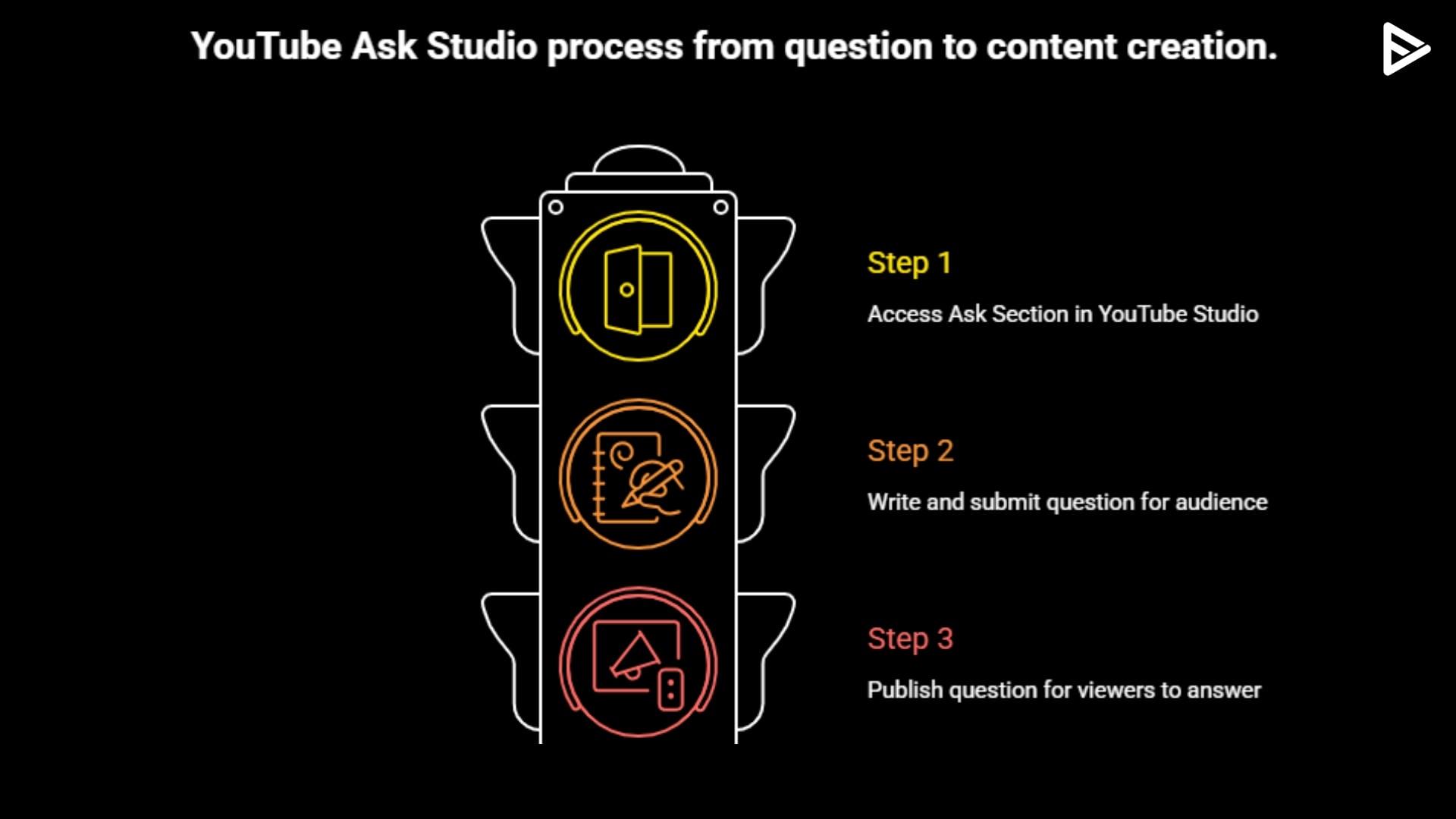
- Step 1: Open YouTube Studio and head to the Ask Section.
- Step 2: Click Create, Ask, and write a question for your audience.
- Step 3: Publish your question and viewers will see the question in YouTube spaces where they can submit their opinions.
- Step 4: After YouTube collects its feedback, interpret and analyze it.
- Step 5: Turn their feedback into content that refines your YouTube channel.
10 AI Prompts Every Creator Should Try In YouTube Ask Studio
The quality of the answers directly depends on the quality of your questions. Hence, instead of asking generic questions, use specific prompts to get the best output. Here are the top 5 opportunities to reach your YouTube target audience:
- Which YouTube video gained the most subscribers and why
- Why did my best-performing video outperform the other videos
- What topics are my viewers most interested in
- Which audience has the highest audience retention
- Can you identify the patterns across my YouTube videos
- Which is the best time to upload my videos?
- Which videos have the highest click-through rate?
- Based on my channel performance, suggest 10 content ideas
- Which YouTube Shorts are driving subscribers?
- Which videos are losing viewers early
Final Thoughts
YouTube Studio has taken a significant step in how creators interact with their channel data and insights. Whether you are just starting or an experienced creator, with more information, you can create valuable opportunities. As YouTube continues to expand its AI base in 2026, the more you leverage data, the better position you will find yourself in.
Frequently Asked Questions
Q1)How to use Ask Studio on YouTube?
Open YouTube Studio and head to the Ask Studio section to see if it’s available on your account.
Q2)Can you get 10,000 views on YouTube using Ask Studio?
No, ask the Studio; they can’t guarantee 10,000 views or any specific number. However, with more data at hand, creators can make better content decisions.
Q3)What common mistakes do creators make using Ask Studio?
While navigating the Ask Studio feature, some mistakes creators make include relying entirely on AI suggestions, ignoring YouTube analytics, and asking vague questions.
Q4)Why don’t I have Ask Studio on YouTube?
YouTube is slowly rolling out the Ask Studio feature. Availability depends on factors such as region and language.
Q5)Is Ask YouTube Studio free?
Yes, Ask Studio is currently available for no extra cost for creators depending on the availability of the feature.
