



Key Takeaways
- YouTube automation refers to the use of artificial intelligence and software applications to simplify repetitive tasks.
- InVideo and ChatGPT help save time, and you can use it for more strategic activities.
- To achieve success in YouTube automation, monetization should come from multiple sources, including Adsense and sponsorships.
- Consistency and optimization of videos using TubeBuddy are critical for long-term subscriber growth.
- To avoid “hollow” content and achieve high viewer retention, human oversight is a requirement.
What is YouTube Automation?
Ever wish you had a personal assistant who never slept? That’s essentially what YouTube automation is for modern creators. Instead of manually grinding through every frame of an edit or staring at a blank page for a script, you use a mix of software, AI, and systems to do the heavy lifting.
It’s not about “robots taking over” in a sci-fi sense. It’s about building a YouTube automation system where you set up the workflow once and let integrations handle the routine. This lets you “work smarter, not harder,” focusing your energy on niche research and creative direction rather than the “grunt work” of clicking buttons.
Setting Up Your Automated Workflow
Before you start pumping out videos, you need a solid foundation. You can’t just throw AI at a bad idea and expect it to stick.
1. Niche Selection: Choose a topic with high-income potential, such as personal finance, health, or storytelling.
2. Account Hygiene: Use a dedicated Google account and a clean device to avoid being flagged as spam by the algorithm.
3. The “Warm-Up” Phase: Don’t just upload immediately. Interact with other videos in your niche for a few days to build “trust signals” with YouTube.
4. Tool Integration: Connect your channel to SEO tools like TubeBuddy or VidIQ to automate your keyword research and tag optimization.
Pro Tip: Many experts recommend starting with YouTube Shorts. They are low-effort “test balloons” that let you see what resonates with an audience before you invest in long-form production.
What Are The Best YouTube Automation Tools?
You don’t have to do it all alone when starting and scaling a YouTube channel. There are various YouTube automation tools in the market for you to leverage. Let’s get started with a few of them.
1. VeeFly
What VeeFly can help you automate: YouTube channel promotion
With VeeFly, you can promote YouTube channel and reach out to your ideal audience. Besides, registering on VeeFly gives you access to their AI YouTube title generator, description generator, and AI-powered content idea generator. These tools can save hours in crafting the ideal titles and descriptions for your YouTube videos.
2. VidIQ
What it can help you automate: Get trending topics
Another tool for YouTube channel automation, VidIQ can help you get valuable insights into what’s trending on YouTube. It helps you automate tasks like keyword research, identify high-potential topics, get insights on video analytics, and optimize your content for higher discoverability.
3. Chatgpt and DeepSeek
What it can help you automate: Creating YouTube scripts
With generative AI tools like Chatgpt and DeepSeek, you can automate the task of creating YouTube video scripts, refine your messaging, and ensure your video has a smooth flow of information. All you have to do is put in a crisp and relevant prompt, and these tools will give you a refined script personalized for your ideal audience.
4. PlaygroundAI
What it can help to automate: Creating thumbnails
This AI tool can design attention-grabbing visuals for your thumbnails, ensuring they get the desired click-through rates. It saves you immense manual effort and time in testing creative thumbnails for your YouTube videos.
5. Zapier
What it can help you automate: Scheduling videos
Zapier is a highly preferred automation tool that helps you schedule your videos based on specific triggers and conditions. It eliminates the need for manual monitoring to upload videos, ensuring your content is live as and when you want.
6. Repurpose.io
What it can help you automate: Repurposing your video content
YouTubers can save time and get their content in front of more people by using Repurpose.io to repurpose it in other forms and channels. Turn your video and audio footage into blog postings, social media updates, and podcasts with Repurpose.io.
The software integrates with various social networking and podcasting sites, making it easy to distribute content and grow reach. By making it easier to reuse and share content across platforms, it lets content creators optimize their impact.
The 6-Step Production Machine
To make YouTube automation work, you need a repeatable cycle. Here is the workflow used by top-tier automated channels:
1. Idea & Research
Instead of guessing what people might be searching for, use keyword tools to find out what they’re actually searching for. This will help you come up with a better plan for automating your YouTube strategy.
2. Scripting with AI
You don’t have to be a good writer to come up with good scripts for your videos. Use tools like ChatGPT or InVideo’s text-to-video tool to come up with good scripts based on prompts you input.
3. Video Generation
This is probably the most exciting part of creating videos with the help of artificial intelligence tools. Use tools like RunwayML to come up with videos based on scripts you input, or use InVideo’s AI tool to come up with an entire video based on the script you input.
4. Natural Voiceovers
Forget the “robotic” voices of the past. Murf.ai and Lovo.ai produce natural-sounding narration that keeps viewers engaged.
5. SEO & Publishing
Publish your video with a keyword-rich title and description. You can use TubeBuddy to suggest the best tags to help your YouTube automation efforts get discovered in search.
6. Automated Promotion
Connect your channel to Zapier or Buffer to automatically share your newly uploaded video on Twitter, Facebook, or your email newsletter the moment it goes live.
How much money can you make from YouTube Automation?
Similar to other YouTube channel ventures, creating a YT channel on automation requires some investment upfront. However, the potential monthly income is estimated to be between $3000-$15000 or more. The exact amount also depends on the niche chosen since high CPM niches can significantly increase your channel revenue and attract advertisers who are willing to pay more for their ad placements.
Benefits of YouTube Automation
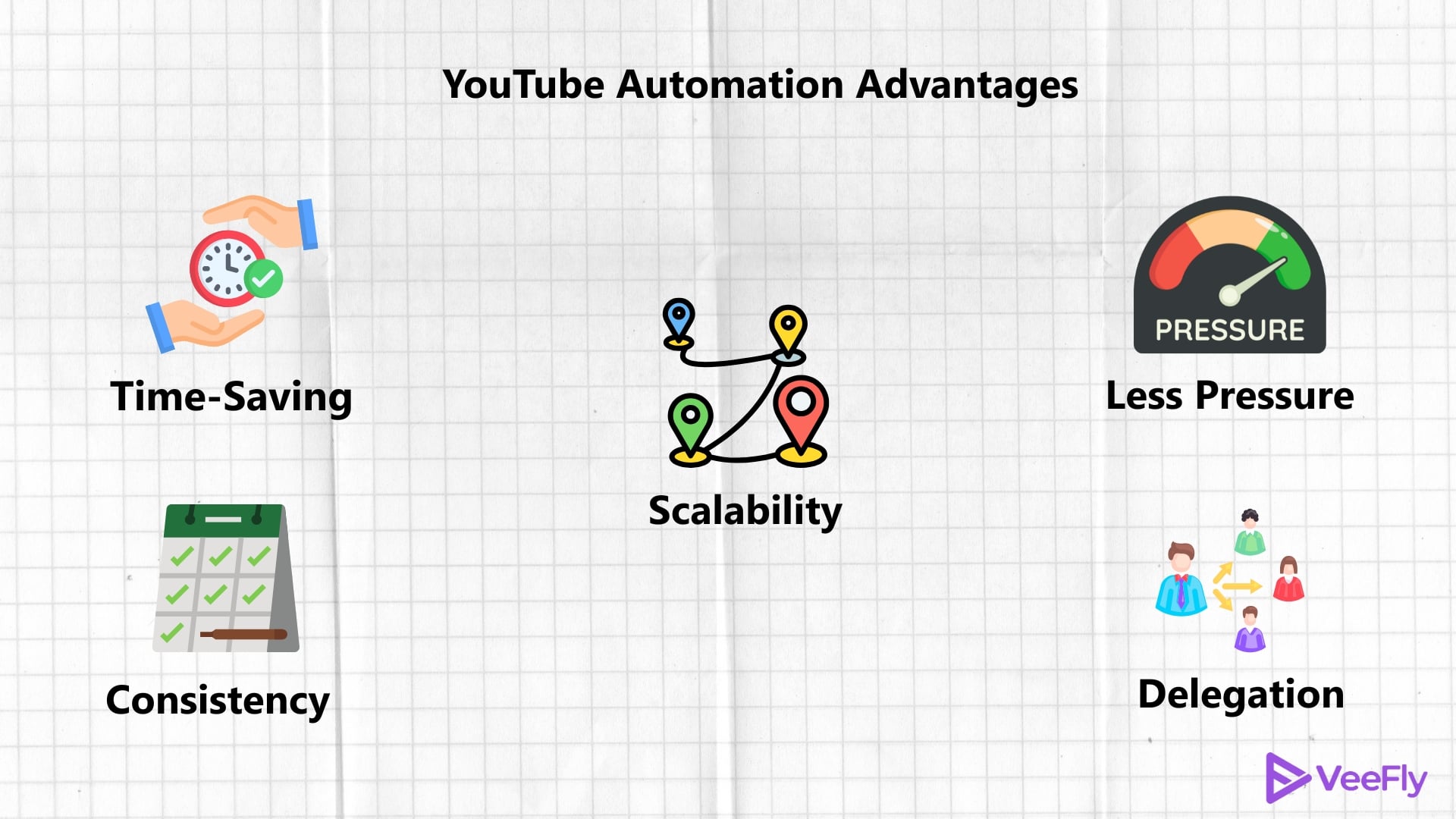
If you can crack the code to YouTube automation by using the right tools, you can reap the following benefits in the long term.
1. Time Efficiency: You get to save valuable time by outsourcing essential tasks.
2. Encourages Consistency: Higher chances of publishing videos regularly on your channel
3. Scalable: YT automation allows you to efficiently handle the increased workloads when growing your channel.
4. Relieves Pressure: You don’t operate under pressure to post your videos at the scheduled time.
5. Delegate Responsibly: Since you have a team, you can delegate important tasks to domain experts, thus maintaining the highest accuracy and quality in every video.
How to use YouTube Automation
As a creator, you can seamlessly integrate YouTube automation techniques into your content workflow. Let’s walk through a few processes where YouTube automation can make your journey easier:
SEO Research
SEO, also known as Search Engine Optimization, is a process of improving the visibility of your videos and channel in the search results by including highly searched keywords. You can use tools like VidIQ and Tubebuddy, which will allow you to search keywords specific to YouTube and analyze trends and competitors. It eliminates the need for traditional research and also encourages data-driven decisions.
Scriptwriting
Another critical aspect of creating content is planning and writing the message you want your video to convey to the audience. To achieve this, you can hire freelance writers or use platforms like Upwork and Fiverr. You can also connect with professional copywriters to create content. You can also utilize free tools like ChatGPT, DeepSeek, etc., to generate ideas for YouTube video scripts. This YouTube automation technique can eliminate the manual, labor-intensive process by relying on AI tools.
Video Editing
If you’re a content creator, you must be aware that editing videos is more time-consuming than creating new content. So, if you want to speed up this process, you must hire a freelance video editor or use tools like Canva and Filmora.
Creating Video Thumbnails
YouTube automation allows you to rely on AI-powered text-to-image generators like VeeFly’s thumbnail generator to design eye-catching visuals for your YouTube videos. It helps you streamline the design process and saves you hours of manual design work.
Add Voiceovers with AI
With the recent advent of AI tools, you don’t necessarily need a human to add voiceovers to your video. VeeFly’s Voiceover generator helps you generate AI based voiceovers based on specific tones and gender. Automate your YouTube channel with AI-generated voiceover and save significant time and money in hiring voiceover experts.
Do YouTube Automation Tools Actually Work?
If you are a newbie on YouTube, you might be a little skeptical about this. Rest assured, this is one of the best ways to exceed your target view count! Not only will it help you achieve a greater audience reach, but it will also boost your channel automatically. One thing to keep in mind is that you should not use this on fraudulent ads that can lead to the permanent suspension of your channel. Other than this, it’s all merry-go-lucky with the automation tools for YouTube.
Growth Tactics for the Modern Creator
Automation gets the video live, but engagement keeps the channel growing.
- Thumbnails are King: Use Canva or Adobe Express templates to create bold, click-worthy thumbnails. If they don’t click, they don’t watch.
- The Hook: You have to grab attention in the first few seconds. Automated scripts should always start with a “hook” to prevent viewers from scrolling away.
- Consistency: The algorithm loves a schedule. Use scheduling tools in YouTube Studio to ensure you never miss a post, even when you’re on vacation.
- Community Engagement: Don’t just post and ghost. Respond to comments and use the Community Tab to ask questions.
What Are YouTube Niches With High CPM?
To set a final call for the YouTube niche, you need to understand marketing in the first place. Getting the highest-paid niche for YouTube is not that hard. All you need to do is identify the highest paying niches that can give you good returns, also!
For example, if you pick a niche in beauty and fashion, you have ads on your video that will give you a proper return. Another thing to notice is that you can actually include different niche topics in your video. It is not necessary to only have beauty-related products.
You can also include affiliate marketing and e-commerce software too. Take a look at some of the most YouTube CPM rates by niche:
| Profitable YouTube Niches | Average CPM |
| 1. Make Money Online
2. Social Media Marketing 3. Finance & Investing 4. Educational Videos 5. Photography & Film Making 6. Cars 7. Lifestyle 8. Fashion & Clothing 9. Entertainment 10. Cooking 11. Tech & Gadgets 12. Reviews & Reactions |
$13.52
$12.41 $12.25 $9.89 $7.31 $4.23 $3.47 $3.13 $2.74 $2.50 $2.39 $2.03 |
Avoiding the “Automation Pitfalls”
However, most people fail at YouTube automation because they think of it as a ‘get rich quick’ scheme. In order to succeed at YouTube automation, you need to avoid the following pitfalls:
- Low Quality: AI, although a powerful tool, cannot replace human judgment completely. If the AI script sounds hollow or robotic, people will not watch your videos. So, proofread the AI script before running it.
- Copyright Strikes: Using unlicensed music or videos can get you banned from YouTube. So, use royalty-free music or licensed content only.
- Suspicious Activity: Don’t try to launch five channels at once from the same IP address. Start with one channel, then scale up once you’ve got a system in place.
Final Thoughts
YouTube automation can be a powerful tool for increasing your creative output and generating a passive income stream. By leveraging the power of AI tools such as InVideo and ChatGPT, you can automate your YouTube marketing without getting exhausted. Just remember, you get what you give. So make sure you’ve got good ideas worth automating.
Frequently Asked Questions
1. Is YouTube automation allowed by the platform?
Yes, as long as you abide by copyright laws and community standards. It is perfectly fine to use AI for help in content creation; however, it is still important that you bring some real value to your audience.
2. Do I need a big budget for YouTube automation?
Not necessarily, as some experts recommend that you have some capital for tools and editors if you want to scale fast. You can start for free using tools like ChatGPT and some basic AI generators.
3. Can I use 3rd party tools for keyword research in an automated channel?
Absolutely. TubeBuddy is a favorite for YouTube automation because it suggests high-traffic, low-competition tags and topics, which helps your automated videos get discovered by the algorithm.
4. How long does it take to see results?
While some see growth in a few months, successful YouTube automation often requires 6-12 months of patient, consistent effort to become fully profitable.
