


Key Takeaways:
- Your YouTube channel demographics show exactly who watches your videos, when they watch, and what keeps them coming back.
- This data helps you create content that resonates with your actual audience instead of guessing what might work.
- Use age, gender, location, and watch time patterns to inform content strategy and targeting decisions
- Apply demographic insights to identify content gaps, collaboration opportunities, and subscriber conversion tactics
Understanding YouTube Channel Demographics
YouTube channel demographics reveal the age, gender, location, device usage, and viewing habits of your audience. This information sits in YouTube Studio’s Analytics dashboard and updates continuously as your channel grows.
Most creators check this data monthly to spot trends, but you should review it weekly during your first six months. Early pattern recognition helps you adjust faster and avoid creating content for an audience that doesn’t exist.
Demographics work differently across niches. Gaming channels typically skew toward viewers aged 18-34, while cooking tutorials often attract audiences 25-54. Your specific numbers matter more than industry averages, but benchmarks help you understand if you’re reaching your intended audience.
How to Access Your YouTube Channel Demographics?
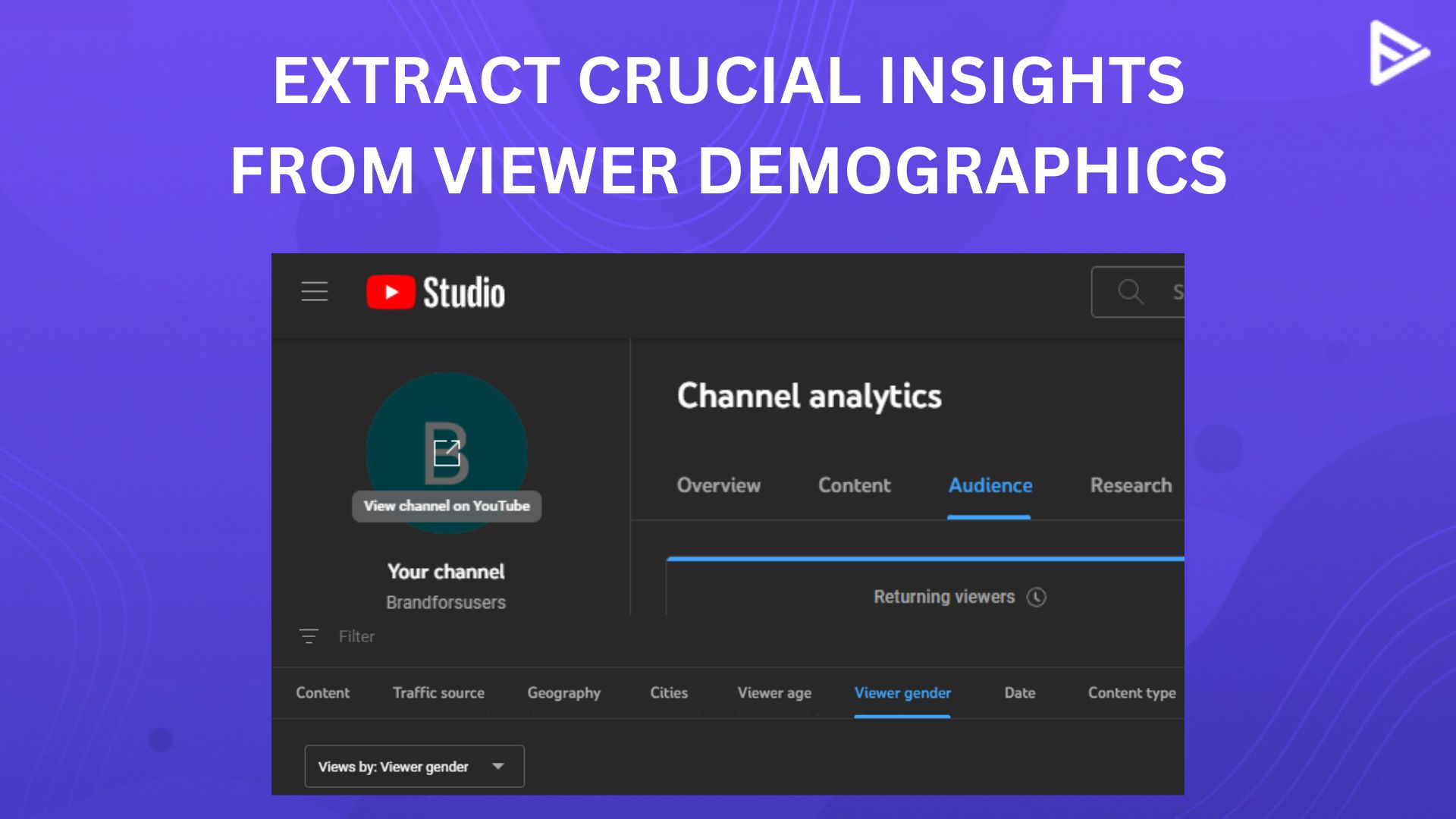
Finding your demographic data takes three clicks:
- Step 1: Log into YouTube Studio at studio.youtube.com
- Step 2: Click Analytics in the left sidebar
- Step 3: Select the Audience tab at the top
You’ll see unique viewers, returning viewers, subscriber count, age ranges, gender distribution, top countries, and viewing times. Each metric includes comparison data from the previous 28 days so you can track changes over time.
You can also view demographics for individual videos by navigating to the video’s analytics page and selecting the Audience tab. This shows whether specific videos attract different viewer segments than your channel average.
How to Interpret Your YouTube Demographic Data?
Raw demographic numbers mean nothing without interpretation. Here’s what each data type tells you and how to use it.
1)Age Distribution: Age ranges appear as percentages across groups: 13-17, 18-24, 25-34, 35-44, 45-54, 55-64, and 65+. Your largest segment determines your content approach. If 60% of your viewers fall into the 25-34 range but you’re creating content for teens, you’re misaligned. One tech tutorial creator discovered their audience skewed ten years older than expected and shifted from gaming laptop reviews to productivity software comparisons. Subscriber growth increased 34% over three months.
2)Gender Breakdown: YouTube shows male, female, and user-specified gender percentages. Use this to refine your language, examples, and thumbnail designs. A fitness channel targeting women but attracting 70% male viewers needs to examine their titles, thumbnails, and content angles. The reverse applies equally. Alignment between intended and actual audience improves retention.
3)Geographic Location: Top countries and cities show where your viewers live. This affects everything from upload timing to cultural references to monetization opportunities. Testing upload schedules based on when your largest geographic segments are active can improve early engagement signals, which YouTube’s algorithm rewards. Location data also informs collaboration opportunities. A creator with strong viewership in the Philippines might partner with Filipino creators to tap into established local audiences.
4)Watch Time Patterns: The “when your viewers are on YouTube” graph shows hourly activity. Upload 2-3 hours before your peak times so the algorithm can test your video with early viewers before your core audience arrives.
5)Subtitle Languages: Top subtitle selections reveal language preferences. If Spanish subtitles consistently rank second, consider adding them manually for better accessibility and reach.
Creating Content That Converts Viewers Into Subscribers
YouTube Studio’s “videos growing your audience” panel shows which videos attract the most new subscribers. Review your top five performing videos and identify common elements.
1)Identifying Subscriber Conversion Patterns: Look for patterns in these high-converting videos, One DIY home improvement channel discovered their “mistake” videos (common errors to avoid) converted 3x better than project tutorials. They shifted 40% of their content calendar to mistake-focused videos and doubled their monthly subscriber growth.
2)Matching Content to Demographics: Create content that serves your actual YouTube audience demographics, not your imagined audience. If your data shows viewers aged 35-44 with above-average watch time, they likely want detailed, thorough content rather than fast-paced edits and trending audio.
3)Applying Demographics to Your Growth Strategy: Demographic data should inform three key decisions: content creation, upload scheduling, and collaboration targeting.
4)Content Strategy Adjustments: Review demographics monthly and adjust your content calendar quarterly. Sudden shifts in age or location data signal algorithm changes or viral traffic from unexpected sources. If your 18-24 audience percentage drops from 40% to 25% over two months, your content may be aging up with your original audience. Decide whether to follow your existing viewers or create content to recapture younger demographics.
5)Collaboration Opportunities: Target collaborations with creators who share your demographic profile. A beauty creator with 60% female viewers aged 25-34 should partner with fashion, lifestyle, or wellness creators serving the same demographic, not gaming channels with different audience profiles. Check potential collaborators’ demographics by analyzing their most engaged audience in comment sections or using third-party tools that estimate channel demographics.
6)Optimization Tools: Refine your titles and descriptions to match demographic preferences. VeeFly’s title generator and description generator create SEO-optimized copy that balances keyword targeting with click appeal, helping you reach the right viewers. Test different title approaches with your demographic data in mind. Professional audiences respond to data-driven titles, while younger audiences engage with conversational, question-based titles.
Final Thoughts
Start by exporting your current demographic data as a baseline. Check your top three countries, primary age range, and gender distribution. Compare this against your ideal viewer profile. Identify one misalignment between your content and your actual audience. Review demographic data every two weeks for the first month, then monthly once you’ve established patterns. Consistent tracking reveals trends that single snapshots miss.
Frequently Asked Questions
Q1) How often should I check my YouTube channel demographics?
Check demographics weekly for the first 90 days to spot early trends, then monthly once patterns stabilize. Review immediately after posting viral content or running promotions to see if new viewers match your target audience.
Q2) Can I see demographics for individual videos?
Yes. Navigate to any video’s analytics page and select the Audience tab. Compare individual video demographics against your channel average to identify which content attracts different viewer segments.
Q3) What does it mean if my demographics suddenly change?
Sudden shifts indicate viral traffic, algorithm changes, or successful targeting adjustments. Check your traffic sources to identify the cause. Temporary spikes from trending topics normalize within weeks.
Q4) How do I check another creator’s demographics?
You cannot access exact demographics for other channels. Estimate their audience by analyzing comment sections, video topics, and engagement patterns. Third-party tools provide rough estimates but lack YouTube Studio’s precision.
Q5)Which demographic factor matters most for growth?
Location data typically offers the most actionable insights because it affects upload timing, cultural references, and monetization rates. Age distribution ranks second, informing content complexity and platform preferences.
Q6) Can demographics help me monetize faster?
Yes. Certain demographics command higher CPM rates. Viewers in the US, Canada, and UK typically generate 2-3x higher ad revenue than other regions. Focus content on topics these audiences search for to improve monetization potential.