


Key Takeaways
- YouTube’s content ID system has paid out over $9 billon to right holders since its launch.
- YouTube credit does not replace permission; it can still get a copyright claim.
- It’s important to use proper attribution to meet Creative Commons requirements.
- Understand that a copyright claim affects monetization.
- Leverage YouTube’s automatic credits to avoid triggering a claim.
How YouTube Automatically Credits Music?
When you upload a video to YouTube, the platform runs a quick scan through its content ID system. This automated system identifies copyrighted material at scale. If the system detects a registered track, it will generate a meta block, consisting of:
- Official song title
- Performing artist
- Licensing partner or rights holder
- Streaming platform links
The credit is created by YouTube titled ‘Music in this video’. It’s important to note that it’s an attribution, not an authorization to use the music. If you don’t hold a valid license, your video may be subject to copyright claims and even restrictions in certain regions. In no way does it override copyright law, but simply gives recognition to the owner.
It is applied to long-form video, since YouTube Shorts has a built-in ad sound feature that is governed by the platform itself.
When should you give music credits on YouTube?
The YouTube creators use music tracks and snippets to make their videos engaging. So, it is necessary to understand how to give credit for music on YouTube to the rightful owner. The creator has to give credit in the following cases:
1. Use of Royalty Free Music
Many artists or platforms provide royalty-free music. The creators can use the music for free, but giving credit is good practice. Platforms such as YouTube let you use royalty-free music but require attribution, as it helps you discover content that has used the same music.
2. Licensed Music
Many YouTube creators purchase licenses to avoid copyright claims on their videos. Still, an artist can ask for credit in their agreement. This agreement will let the uploader or purchaser monetize the content while giving credit to the artist.
3. Background Music
Even if you use someone’s music for a few seconds, your video can get a copyright strike. Give proper credit to the artist even for a fraction of the music added.
Where to Give Music Credits on YouTube?
There are dedicated spaces on the YouTube platform to give music credit. Here are the most used and visible spots:
1. Description Section
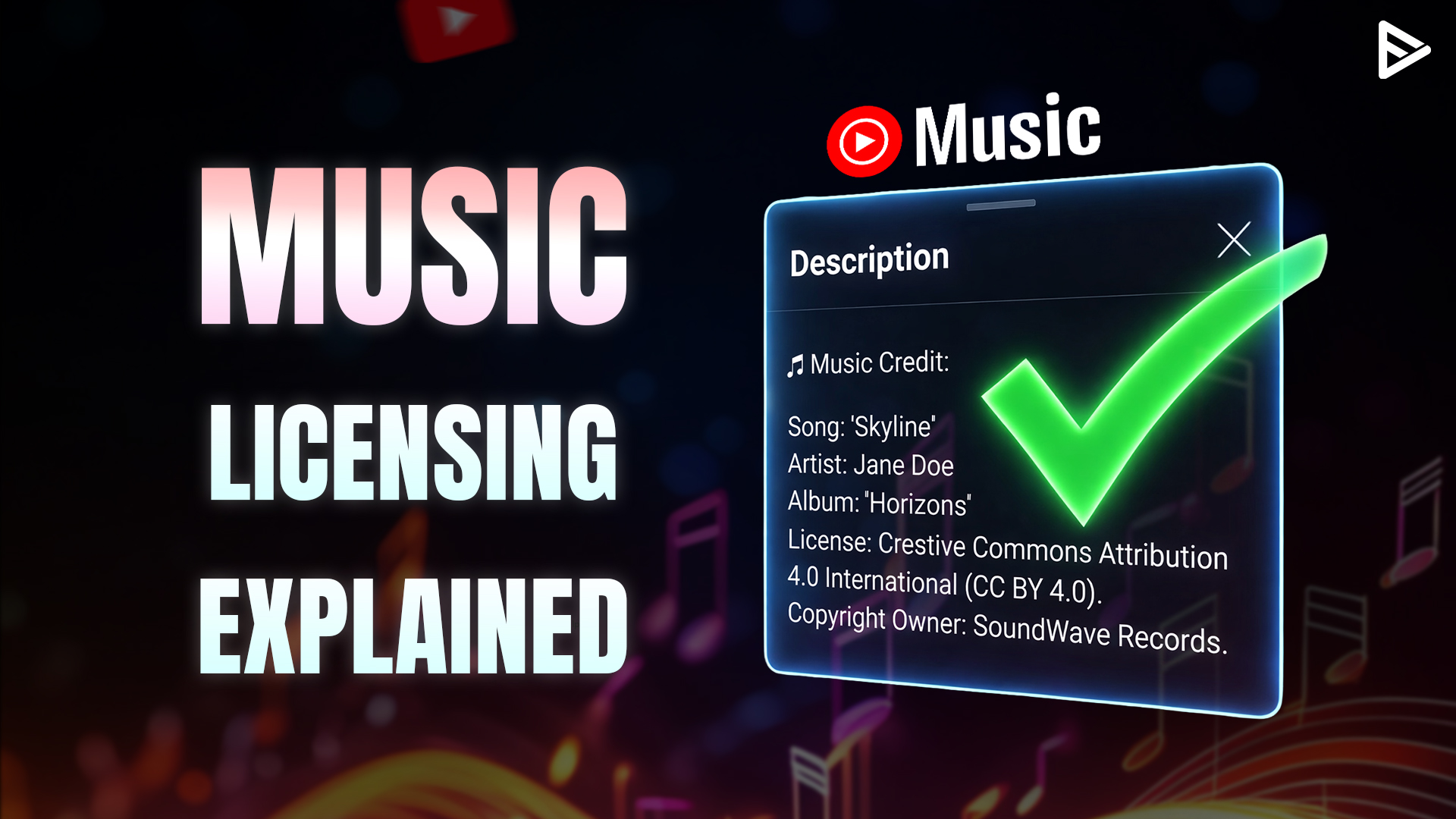
Many creators wonder, ‘How to give music credits in YouTube description?’ The answer is simple: Descriptions are easily accessible to both viewers and creators. Give credit using:
- Song Name/Title
- Artist Info (Official Name or Artist Name)
- License Type (If any)
- Link to the original Content or the artist’s Official Page.
2. End Screen
Creators of cinematic or professional content can add credits at the end to give the video a suitable ending, just as movies acknowledge the original creators.
3. YouTube Music Policy
The creator studio has a YouTube music policy that allows the uploader to mention the artist. Nevertheless, YouTube has a content ID for every video, which helps recognize every piece of music added.
How to Format Music Credits?
Now that we know how to give song credit on YouTube, let’s see the format. Randomly mentioning the creators will not help the creators or the platform’s attribution. Here is the format to get an overview of how to give music credit on YouTube:
- Song Title: The exact title that is uploaded to the platform.
- Artist Name: Credit the Artist, banner, or company that has the license.
- Source platform: From where you obtain the track, such as Spotify or YouTube library.
- License Type: Mention the type, whether it’s royalty-free or under a specific license type.
- Reference: link to original content: Direct URL to content or artist page.
Example:
Song: Calm Down
Artist: Rema & Selena Gomez
Source: YouTube
License: By Mavin Global Holdings Ltd/ Jonzing World Entertainment, under exclusive license to Interscope.
How To Give Credit To Music On YouTube?
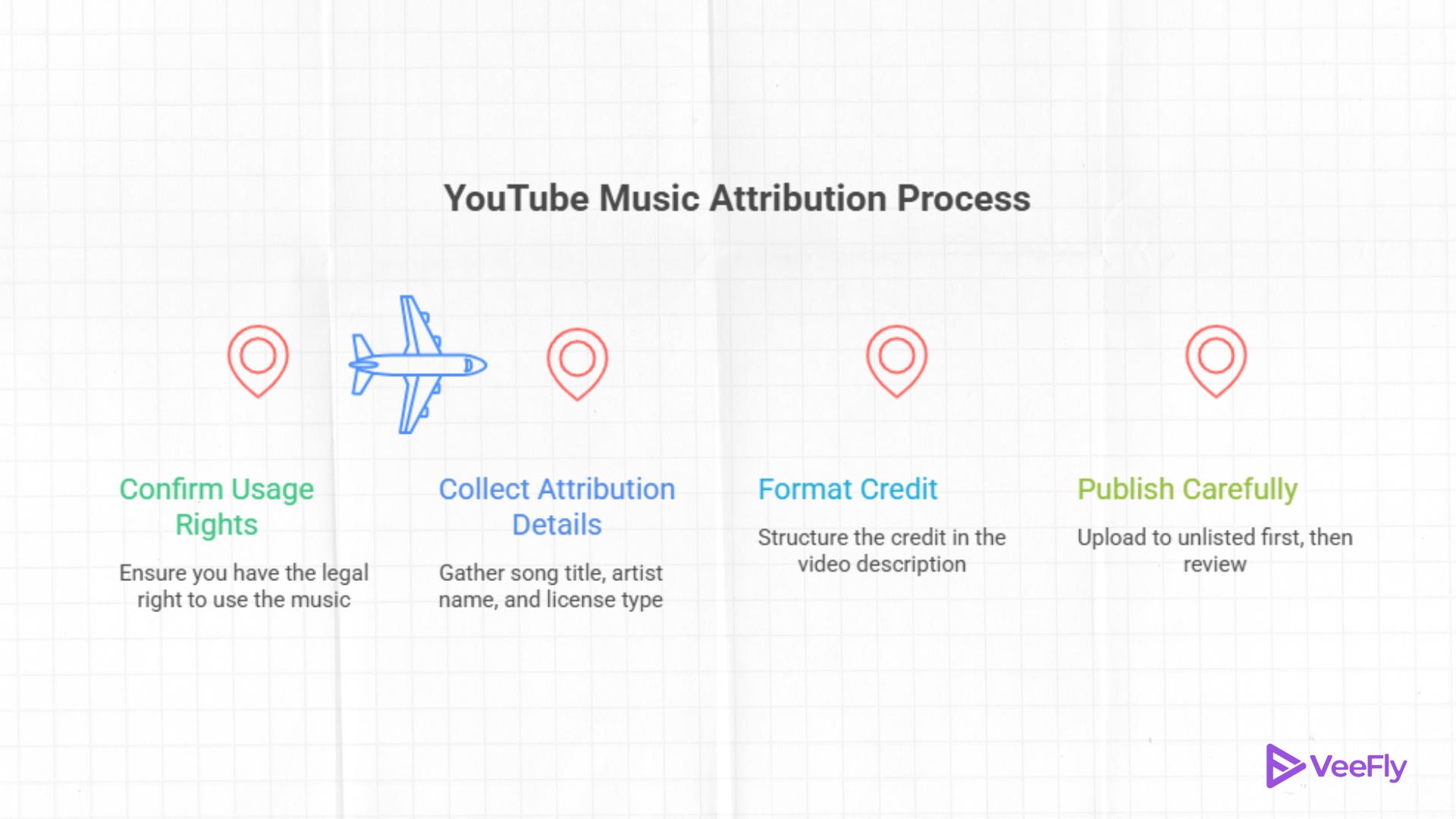
Attributing on YouTube is complying with license terms, not just deflecting it. If your music license requires adherence to the Creative Commons license, then follow these steps carefully:
Step 1: Before writing any credit, it’s important to confirm whether you can use the music in the first place. If you can’t verify the usage rights, attribution alone will not protect your video from a claim.
Step 2: Collect the attribution details, including the song title, artist name, and license type, for proper usage.
Step 3: Format the credit in the video description and practice it to keep the content clean while remaining transparent.
Step 4: Publish carefully; for precaution, upload it to the unlisted section, then review it before making it public.
Final Thoughts
Including music or a song is essential to creating an engaging YouTube video. Additionally, knowing how to credit music on YouTube is critical to preventing copyright infringement.
A brilliant way to avoid such copyright issues is to use the extensive YouTube audio library. It consists of royalty-free productions, which every creator can use without violating copyright laws.
Frequently Asked Questions
Q1. Do YouTube Shorts require music credits?
Yes, YouTube Shorts require music credits to ensure proper attribution and prevent copyright infringement. Hence, it is important to learn how to credit music in YouTube videos.
Q2. Can I edit or add music credits after uploading a video?
Yes, you can edit and add music credits after your video is uploaded to the YouTube Studio.
Q3.Can I use the same music credit format for every video?
No, the format may change based on the license and permission details.
Q4. Can I use music credits in multiple languages?
Yes, you can include music credits in multiple languages. For creators, you can know more about how to add music credit to a YouTube video by clearly understanding the language you choose.