


Key Takeaways
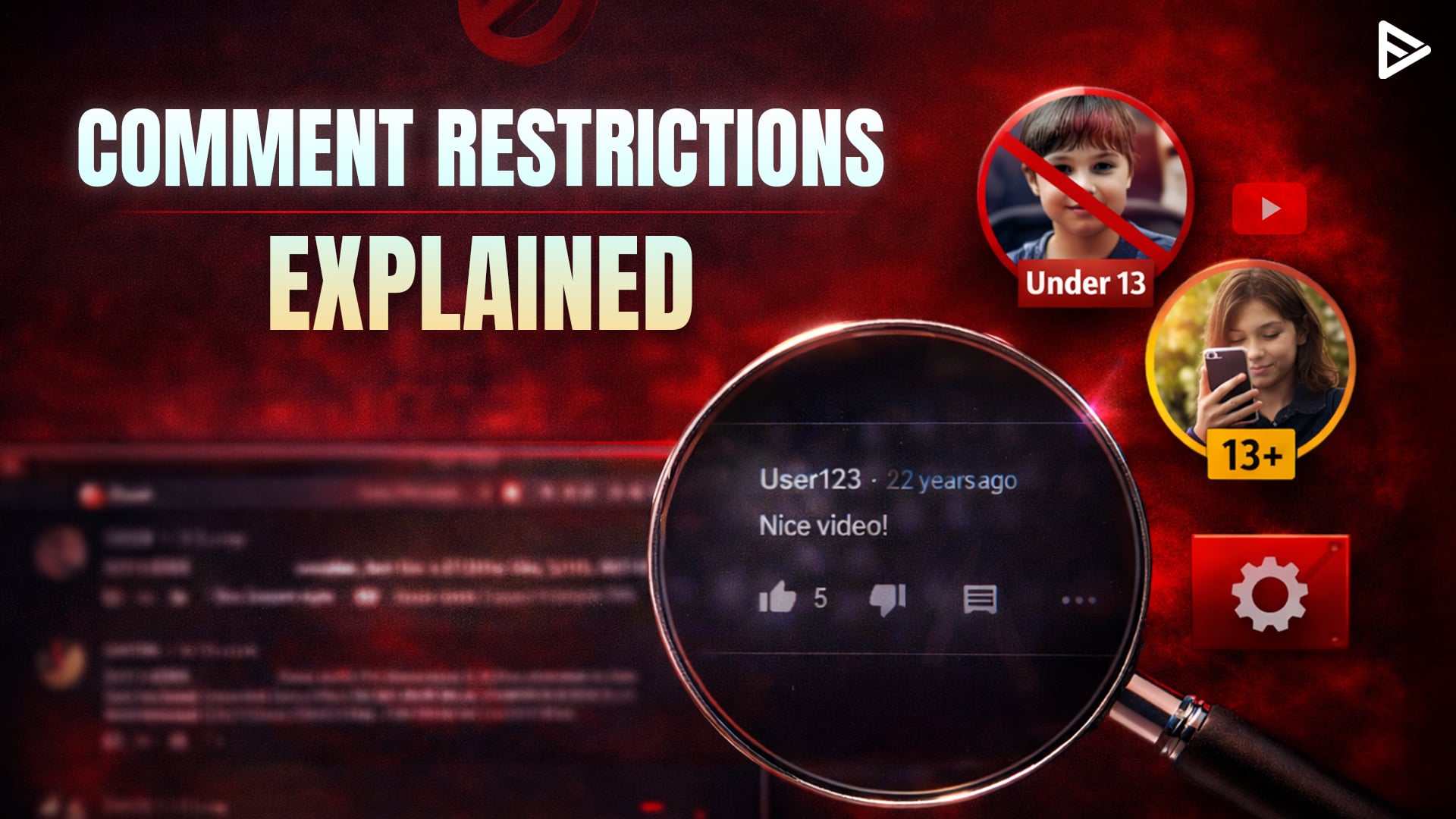
- The standard accounts require users to be 13+ to write YouTube comments.
- YouTube Kids and Made for Kids videos have comments turned off entirely.
- Parents can turn off comment visibility through Family Link Settings.
- YouTube creators must turn off comments on content marked as Made for Kids.
- Age requirements vary slightly due to local privacy laws.
What Are YouTube Age Commenting Rules?
YouTube creators need to be mindful of the minimum age for posting comments. Here’s a basic rundown:
- The viewer needs to be at least 13 years old to create a standard Google account.
- Children under 13 using supervised accounts under restrictions.
- YouTube Kids is a better-suited platform that strips out comments, live chat, and direct social features.
- On YouTube’s main platform, Made for Kids, the same rules as YouTube Kids apply.
- Under 13 age group can’t write comments, but can read comments on YouTube.
- A standard and supervised account of the 13-17 age group can write and read comments on YouTube.
How Supervised YouTube Age Commenting Affects Creators?
YouTube’s 13+ rule stems largely from COPPA, the U.S law that restricts how companies collect data. While it may differ from region to region, it’s important to get a fair understanding of how it works for YouTube creators directly:
1)Reduced Commenting and Engagement: When younger viewers use suspended accounts, their ability to comment is heavily limited, resulting in fewer audience members. It directly affects creators since engagement levels drop. Further, weaker community building leads to less audience retention, weakening viewer loyalty. If your niche is in family-friendly entertainment or a teen-focused niche, it may impact you the most.
2)Monetization: When YouTube identifies users as minors, it often turns off personalized ads for those viewers. It results in lower revenue and more unpredictable earnings. Channels with a large under-18 audience may see noticeable changes in income. For creators it’s best to get the answer to what age can use comment on YouTube’, creators whose content primarily attracts younger viewers, this can be financially be a major change.
3)Algorithm and Growth Impact: With the YouTube algorithm change, it heavily weighs on engagement signals, and when commenting, it may reduce the videos ability to receive recommendation boosts, the channel may grow slowly, and small creators may feel the impact more than established influencers, since they rely more heavily on community interaction.
4)Transparency: Some creators whose niche is heavily dependent on viewers. They will have limited clarity about why certain features are restricted and will have difficulty appealing age-related decisions taken by the platform. When restrictions feel unpredictable, creators may hesitate to experiment with content themes and that could trigger more severe limitations.
5)Safe viewing: Despite the challenges, YouTube age restriction comments policies are designed to reduce the exposure of minors to inappropriate interactions, with limited toxic behavior. From a platform perspective, the goal is to create a safer digital environment for younger users. The channel becomes a safe space for parents to allow creators to share videos.
Best Practices for Managing YouTube Age-Limited Comments
YouTube creators who make content appealing to children face specific compliance requirements. Getting them wrong can mean the channel is headed for demonetization. Here’s what you can do to safeguard it:
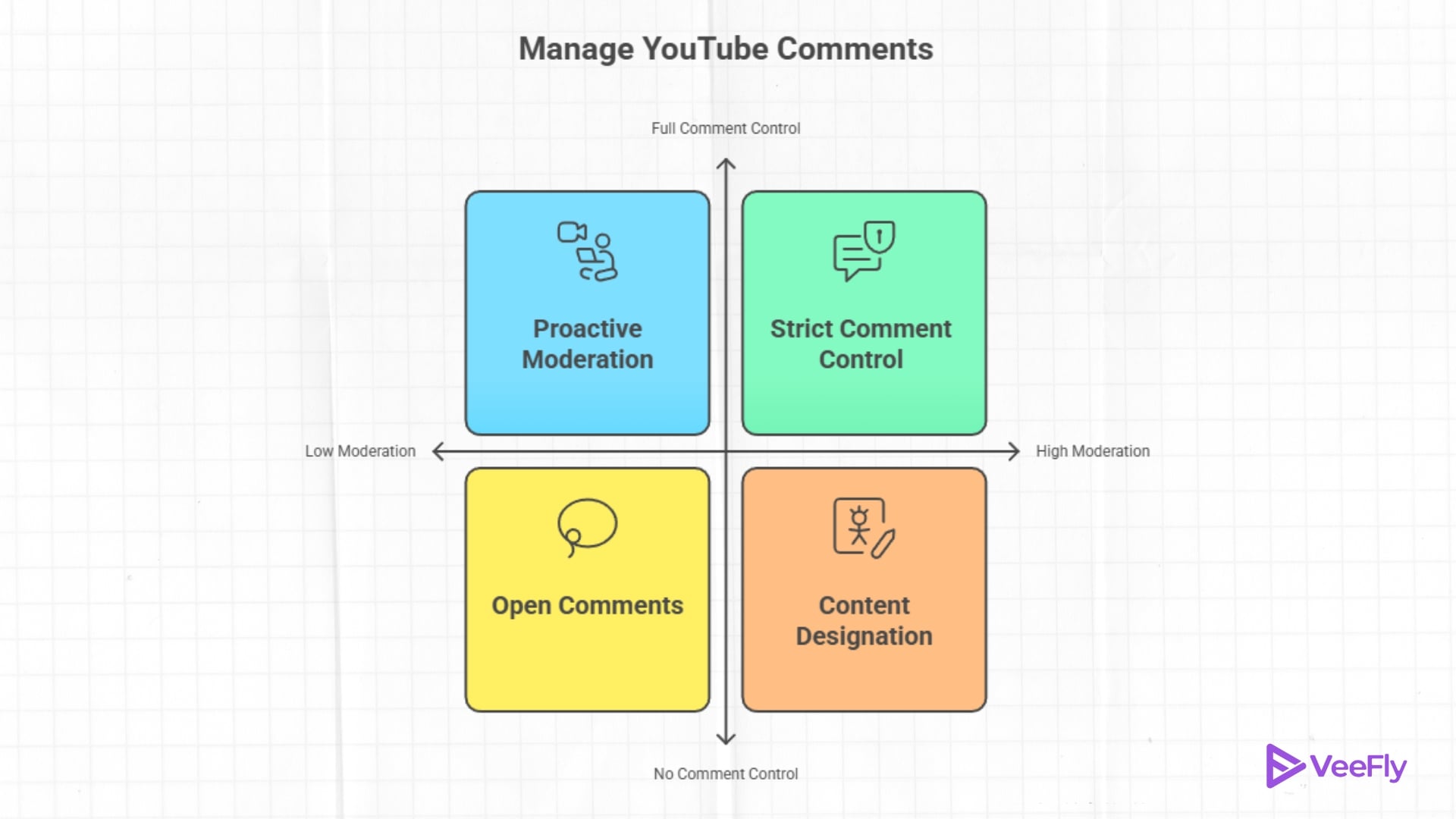
1)Mark “Made for Kids’ content Properly: YouTube requires creators to design videos that primarily target children. This designation automatically turns off comments, live chat, and personalized ads. Mismarking content triggers penalties and, in some cases, channel takedowns.
2)Turn Off Comments: if your videos attract mixed-age audiences and comments tend to be harmful to a younger viewer, for YouTube comment age limit you can protect them by disabling the comment section.
3)Moderation Tool: YouTube Studio dashboard offers blocked words and lists that will help filter out content. You can also hire a moderator to approve and review your comments on channels and live streams. It provides a way to use the comment section without turning it off.
4)Add Community Guidelines Reminder: A brief note in your YouTube video’s description, setting expectations for respectful discussion, can shape comment section behavior before problems start.
5)Modify Content: Avoid profanities and words that are not age-appropriate. Sometimes it’s best to keep the content clean to stay in compliance with YouTube’s guidelines.
Final Thoughts
Supervised YouTube’s age-commenting policies reflected a broader shift toward stronger child safety and privacy protections on digital platforms. At the same time, these changes are designed to create a safer environment. In the end, supervised age policies are not inherently negative for creators, as they represent the new age of YouTube. creators who abide by the new guidelines can make the most of the platform.
Frequently Asked Questions
Q1.Can Kids comment on private or unlisted videos?
No, YouTube comment permissions depend on account type, not video visibility. A supervised account user still cannot post comments on private or unlisted content.
Q2.Does disabling comments hurt my video’s performance?
YouTube has stated that comment count does not directly factor into the recommendations algorithm; videos with comments off can still perform well based on watch time and engagement signals.
Q3.What happens to existing comments if I mark a video as made for kids?
Previous comments get hidden from public view; they aren’t deleted permanently, but viewers can no longer interact with them.
Q4.Can a supervised account user like comments instead of posting?
Yes, Users under 13 on surprise accounts cannot like, reply, or post.
Q5.Why does my teen’s account still restrict live chat?
YouTube turns off many features for teen accounts. Either the parent or the teen must manually enable live chat in the account settings.
