


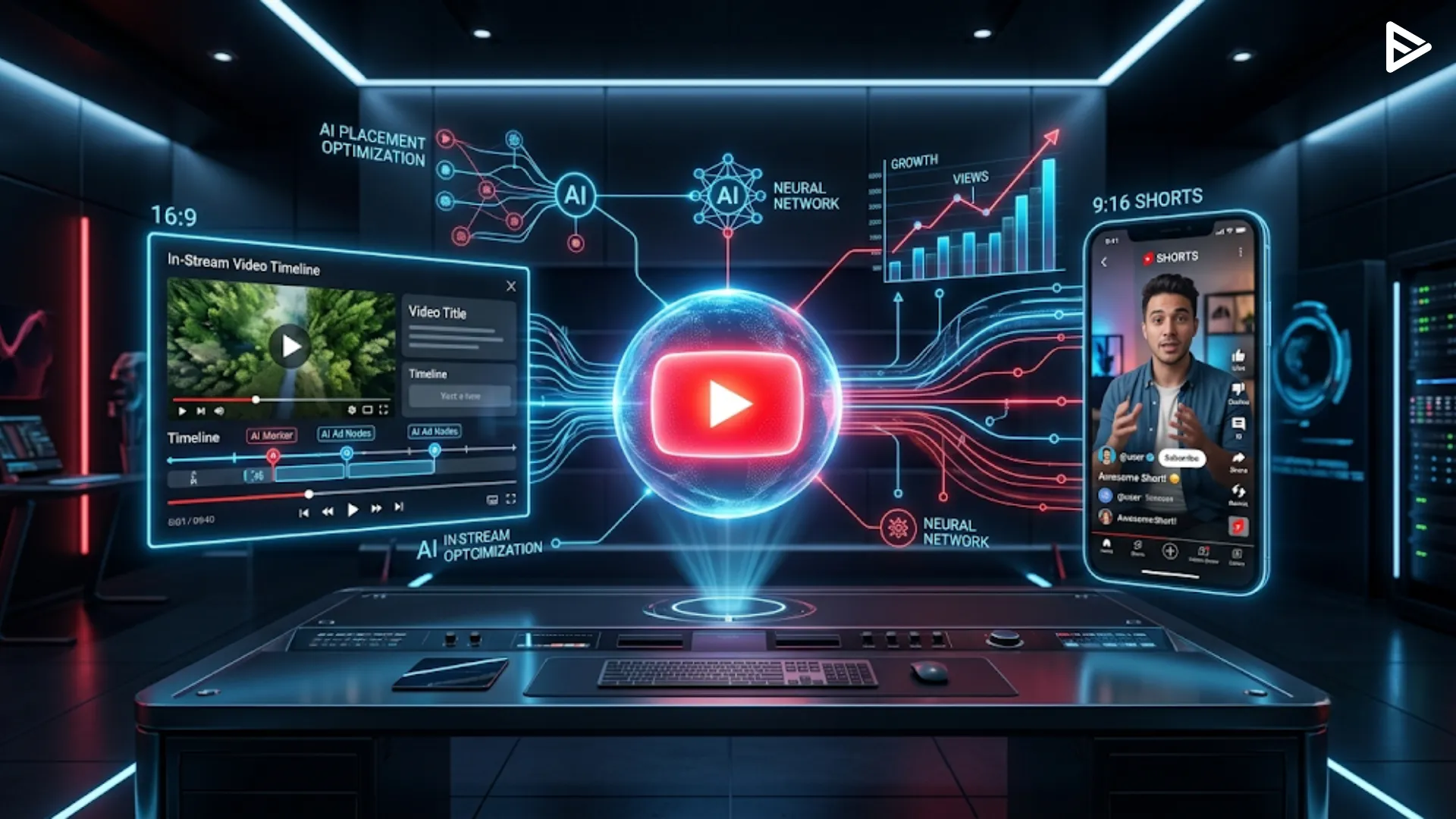
Key Takeaways:
- YouTube ads placement include In-Stream (skippable/non-skippable), In-Feed (search and home feeds), Shorts (vertical mobile videos), Bumper (6-second ads), and Outstream (partner sites).
- Placements drive different goals, using Bumpers for brand awareness, In-Stream for lead generation, In-Feed for consideration, and Shorts for remarketing.
- Modern strategy relies on AI-driven automated placements and “placement exclusions” (blocking specific content) rather than manually selecting individual channels.
- Creatives must match their format, utilizing horizontal 16:9 ratios for In-Stream and vertical 9:16 layouts for mobile-first Shorts.
- Costs vary by bidding type ($0.01 to $0.03 per view for In-Stream), and charging triggers depend on user actions like clicks or view duration.
YouTube ads placement are the specific digital locations across the YouTube ecosystem where video or display advertisements appear. These primary placements include In-Stream ads (before or during videos), In-Feed ads (YouTube search and home feeds), and YouTube Shorts ads (vertical videos between organic content). Selecting the correct placement directly determines your campaign’s reach, engagement, and overall cost-per-view.
What are the Primary Types of YouTube Ad Placements?
YouTube ads placement are categorized by where they appear and how the viewer interacts with them. Choosing the right placement depends on whether you want high-volume visibility or direct clicks to your website, here are types of YouTube ads
- Skippable In-Stream Ads: These play before, during, or after other videos and allow viewers to skip after 5 seconds.
- Non-Skippable In-Stream Ads: These are 15-second (or shorter) videos that viewers must watch entirely before the main content begins.
- In-Feed Video Ads: These ads appear as a thumbnail and text on the YouTube home feed, search results, or “Watch Next” section.
- YouTube Shorts Ads: These are mobile-only, vertical video ads that appear between organic Shorts in the scrolling feed.
- Bumper Ads: These are ultra-short, 6-second non-skippable ads designed for maximum brand reach and frequency.
- Outstream Ads: These are mobile-specific ads that play on Google video partner sites rather than within the YouTube app itself.
How Do In-Stream Ad Placements Impact Viewer Engagement?
In-stream placements are the most traditional form of YouTube advertising, functioning similarly to television commercials but with digital targeting. They are highly effective for driving brand awareness because they place your message directly within the content the user is already watching.
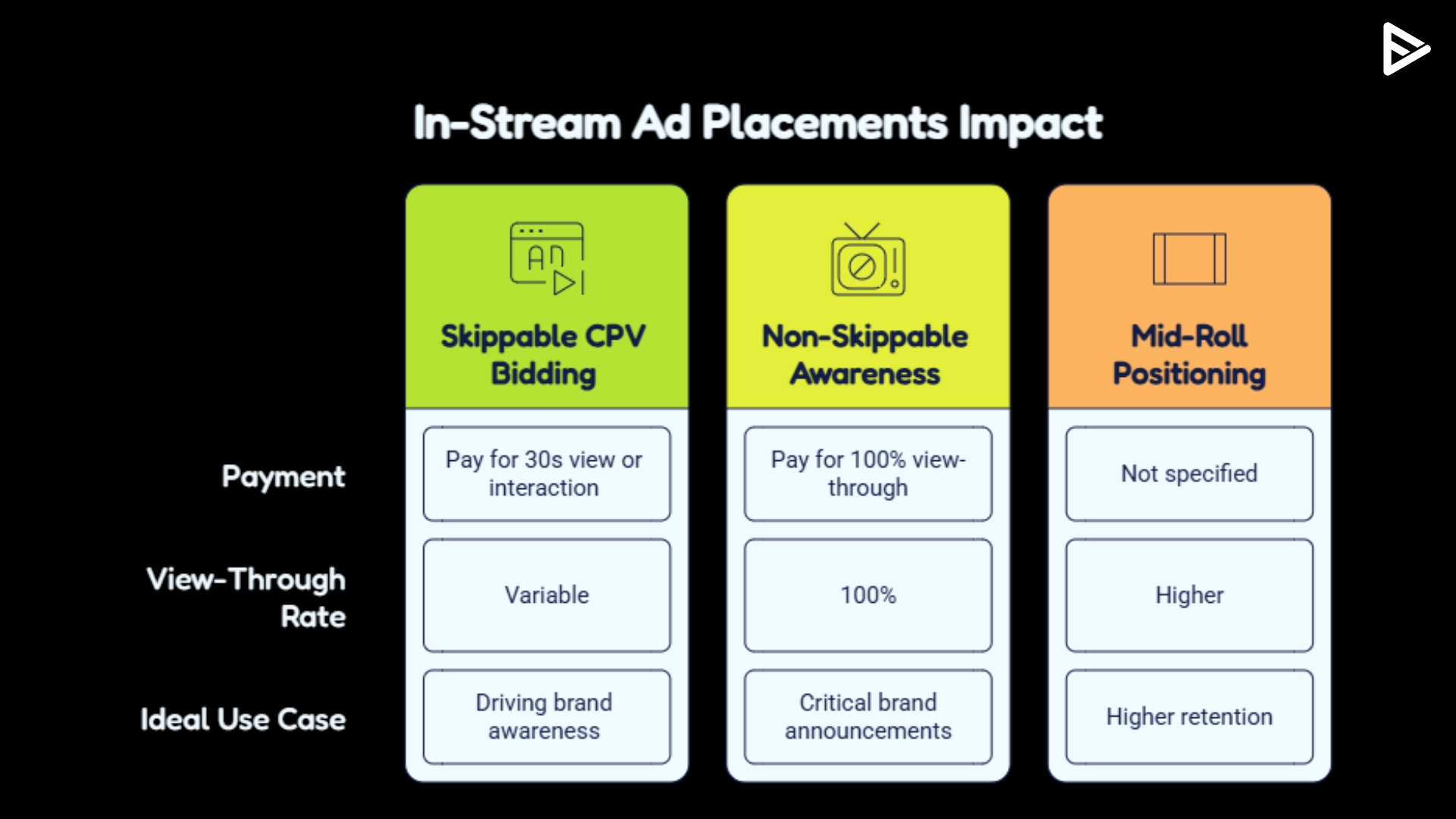
- Skippable CPV Bidding: You only pay for skippable ads when a viewer watches 30 seconds or interacts with the video.
- Non-Skippable Awareness: These placements ensure 100% view-through rates, making them ideal for critical brand announcements.
- Mid-Roll Positioning: Ads placed in the middle of long-form content often achieve higher retention because viewers are already invested in the video.
Where Do YouTube In-Feed Ads Appear for Maximum Visibility?
In-feed ads, formerly known as Discovery ads, reach users while they are actively looking for new content to watch. Instead of interrupting a video, these ads invite the user to click, which often results in a higher “intent” audience.
- YouTube Search Results: Your video appears at the top of the results page when users type in specific keywords.
- YouTube Home Feed: These placements appear on the mobile and desktop homepage, reaching users before they choose a video.
- Related Video Sidebar: In-feed ads appear next to the currently watched video, capturing users interested in similar topics.
Why is YouTube Shorts Placement Essential for Campaigns?
Shorts represent the fastest-growing segment of the platform, with over 2 billion monthly logged-in users. This placement requires a vertical (9:16) aspect ratio and focuses on high-energy, “lo-fi” content that feels native to the scrolling experience.
- Mobile-First Design: Shorts ads occupy the entire screen, removing distractions and focusing 100% of the viewer’s attention on your creative.
- High Frequency: Because Shorts are consumed rapidly, users may see your brand multiple times in a single viewing session.
- Direct Interaction: Users can like, comment, and share Shorts ads exactly as they would with organic content.
How Does YouTube Placement Targeting Work for Advertisers?
YouTube ads placement targeting allows brands to choose specific channels, videos, or apps where they want their ads to show. However, modern Google Ads strategies are shifting toward AI-driven placements to maximize ROI.
- Manual Placements: Advertisers can select specific YouTube URLs to ensure their ads only play on high-authority channels.
- Topic Targeting: This allows your ads to appear on any video in a specific category, such as “Automotive” or “Cooking.”
- Contextual Alignment: AI tools now analyze video transcripts to ensure your ad appears next to content that matches your brand’s sentiment.
- Device Segmentation: You can choose to show ads only on Connected TV (CTV), mobile devices, or desktop computers.
Manual vs Automated YouTube Placements: What Works Better?
The most critical tactical shift in YouTube advertising is the move away from granular manual placement lists. While it is tempting to hand-pick specific channels, Google’s AI-driven campaigns, such as Demand Gen and Video Reach, now outperform manual selection by analyzing real-time user behavior.
Use “Placement Exclusions” rather than “Placement Selections.” Instead of telling Google exactly where to go, tell it where not to go (e.g., excluding kids’ channels or sensitive news). This gives the algorithm enough “breathing room” to find your target audience across In-Stream, Shorts, and In-Feed simultaneously, often lowering your CPA (Cost Per Acquisition) by 20-30%.
What are the Technical Specifications for Video Ad Placements?
To rank and perform well across all YouTube ad placements, your creative assets must meet specific technical requirements.
- In-Stream Specs: Use 16:9 (1920×1080) for desktop and TV; keep key messaging within the first 5 seconds.
- Shorts Specs: Use 9:16 (1080×1920); ensure text overlays do not cover the “Call to Action” button at the bottom.
- In-Feed Specs: Focus on the thumbnail image; it must be high-contrast and contain less than 20% text for better click-through rates.
How to Optimize Ad Placement for Different Marketing Goals
Different YouTube ads placement serve different parts of the marketing funnel. Aligning your placement with your goal is the key to preventing wasted ad spend.
- Brand Awareness: Use Bumper ads and Non-Skippable In-Stream ads to maximize “top-of-mind” recall.
- Lead Generation: Use In-Stream ads with “Action” extensions that include a direct link to your landing page.
- Product Consideration: Use In-Feed ads to encourage users to watch a long-form review or demonstration of your product.
- Retention/Remarketing: Use Shorts ads to deliver quick updates or testimonials to users who have already visited your site.
Final Thoughts
Frequently Asked Questions
Q1. What is the best YouTube ad placement for small budgets?
In-Feed ads are generally best for small budgets. You only pay when someone chooses to click and watch your video, ensuring your spend is focused on interested users.
Q2. Can I stop my YouTube ads from showing on specific channels?
Yes, use placement exclusions in your Google Ads account settings. You can upload a list of specific channel IDs or entire categories to prevent your ads from appearing there.
Q3. Are YouTube Shorts ads better than In-Stream ads?
It depends on your audience. YouTube Shorts ads are superior for reaching Gen Z and mobile-heavy users, while In-Stream ads are better for long-form storytelling and Connected TV viewers.
Q4. What is the difference between a placement and a target?
A placement is the “where (the video or page), while targeting is the “who (the audience demographics, interests, or search history). Effective campaigns combine both.