



Key Takeaways
- Rebrand only when you realize that your content does not match your target viewers or if there is a decline in your analytics despite your efforts.
- While changing your channel name and meta information can impact SEO, redesigning your banner typically does not affect SEO.
- Utilize “bridging content” and playlist strategies to help the algorithm and your subscribers adjust to your new niche.
- Successfully rebrand on YouTube by taking one step at a time and avoiding a complete reset of your channel.
- Conduct keyword research and A/B test to guarantee that your rebranded channel appeals to your targeted subscribers
We are sure you must have heard about JJ Olatunji, better known as KSI. He is a famous YouTuber and rapper who rebranded his YouTube channel from KSI. He started his career with FIFA games, then a boxer, and now is a successful singer. KSI had rebranded his YouTube channel from KSI to JJ Olatunji. Following YouTube channel rebranding best practices can help maintain subscriber trust and engagement.
What is YouTube Rebranding?
Your YouTube channel name becomes your YouTube identity on YouTube and also on other social media platforms. Therefore, your YouTube channel name should be relevant to your channel’s niche. Initially, YouTubers name their YouTube channels randomly, and once they get to fame, many YouTubers try changing their channel name. Yes… YouTube allows you to change your YouTube channel name after three months. Many creators have found success after rebranding YouTube Channel.
Similarly, as we mentioned above, KSI had two YouTube channels. KSI created his second YouTube channel in 2011 and rebranded his channel from ‘KSIOlajidebt’ in 2020 to ‘JJ Olatunji.’ Guess what? He gained more than 13 million subscribers on this channel after he rebranded the YouTube channel. His motive to make a second YouTube channel was to make gaming videos. On his first and original account, he wanted to concentrate on vlogging. Now, he also posts music videos on his KSI channel. Let’s discuss when you should consider to take the initiative of rebranding YouTube channel.
How to Rebrand Your YouTube Channel for Sustainability
A YouTube channel rebrand is one of the riskiest decisions any content creator can make. Years have been invested into developing your personal brand, and making changes seems scary. It’s important to remember that YouTube channel rebrands do not mean starting over, but rather evolving towards a different state. The truth of the matter is that many successful content creators did not begin in the niche they have conquered today, and it’s only after numerous iterations and changes that they were able to reach product-market fit.
If, at present, you feel like your previous videos attract the wrong audience or are struggling to gain new subscribers even though you post regularly, it may be the right time to learn how to rebrand your YouTube channel.
When Should You Consider YouTube Channel Rebrand?
As you grow in your creator journey, there might come a time when you need to pivot from your plan and consider the choice of rebranding your YouTube channel. The signs that indicate YT channel rebranding include:
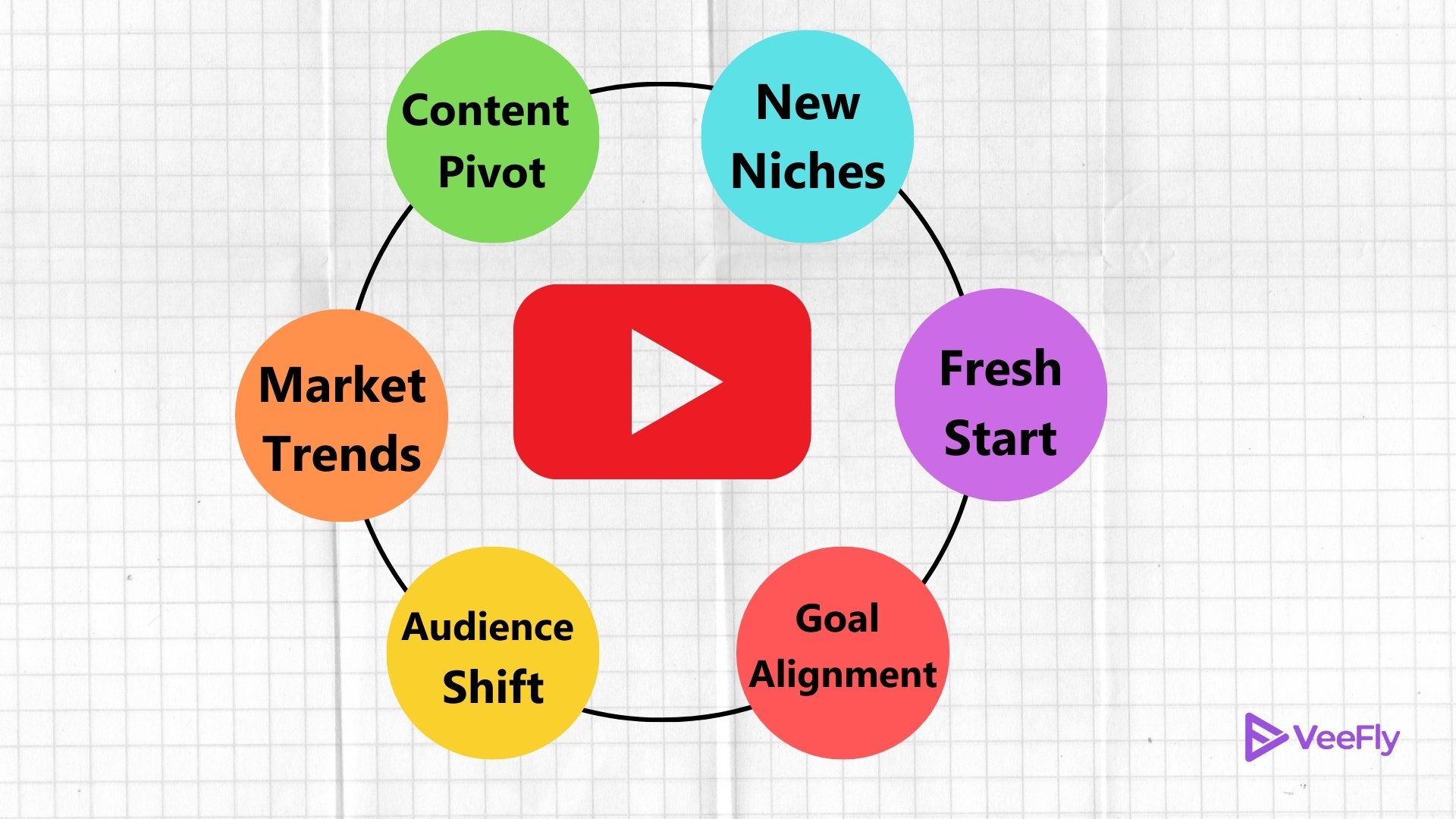
- A shift in content focus
- Aligning your channel brand with current YT goals and your vision
- Have a desire for a fresh start
- Want to cater to a new niche
- Changes in your target audience’s behavior
- Changing market trends
Evaluate these signs and only then take the next step of actually going through the process of rebranding your YouTube channel.
Measures When Rebranding Your YouTube channel?
YouTube rebrand efforts are a little technical and may be time-consuming if you are a mid-level creator. Many creators fail to grow after a rebrand because they ignore essential YouTube channel rebranding best practices. Here’s what it looks like.
Changing your channel name and URL
The first step in a YouTube channel rebrand includes changing your channel name and its custom URL. While changing your channel name is easy, changing the URL requires more technical expertise. Besides, if you have an old YouTube channel with an old custom URL, it cannot be changed.
Update your channel Thumbnail
You cannot simply change your channel name and keep the old thumbnail. For an effective YouTube rebrand, create a new channel thumbnail reflecting your new vision for your audience.
If possible, Update the Channel Trailer
Having a new channel trailer makes your audience realize that you are serious about your YouTube channel’s growth. It gives you more creative liberty to express your new video content ideas and what new aspects you are introducing within your channel.
Strategic Framework for Rebranding Your YouTube Channel
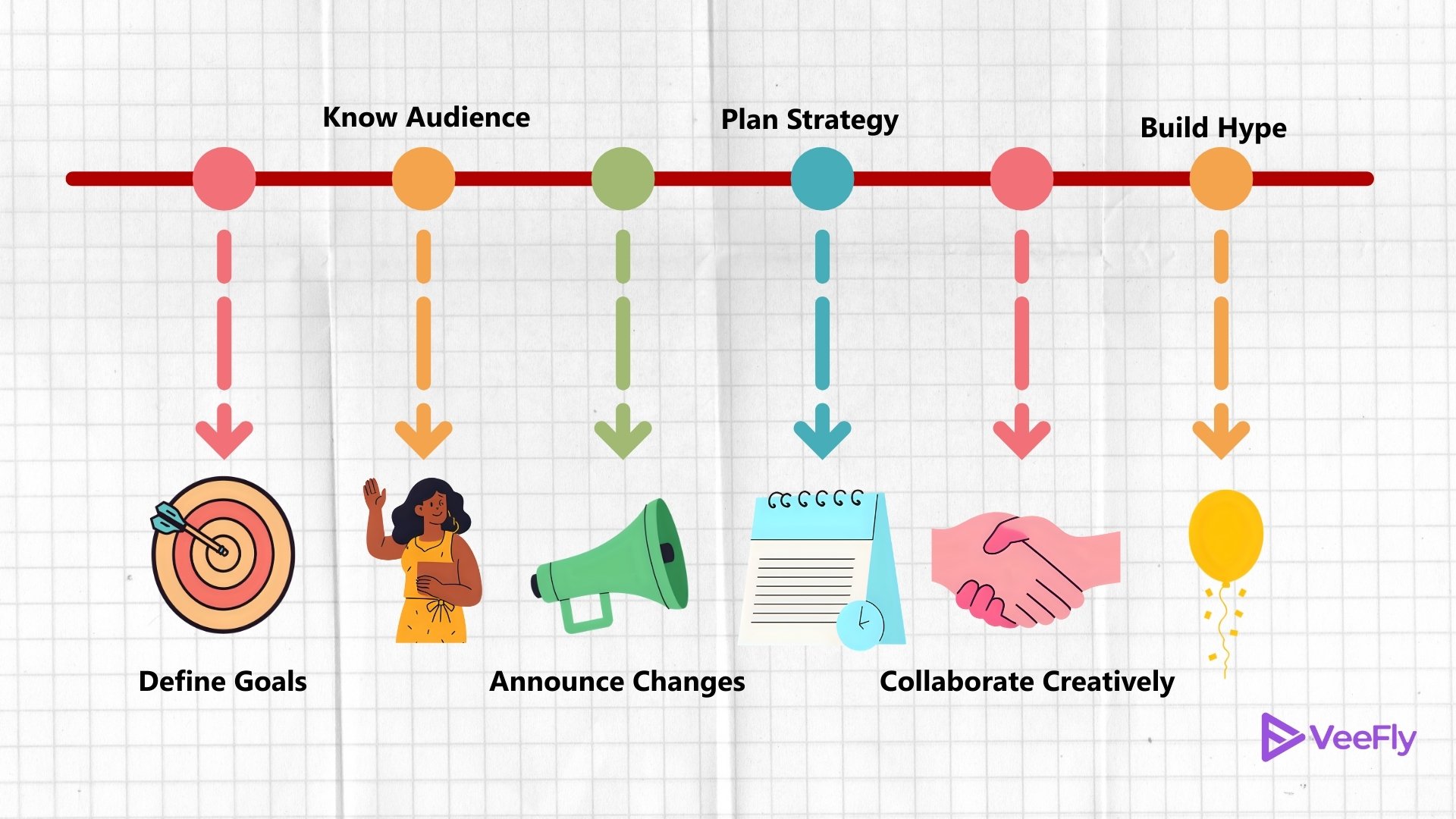
If you want to learn how to rebrand youtube channel, then first you need to distinguish between your “visual brand” and “search brand.”
SEO Implications of Changing Visual Branding vs Search SEO
Many people fear that updating channel art or logos could harm their views. Well, visual changes won’t impact your channel’s search position at all; rather, they will influence your Click-Through Rate (CTR) positively. What really matters here is search SEO optimization, i.e., channel name, video titles, tags and descriptions. You should be very careful in dealing with these assets when considering rebranding your YouTube channel.
Why? Because your channel’s metadata defines how the algorithm sees it and who your audience is. In other words, if you completely change your niche or topic, then you will have to train the algorithm again in order to make it work for you.
Step-by-Step Rebranding Implementation Process
To rebrand YouTube channel videos effectively, follow these steps to satisfy the algorithm requirements:
- Benchmarks: Measure all of your existing statistics before making any changes. How many views do you typically get per uploaded video? That’s your “ruler” of success.
- One Big Step at a Time: Changing your YouTube channel’s name, niche, and posting frequency simultaneously is too much for both the algorithm and your audience. Make one major change at a time.
- The Magic of Bridging Content: If you’re switching from Gaming to Game Development, make a video called “How I built the game you saw me playing last week.” It will bridge the gap between two niches and help retain your loyal fans while signaling to the algorithm about the transition.
- Communicate: Use the YouTube community tab and pinned comments to explain your decisions to the audience. Viewers who feel included in the process are less likely to unsubscribe from your channel.
Tips for Rebranding Your YouTube Channel
Now that you know the steps to rebrand a YouTube channel, let’s walk through a few crucial YouTube channel rebranding tips and strategies.
Explain Your Rebrand to Viewers
Before changing your YouTube channel’s name, it is important to let your subscribers know. You can make a video explaining why you are rebranding your YouTube channel. Your subscribers and fans will be confused if you directly rebrand the YouTube channel or rename it. To avoid confusion, you can make a video explaining the reason and assure your fans that you will make the same quality content.
Update Social Media Handles
You can rename your social media platforms with the one on your YouTube channel to avoid confusion. However, some people might take advantage of this situation and make a page on social media and use your name. Therefore, you can name your social media platforms using the new YouTube channel’s name. However, before you do so, you can write a note on all your social media platforms to let your fans know that you are rebranding your channel.
Rename Your YouTube Channel
This is a crucial step that can make or break your career or just spoil what you have earned. For example, some subscribers might disagree with this decision and unsubscribe from your YouTube channel or stop watching your content. For example, when Comedy Shorts Gamer rebranded his YouTube channel to Deji, he lost many subscribers.
But this can turn in your favor as well. For example, when ‘KsiHD’ was rebranded to ‘JJ Olatunji,’ he gained a lot of subscribers. Even if it doesn’t help you in gaining your subscribers, it will help you at least retain the existing ones. If that doesn’t help in any way, you can buy YouTube subscribers.
Do not forget to update your name on all your social media handles.
Keep Subscribers Engaged with Content
Remember, you are rebranding your YouTube channel name, but you need to continue making quality content. Mostly, YouTubers rebrand YouTube channels to bring a professional approach to their YouTube channel. If your subscribers support you in your decision, you need to be loyal to your fans and keep making content that they are interested in watching.
Final Thoughts
In my opinion, a rebrand on YouTube can be a great step towards growth if it is done strategically and not on a whim. If you know how to distinguish visual change from metadata change, you will keep your SEO intact while expanding your creative potential. Tools like a title generator for YouTube and a YouTube description generator can come to aid. Bear in mind, SEO is a malleable structure that evolves along with you; it’s not a castle built of cards that collapses after the first blow.
Frequently Asked Questions
Q1. Will I lose subscribers if I change my channel name?
No. Changing your YouTube channel name will not affect your subscribership count. However, you can create a video that explains your thought process behind your initiative of YouTube channel rebrand.
Q2. How often should I rebrand my YouTube channel?
I recommend rebranding your YouTube channel only when you are stepping into a different niche or your target audience is changing dramatically. Also, avoid YouTube channel rebrand often, as it can create confusion among your loyal subscribers and potentially affect your YouTube channel growth.
Q3. Is it better to revive an old YouTube channel or start a new one?
If your YT channel has been dead or inactive for a long time and you wish to resume its growth, you can revive your dead channel back. However, if you plan to step into a different niche with different audience and needs, it is always better to start a new one.
Q4. Does changing the YouTube channel affect views?
No. A change in the YouTube channel name does not affect your video views. However, if not informed on time, it can indirectly impact your viewership count by reducing your channel recall factor in your audience’s mind.
