


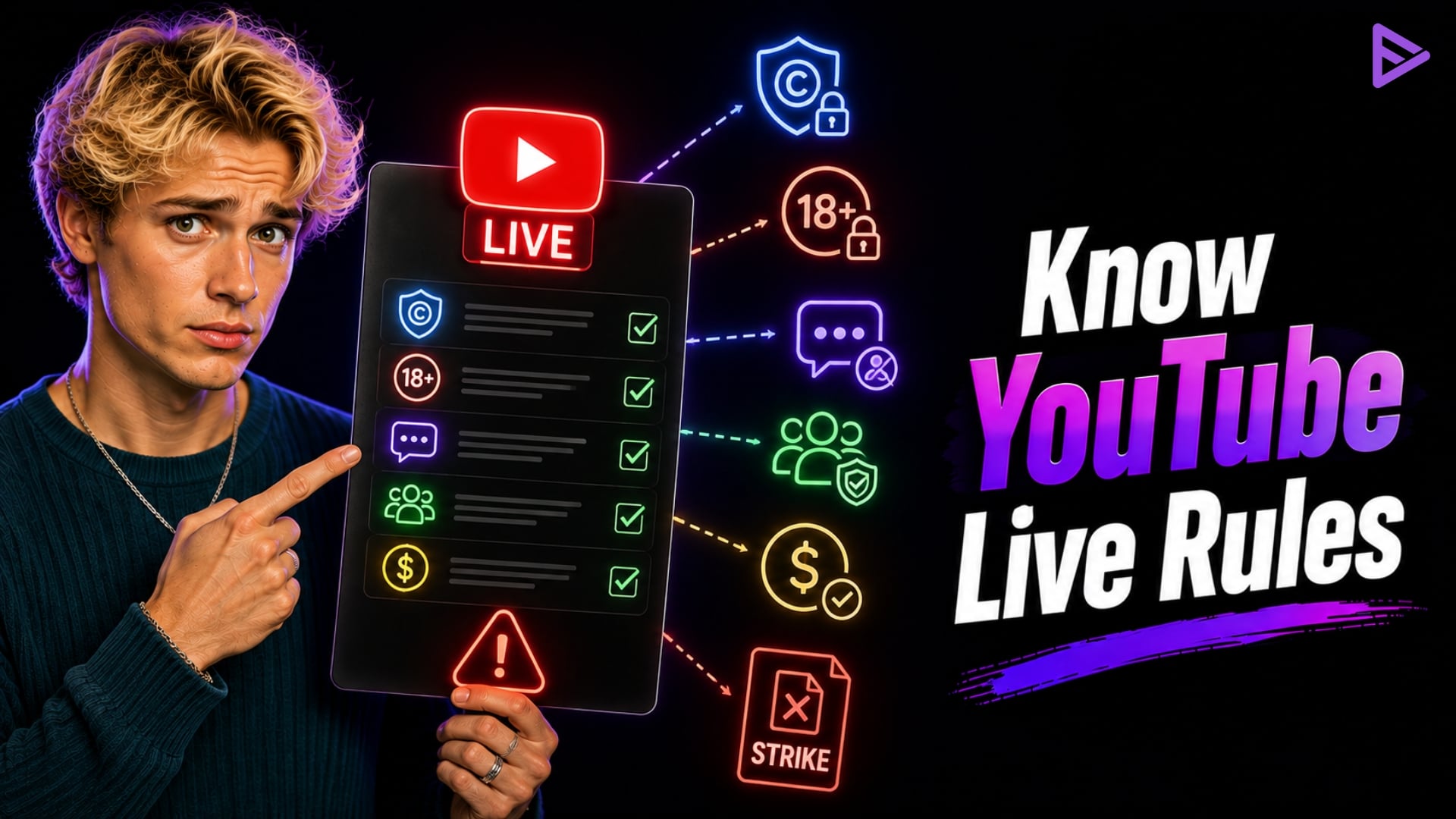
Key Takeaways:
- YouTube’s real-time Content ID system will instantly mute or block your stream if unlicensed music or video is detected.
- A single community guideline violation on a livestream revokes your live streaming privileges for up to 14 days.
- You need at least 50 subscribers to live stream from a mobile device, and streams with fewer than 1,000 subscribers may face viewer limits.
- Streams marked as “Made for Kids” automatically have live chat and personalised ads disabled for COPPA compliance.
- Avoid shady engagement tactics and use compliant promotional tools to ensure your channel remains eligible for the YouTube Partner Program.
Familiarise yourself with YouTube live streaming rules to prevent live stream mutes, terminations, and channel strikes. To keep live broadcasting privileges, creators must follow YouTube’s Content ID copyright system, community guidelines, age policies, and COPPA policies. By following these YouTube streaming guidelines, you can stream seamlessly and maintain your channel’s eligibility for monetisation.
What are YouTube Live streaming Rules?
YouTube streaming rules are the official enforcement guidelines that govern live broadcasts, covering everything from Content ID copyright detection to community safety standards. They set the boundaries for what is permissible on the platform in real time. These rules matter because automated systems monitor live content closely and can instantly terminate non-compliant broadcasts.
Are There Any Restrictions to YouTube Streaming?
Many rules vary from YouTube MV streaming rules to live streaming! But first, we’ll focus on live streaming restrictions. See below for reasons your channel may get banned.
- YouTube live stream rules can apply if your channel has received a Community Guidelines strike. YouTube can enforce these rules if you don’t follow the guidelines.
- A global block can act as a hurdle when you try to go live. Global blocking is also known as a Content ID claim. This can happen when you upload copyrighted content.
- There is also a time limit for live streams. You can’t stream more than the designated period. After you reach the maximum number of live streams, you can try again after 24 hours.
- Sometimes, your features may not show up on YouTube. This can also cause issues when you go live.
- This is the reason why you should know the streaming rules on YouTube. Also keep in mind that if you are prohibited from going live on your channel, you cannot use another channel to do so. Ignorance of this policy can lead to your account getting banned. You can also face YouTube live stream rules if firearms are involved.
- YouTube’s Channel Restriction Policy states that if you try to evade the policy, it will immediately terminate all channels you are connected to.
Summary of YouTube Live Streaming Thresholds & Penalties
| Restriction Category | Key Requirement / Constraint | Impact of Non-Compliance |
| Mobile Streaming | Minimum 50 subscribers | Feature: Locked in mobile app |
| Subscribers (< 1,000) | Mobile viewer limits were applied. | Restricted audience reach |
| Copyright Violation | Licensed media required | Quickly mute, block or strike. |
| Stream Archives | Streams under 12 hours | Automatic VOD archiving fails if > 12h |
How to Navigate YouTube Live Stream Rules Safely?
- Before you can worry about content rules, you must meet the baseline requirements to go live. Channels must be verified with a phone number and must not have received any live streaming restrictions in the past 90 days.
- For mobile creators, the YouTube streaming guidelines are slightly stricter. You must have at least 50 subscribers to stream from a mobile device. If you have between 50 and 1,000 subscribers, YouTube may apply viewer limits to your mobile streams to prevent spam.
- Copyright is the most frequent stumbling block for live streamers. YouTube uses a highly advanced Content ID system that scans live broadcasts in real time. This system matches your audio and video against a massive database of copyrighted material.
- If you broadcast unlicensed music, movies, or even unpermitted gameplay footage, the system reacts instantly. YouTube will replace your stream with a placeholder graphic and mute your audio. If you don’t stop the copyrighted media, YouTube will permanently shut down the stream.
- The YouTube live community guidelines mirror the rules for standard video uploads, but enforcement happens faster. Harassment, hate speech, explicit content, and dangerous acts are strictly prohibited.
- Creators are also responsible for their live chat. You must actively moderate your community or utilise automated tools to filter out spam and abusive language. Failing to moderate a toxic chat can result in a strike against the creator’s channel.
- If your livestream is targeted at children, you are subject to strict COPPA (Children’s Online Privacy Protection Act) compliance rules. YouTube requires creators to explicitly label their streams as “Made for Kids.” Also, YouTube Child Safety Guidelines require that minors in live streams be clearly supervised by an adult.
Final Thoughts
The fastest way to lose your channel is by treating a livestream like an unmoderated private video call. YouTube enforces stricter real-time moderation on livestreams to prevent the immediate spread of harmful content or severe copyright infringement. Understanding YouTube’s live-streaming rules isn’t just about basic compliance. It is fundamentally about protecting your primary revenue engine and ensuring your channel remains in good standing.
