


Key Takeaways
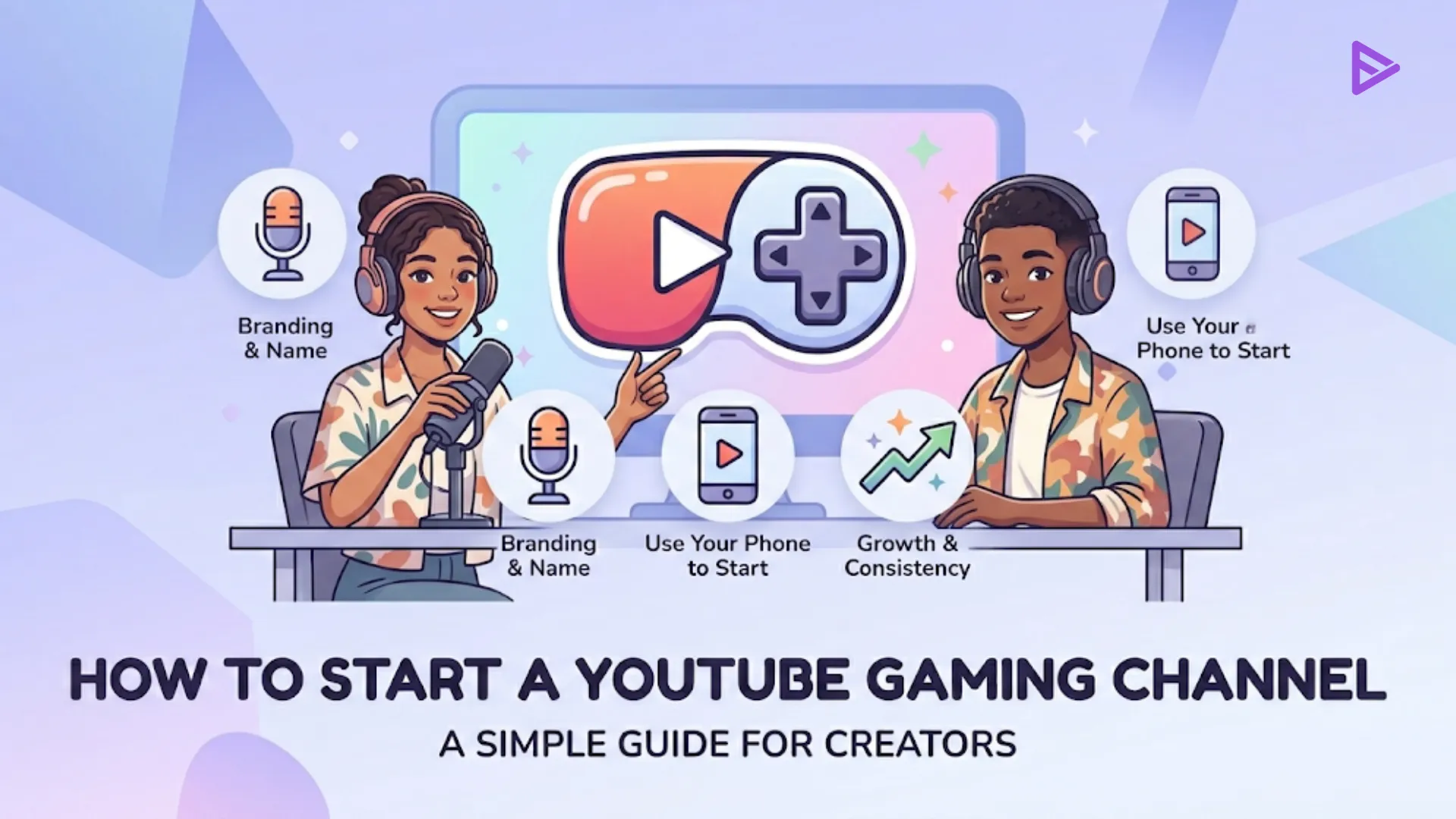
- You do not have to go out and spend big bucks; just use a modern smartphone to get started.
- Find an iconic name and use a uniform color palette that represents you.
- Regular uploads will allow the algorithm to discover your ideal community.
- Expand from the traditional “Let’s Play” video to create reviews, lists, and other updates.
- Utilize YouTube Shorts and the Community Tab to establish a passionate community base.
YouTube gamers have revolutionized the platform with their gaming skills. YouTube has seen a growth in the number of gamers using the platform. Creating gaming content is the most fun part of content creation. Amid the lockdown, YouTube saw a rise in YouTube gaming channels, with over 40 million active channels having more than 100 billion watch time hours. Having a YouTube gaming channel today is easy if you enjoy gaming, but growing it into a successful one is challenging.
According to Forbes Magazine, YouTube gamer Ninja (Tyler Blevins) earned $17 million through his YouTube gaming channel. If you are looking to become the next highest-paid YouTube gamer, read this blog to start this journey. These tips will help you achieve your childhood dream of turning your passion for gaming into a full-time paid job.
How to Set Up a YouTube Gaming Channel for Success
Learning how to make a gaming YouTube channel is about more than just hitting the record button while you play. To truly start a gaming YouTube channel that stands out in 2026, you need a solid foundation. First, pick a name that is catchy and memorable. If your name is unique, use it; otherwise, incorporate your niche (like “Cozy Gaming”) into the title to help with searchability.
Once your name is set, focus on your branding. Your color scheme should reflect the atmosphere of the games you play. For example, a “cozy” gamer might choose soft pastels, while an action-focused creator might go with high-energy neon. Use a tool like Canva to create a cohesive look across your channel art and thumbnails.
Your Personal Flame
Another huge obstacle would be feeling comfortable appearing on camera. Creators believe that they are “too old” or don’t fit into the mold for some reason, however, being authentic is everything. Trying to emulate the best-known personalities will only result in losing authenticity, so you should capture your personal experience and journey. Even if you are an older gamer or an expert in indie games.
Top 10 Tips To Start A Gaming Channel
You must use these steps to know how to start a gaming channel:
1. Choose a niche
The world of YouTube gaming comes with infinite possibilities and a wide range of video content to choose from. Like any business, as a gamer on YouTube, you need to find your niche and category. Here are a few examples of the type of content that could suit your channel’s tone.
2. Focus on your viewer
Having a niche handy is crucial, but it shouldn’t be restricted to having all of your attention in creating videos. You need to pay attention to your target audience, too. Know what they want to watch and their preference through YouTube insights simply by asking and creating videos.
3. Increase your watch time
You happen to miss the mother of all metrics in the race to generate views and subscribers: watch time. Watch times are mostly generated through length videos. So, if you want to increase the watch time and make your videos appear on YouTube SERP, consider making informative gaming content.
4. Walkthrough
YouTube video game walkthroughs are guides that gamers create to show how a player can get through a particular level of difficulty or complete a specific task. These videos are targeted towards YouTube users who want to overcome a challenge they are facing while playing video games.
5. Humor
YouTube gaming humor content is videos that add a little humor to a game. Creators can create video content that is funny and entertaining to their audience. While these videos require a lot of editing to make them hilarious, they seem to perform better than other video content among users who aren’t into gaming.
6. Reviews
As a gamer on YouTube, you can create videos reviewing new games or updates. Users usually watch such videos before purchasing a new game. Some video games are expensive to buy, and so such videos help users understand if spending money on the game is worth it.
7. Live stream
Gamers use live streaming to show their gaming skills live for their audience base to watch. It is one of the most popular forms of video content on YouTube. Live streaming does not require any post-production editing, but you should use high-quality equipment such as screen-recording software and a great mic to provide great content.
8. Do not get into the ‘Let’s Play’ trap
Let’s play is a guilty pleasure of all the creators to generate a good amount of views on the videos. This game is nothing but creating a video playing game in which you are passing on commentaries. These videos are engaging for viewers with gaming interests and make them stick around. And here, this is a trap! You should create such content, especially as a small creator, to attract viewers.
9. Create a unique channel name and website
Once you have narrowed down your niche content type, it’s time to develop an appealing channel name or a website that your audience can be redirected to. If you find it challenging to come up with a nice name for your YouTube gaming channel, you can use channel name generator websites online.
It is considered a plus point if you have a website that your subscribers can visit to learn more about your gaming skills and blogs. You can use WordPress to set up a blogging channel.
10. Join a Gaming Community
On YouTube, creating a loyal community and joining one is the key to diversifying your YouTube channel. Communities on YouTube help you come up with great content ideas that can be your next video topic. You find creators of a similar niche who can help you establish your channel like never before.
Essential Steps to Start a Gaming YouTube Channel
1. Equipment and Software
Don’t fall into the trap of thinking you need a $5,000 setup. You can how to set up a YouTube gaming channel using just your mobile phone. High-growth creators often start with a smartphone for recording and free software like CapCut or DaVinci Resolve for editing.
2. Diversifying with Short-Form Content
YouTube Shorts are the ticket to success since 2023. You should try them out to display the funny bits or tips about “how-to” things. This way, you will be able to hit the number of views of 10 million, which is necessary for getting into some monetization levels, much quicker.
3. Creating Clickable Thumbnails and Titles
It all starts with the thumbnail. Use high-quality pictures of your game room or gaming itself, combined with readable texts. You can use the platform called VidIQ to see what keywords are trendy at the moment to optimize your titles better.
4. Community and Networking
Gamers are social people. It is time to join the gaming community on Discord and Reddit. Besides emotional support, you will get opportunities for collaboration, which is one of the best ways to learn how to make a gaming YouTube channel popular.
Use The Right Gaming Tools
To become a successful gamer, you need to have the right equipment to start with. Here are a few essential pieces of gaming equipment you will need to start your gaming channel on YouTube.
1. Video camera
Don’t jump on an expensive camera. Try a few that fit your budget and record in 1080p. You can enhance your video recording quality by investing in tripods and camera mounts.
You might wonder why a gamer needs to record himself/herself while playing video games? Well, you wouldn’t want to record yourself during the entire video. You could still record an introduction, a few reactions, or insert a tiny window, giving it a more human element.
2. Screen-recording software
If you are looking to deliver exceptional quality videos, use screen recording software instead of cameras. While using a camera to record, you might encounter many issues, such as screen glare, visual and audio inconsistencies, etc.
Instead, here is a list of the top screen-recording software you can use to enhance your video content quality. These tools come with unique features that suit your requirements while also maintaining the quality of your video.
3. Lighting
Lighting is an optional tool that you can invest in as and when your gaming channel grows. If you often record yourself, good lighting can upgrade your videos and give them a more professional look. Recording in natural lighting is different from artificial lighting. With artificial lighting, you can adjust the settings that suit your surroundings and avoid any shadows.
4. Video editing software
Any raw footage needs to be edited to make it more visually appealing. Before publishing a video, try doing basic editing. Video editing software also provides additional features that let you add transitions, effects, titles, and music. Here are some of the best video editors for YouTube. Use the one that suits you the best to enhance your video quality.
5. Microphone
Now that you have a great video camera and screen-recording software, these will only show results if you have a good microphone that delivers excellent sound quality. Without this, your video won’t significantly affect your audience, no matter how great the visuals are. Invest in a great headset or mic to give your YouTube gaming videos a more professional feel.
6. Green screen
Green screens are magic mirrors that transform your YouTube videos and take them to the next level. Many YouTube gamers who record indoors use green screens to change the background of their videos. You can use tools like WeVideo; you can replace your background in just a few easy steps. Learn more about how you can use green screens to enhance your YouTube gaming videos.
Optimize your YouTube gaming channel
Now that the hard part is done, it’s time to make your video content rank and reach the right audience on YouTube through optimization. To do this, you will need to:
- Use relevant keywords in your video’s title and description
- Use customized video thumbnails
- Insert video intros and outros
- Create playlists for your YouTube videos
- Engage with your audience
- Promote your video on social media platforms
Monetize your gaming channel
YouTube monetization helps you earn money by creating unique video content for your YouTube channel. You can enable monetization by joining the YouTube Partner Program. Through YPP, you can place ads on your videos and track your earnings through your Google AdSense account. Another way to earn money through your YouTube videos is by joining sponsorship and affiliate programs. You can review gaming products for brands in exchange for freebies or cash, depending on your agreement with the brand.
Final Thoughts
Becoming a YouTube gamer is easy, but beating the competition is challenging. I hope this blog helps you build a successful YouTube gaming channel and overcome the basic challenges creators face while joining the platform. The more views you get on your videos, the further your channel will grow and bring in more subscribers.
Frequently Asked Questions
Q1. How to make a gaming YouTube channel with no money?
You can start for free by using your phone to record and free tools like CapCut or Canva. Additionally, optimizing with YouTube SEO for organic growth and promoting to reach the relevant audience.
Q2. How to get 1,000 subscribers on a YouTube gaming channel?
Here are 3 things to consider:
- Your video content needs to be good enough to attract viewers.
- You need to take YouTube optimizations seriously so that you get more visibility. It will take time.
- But if you buy YouTube subscribers through credible providers, then reach and visibility won’t be an issue.
Q.3 How do I monetize my gaming channel?
Here’s how you can monetize your gaming channel:
- For Full-length videos: Gain 1000 subscribers and 40K watch hours.
- For short-form videos: Achieve 1K subscribers with 1M views.
- You can buy YouTube views from credible sources to increase watch hours on your channel.
Q.4 How to get 1,000 views on a YouTube gaming channel?
You can get more views on gaming channels by adding keywords and hashtags. making videos that retain viewers and promoting YouTube videos.
Q5. How to make a YouTube channel stand out?
To make a YouTube channel stand out, create trendy, most-watched format videos, such as reviews or news. Most prominently, be an active community partner.
